
 By M. Zaid
Some links on this page are affiliate links. If you buy through them, Etemora may earn a commission at no extra cost to you. Read our affiliate disclosure
Choosing a website builder in 2026 is harder than it used to be. Dozens of platforms promise a professional website without code. Some focus on simplicity, others on ecommerce, blogging, design or agencies — and most now use AI to generate pages, copy, images, or an entire site from a short description.
The problem is that the cheapest website builder is not automatically the best value, and the platform with the longest feature list is not automatically the right choice. A restaurant needs bookings and a menu. A freelancer cares about portfolio design and forms. A store needs inventory, payments, shipping and tax. So the useful question is not “what is the best website builder?” — it is “which website builder fits the website I actually want to run?”
Quick picks
Every price below is in US dollars and reflects what each provider listed in September 2026. Introductory rates usually require a long prepaid term and renew higher, so always check the checkout page before you buy.
| Builder | Best for | Entry price (USD) | Ease of use | Design control |
|---|---|---|---|---|
| Wix | Most people, small business | $17/mo | Excellent | Excellent |
| Squarespace | Design-led websites | $19/mo | Excellent | Very good |
| Shopify | Online stores | $29/mo | Very good | Very good |
| Hostinger | Tight budgets | $2.99/mo | Excellent | Good |
| WordPress.com | Blogs and publishing | $4/mo | Very good | Excellent |
| Webflow | Professional web design | $15/mo | Moderate | Excellent |
| GoDaddy | Fast, simple business sites | Free to start | Excellent | Good |
| Framer | Portfolios, landing pages | $10/mo | Very good | Excellent |
| Elementor | WordPress design control | $5/mo | Good | Excellent |
| 10Web | AI-built WordPress sites | $10/mo | Very good | Very good |
Elementor and 10Web sit on top of WordPress rather than replacing it, so their ecommerce and publishing power comes from WordPress and WooCommerce, not from the website builder alone.
Best for: beginners, small businesses, freelancers, service businesses, personal brands, restaurants and portfolios.
Wix is the easiest recommendation for anyone who wants a professional website without learning web development. Its real advantage is balance: visual editing, templates, AI-assisted creation, ecommerce, forms, marketing, SEO controls, bookings and analytics all live in one place.
That makes it usable for a surprisingly wide range of sites. A freelancer builds a portfolio and contact page. A local business adds services, appointments and location details. A restaurant builds around menus and bookings. A small retailer adds products and payments — without changing platform.
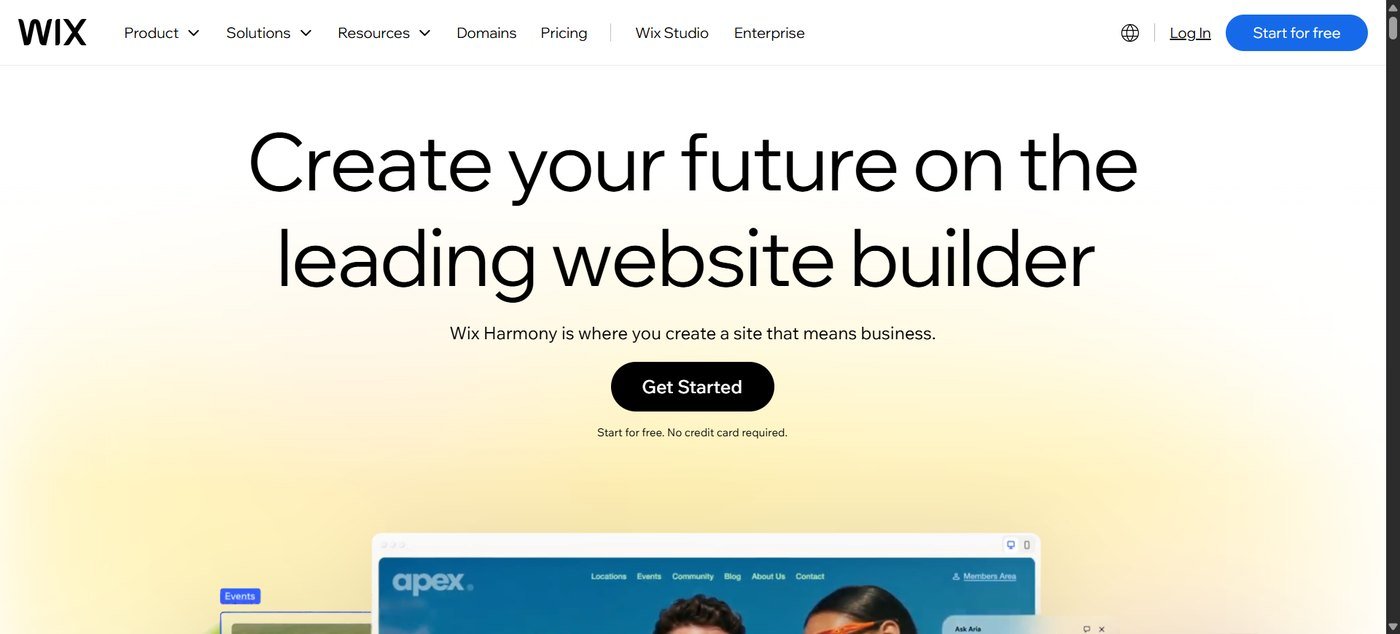
Wix does not force you to choose between extreme simplicity and reasonable customisation. You can start from a template or from an AI prompt and then adjust the result by hand. That matters, because AI gets a site started quickly but almost every business still needs to change the wording, images, navigation, colours, mobile layout and calls to action.
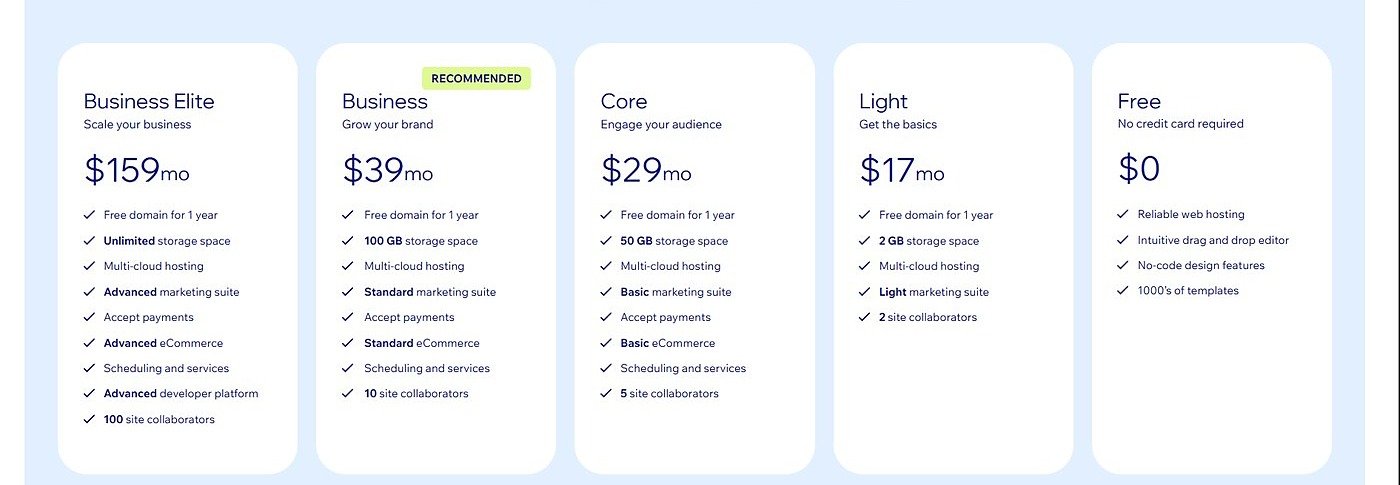
| Free | $0 (Wix-branded URL) |
| Light | $17/mo |
| Core | $29/mo |
| Business | $39/mo |
| Business Elite | $159/mo |
Pros
Cons
Best for: designers, photographers, creatives, consultants, portfolios, restaurants and any business where presentation is the product.
Squarespace takes the opposite approach to Wix. Instead of letting you place anything anywhere, it leans on controlled layouts and professionally designed templates. For a beginner that is an advantage: you get a polished site without making hundreds of design decisions.
It is strongest where the visuals are the business — photography, architecture, interior design, fashion, creative agencies, artists, restaurants and personal brands. Typography, spacing, galleries and responsive behaviour are treated as first-class parts of the product, so the website itself can act as part of the portfolio.
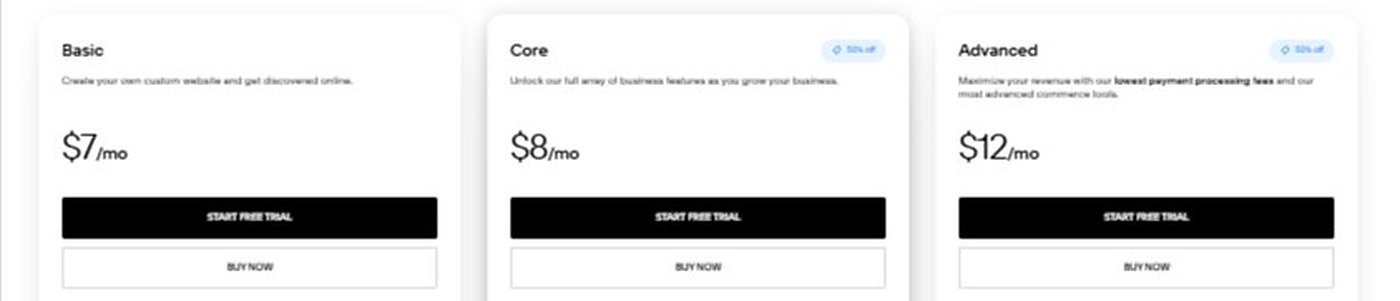
| Basic | $19/mo |
| Core | $29/mo |
| Plus | $49/mo |
| Advanced | $99/mo |
Pros
Cons
Best for: online stores, retailers, product brands, subscription businesses and anyone who expects selling to be the main job of the website.
Shopify can build normal pages, blogs and landing pages, but that is not why people choose it. Its strength is the operational side of selling: products, inventory, orders, payments, shipping, customer accounts, discounts, tax, sales channels, point of sale and international commerce.
That distinction matters. Someone building a five-page company website almost certainly does not need Shopify. But if you expect to process hundreds or thousands of orders, ecommerce infrastructure becomes far more important than having the simplest drag-and-drop editor — and Shopify is built around exactly that problem.
| Basic | $29/mo |
| Grow | $79/mo |
| Advanced | $299/mo |
| Plus | Custom |
Pros
Cons
Best for: first websites, side projects, freelancers, small businesses and anyone keeping startup costs low.
Hostinger bundles hosting, site building, AI tools, a domain, email and basic ecommerce into one cheap subscription. Its headline advantage is price — and its headline risk is what happens when that price ends.
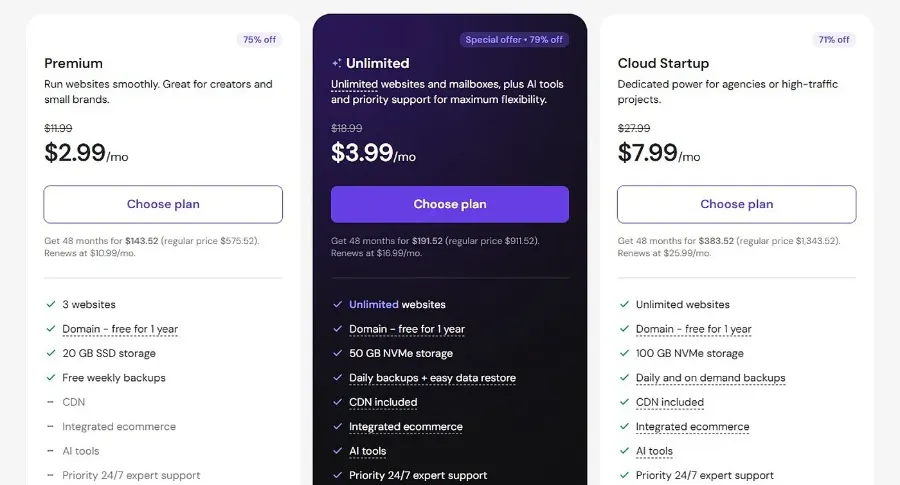
| Premium | $2.99/mo → renews $10.99 |
| Unlimited | $3.99/mo → renews $16.99 |
| Cloud Startup | $7.99/mo → renews $25.99 |
One detail is easy to miss: the advertised monthly figure is the average monthly cost of a long prepaid term, and the renewal rate is roughly three times higher. Judge Hostinger on the total charged today plus the renewal price, not the headline number.
Pros
Cons
Best for: bloggers, publishers, writers, magazines, review sites and any business where publishing is a major part of the plan.
First, an important distinction. WordPress.com is a hosted service — you pay one company and they run the infrastructure. WordPress.org is the free software you install on hosting you manage yourself. They are related but not the same, and beginners are usually better served by the hosted version.
WordPress has been around for years, and the reason it stays relevant is simple: it is exceptionally good at publishing. If your site is mostly articles, guides, tutorials, news, reviews or documentation, a content-first platform beats a drag-and-drop page editor once you pass a few dozen posts.
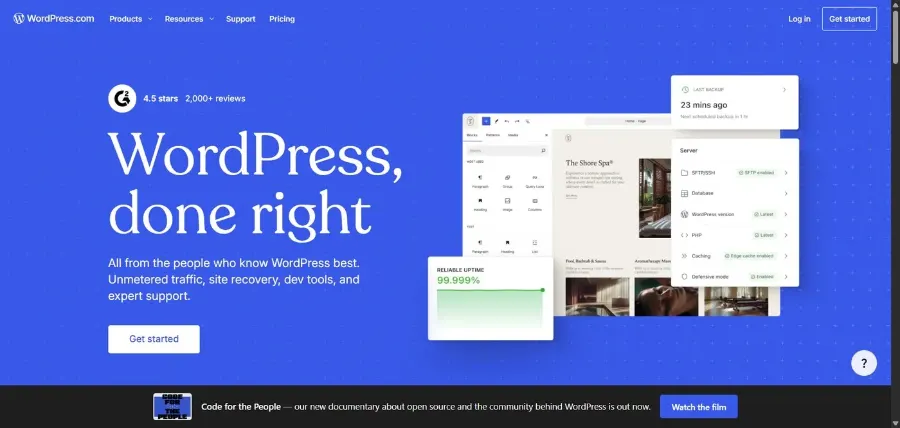
| Free | $0 |
| Personal | $4/mo ($48/yr) |
| Premium | $8/mo ($96/yr) |
| Business | $25/mo ($300/yr) |
| Commerce | $45/mo ($540/yr) |
Pros
Cons
Best for: professional designers, agencies, startups and marketing teams that want real control.
Webflow sits between a website builder and a visual development tool. You design visually, but the concepts underneath are close to real front-end development: layout systems, flexbox, CSS-style properties, responsive breakpoints, CMS collections, interactions and reusable components.
That makes it powerful — and makes it the wrong first platform for someone who has never built a website. If you care about how a site is constructed and not just whether it publishes, Webflow rewards the effort.
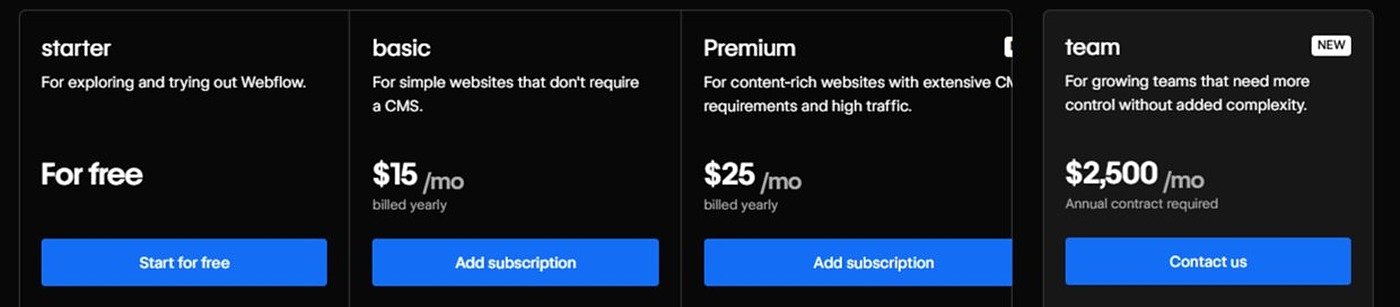
| Starter | Free (webflow.io domain) |
| Basic | $15/mo billed yearly |
| Premium | $25/mo billed yearly |
| Team | $2,500/mo annual contract |
Pros
Cons
Best for: local businesses, tradespeople, service providers and anyone who wants a basic site online this afternoon.
GoDaddy’s website builder is deliberately narrow. Rather than offering endless design decisions, it walks you through a guided setup, and its Airo AI tools help with site generation, copy, branding and marketing.
Picture a local cleaning company. It needs a home page, services, an about page, a contact form, a phone number, opening hours, a location and basic SEO — maybe appointments. That business does not need Webflow. GoDaddy is a sensible answer to exactly that brief.
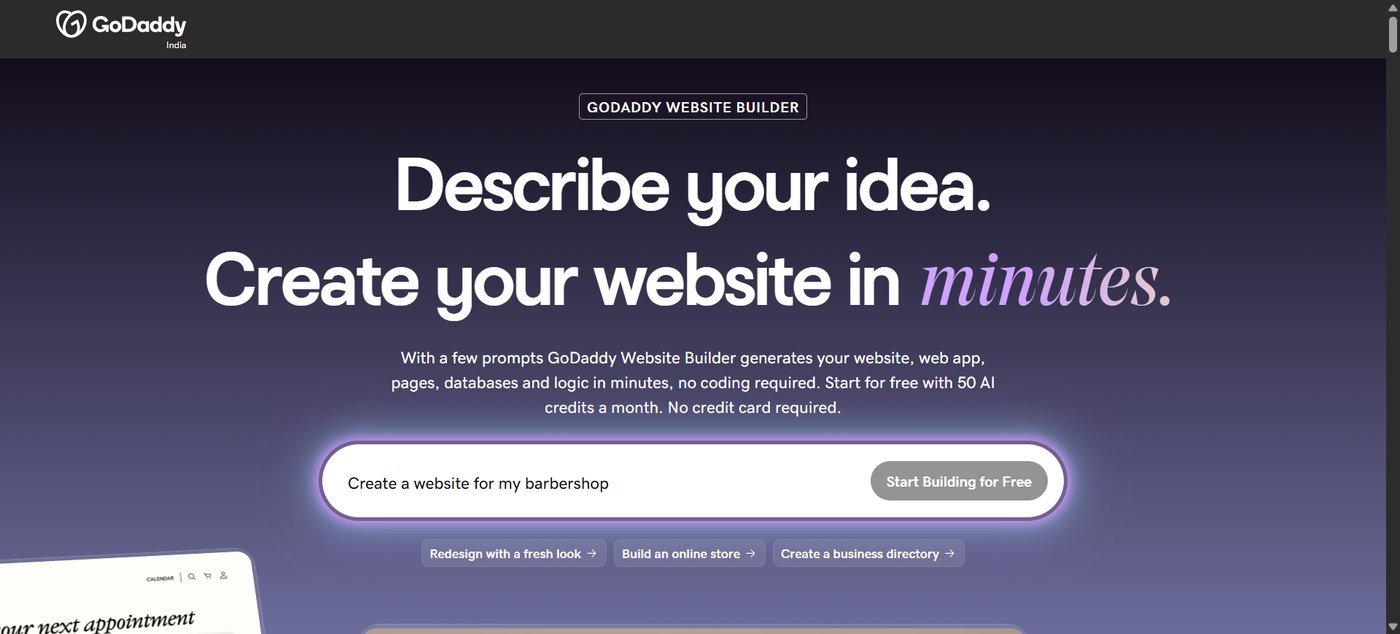
| Start for free | $0 · 50 AI credits/month |
| Paid Website Builder plans | Varies by term and offer |
| Free domain | Included with select annual plans |
Pros
Cons
Best for: designers, creative agencies, startups, SaaS marketing sites and portfolios.
Framer feels closer to a design tool than a website builder, which is exactly why designers like it. Animation, typography, layout and motion are central rather than bolted on, so the site itself signals that the business understands design.
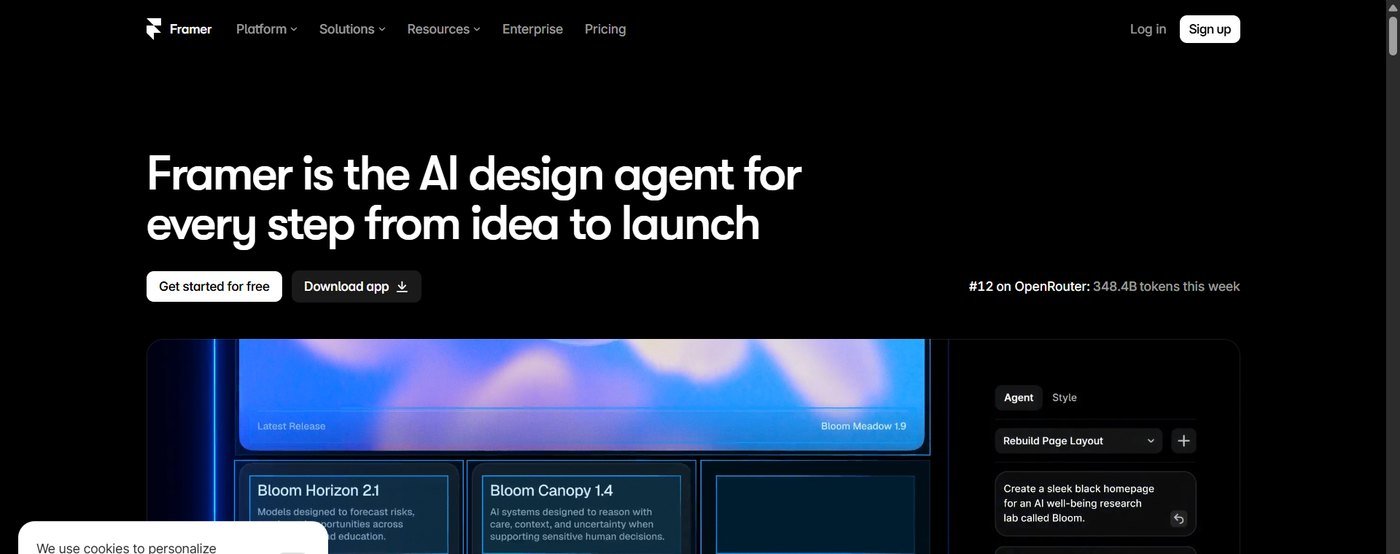
| Free | $0 |
| Basic | $10/mo billed yearly |
| Pro | $30/mo billed yearly |
| Enterprise | Custom |
Pros
Cons
Best for: WordPress users, freelancers, agencies and businesses that want visual design control without leaving WordPress.
Elementor is different from everything else here: it is a website builder that runs on WordPress rather than replacing it. You keep WordPress underneath — posts, plugins, WooCommerce, ownership of your content — and use Elementor to design pages, headers, footers, archives and templates visually.
WordPress is enormously flexible, but its default editor is not what a designer wants. Elementor closes that gap, which is why agencies use it for client work.
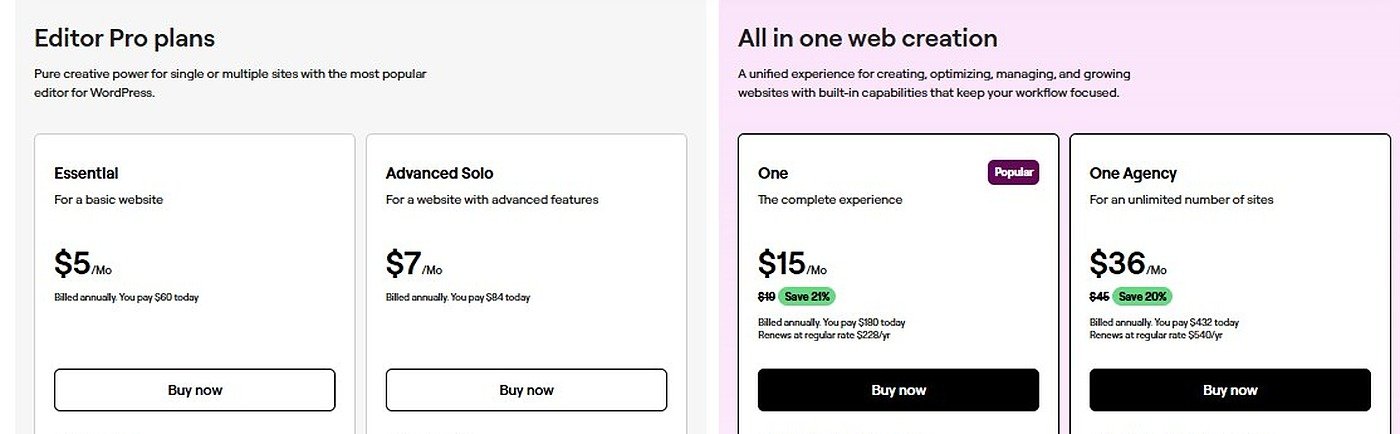
| Essential (1 site) | $5/mo billed yearly |
| Advanced Solo | $7/mo billed yearly |
| One (hosted) | $15/mo billed yearly |
| One Agency | $36/mo billed yearly |
Pros
Cons
Best for: beginners who want WordPress without the setup, agencies, and anyone migrating an existing WordPress site.
10Web puts AI at the centre of WordPress. Instead of choosing hosting, installing WordPress, picking a theme, adding plugins and configuring everything, you describe the site and get a working WordPress install with hosting, content and images already in place.
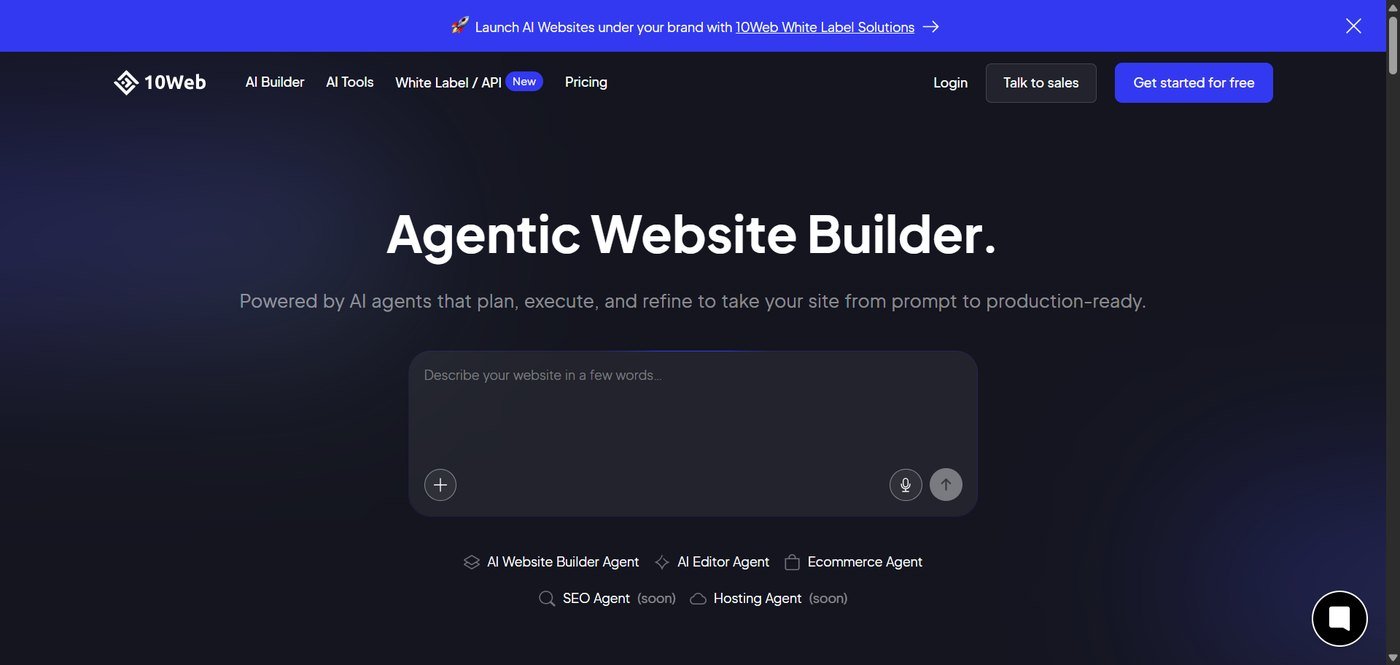
| AI Starter | $10/mo ($120/yr) |
| AI Premium | $15/mo ($180/yr) |
| AI Ultimate | $22.50/mo ($270/yr) |
| Agency Core | $80/mo ($960/yr) |
Pros
Cons
There is no single winner. Start from what you are actually building.
| If you are building… | Start with | Also consider |
|---|---|---|
| A small business site | Wix | Squarespace, GoDaddy |
| An online store | Shopify | Wix, WooCommerce |
| A blog or publication | WordPress.com | Elementor + WordPress |
| A photography portfolio | Squarespace | Framer, Wix |
| A designer portfolio | Framer | Webflow |
| A first website on a budget | Hostinger | GoDaddy, Wix free |
| A client site as a freelancer | Elementor + WordPress | Webflow |
| A startup marketing site | Webflow | Framer |
| A restaurant or salon | Wix | Squarespace |
| An AI-generated first draft | Wix or Hostinger | 10Web, GoDaddy |
This is the decision that matters most, and it is really a trade between convenience and control.
A hosted website builder — Wix, Squarespace, Shopify, Hostinger, GoDaddy, Framer, Webflow — handles the infrastructure. You pay the platform, build the site and let them worry about servers, updates and security. The cost is dependency: less control, and moving out later can be painful.
WordPress flips that. You get a huge ecosystem, deep customisation, thousands of plugins and full ownership — along with hosting decisions, updates, backups, security and performance to manage yourself.
If nobody at your business wants to think about hosting, updates or backups, choose a hosted website builder. If someone will own the site technically — you, a freelancer or an agency — WordPress gives more room to grow. Neither is automatically better.
Can you update the site yourself without searching for a tutorial every time? A platform that costs $5 less per month is not cheaper if it costs you ten hours to learn.
Be honest about how much control you need. For a simple business site, extreme customisation is irrelevant. For a designer, it is the whole point.
Most traffic is on phones. A site that looks great on a 27-inch monitor and breaks on a phone is a broken site. Check every template on mobile before committing.
If you might sell later, decide now. Moving a store with hundreds of products, orders, customers and integrations is far harder than picking the right platform at the start.
A website builder should let you control page titles, meta descriptions, URLs, headings, canonical tags, indexing, image alt text, sitemaps and redirects. Ignore “SEO optimised” marketing claims — every platform makes them. What matters is what you can actually edit.
Builders make design easy and can also add scripts, fonts and third-party code. Performance depends on your images, fonts, apps and templates as much as on the platform, so test the real site rather than trusting a vendor benchmark.
Ask what happens if it works. More pages, more products, more authors, more traffic, more languages, more integrations — the right website builder solves tomorrow’s problem, not just today’s.
The advertised monthly price is rarely the full picture.
| Cost | What it covers | Typical range (USD) |
|---|---|---|
| Website builder subscription | The platform itself | $3–$40/mo |
| Domain | Your web address | $10–$20/yr |
| Business email | you@yourbusiness.com | $2–$8/mo |
| Premium template | One-off design purchase | $0–$100 |
| Apps & plugins | Bookings, reviews, popups | $0–$50/mo |
| Payment processing | Card fees per sale | ~2.9% + fixed fee |
| Maintenance | Updates, security, backups | $0 (DIY) to $100+/mo |
A platform advertised at $10 a month can easily land at $40 once ecommerce, email, apps and a premium template are added. Compare total cost of ownership over two years, not the headline monthly price.
For learning, experimenting or a hobby project — yes. For a real business — usually not. Free plans normally mean a platform-branded address, platform advertising, limited storage, no proper ecommerce and restricted customisation. A custom domain is the cheapest credibility you can buy.
Yes, with one condition: treat AI as the first draft, not the finished website.
AI builders are genuinely good at getting you from “I need a website” to “I have something I can edit”, which used to be the hardest step. What they still produce badly is generic copy, invented details, repetitive sections, weak calls to action and stock imagery that says nothing about your business.
Generate a draft with AI → rewrite the copy in your own words → check every business detail and price → replace generic images → fix the mobile layout → test forms and checkout → publish. Skipping the middle five steps is why so many AI-built sites feel hollow.
There is no universal winner, and anyone who tells you otherwise is selling something. Sites rank well on Wix, Squarespace, WordPress, Shopify and Webflow alike.
The platform is one input. Search visibility depends far more on search intent, content quality, topical depth, internal linking, page experience, technical accessibility, links and mentions, brand recognition and how satisfied visitors are when they land.
The same is true of AI search. There is no “AI SEO” website builder. AI systems need information that is clear, accurate, specific, well structured and easy to attribute. Compare these two sentences:
Vague: “Wix is a great website builder with many amazing features.”
Useful: “Wix is a hosted platform for beginners, small businesses and freelancers that combines visual editing with hosting, templates, ecommerce, forms, marketing tools and AI-assisted site creation, starting at $17/month billed yearly.”
The second contains actual information. That is what both humans and machines can use.
To be clear about what this guide is: it is a research-based comparison, not a hands-on lab test. We have not run all ten platforms as live production websites, and we are not going to claim we did.
What we did do was work from each vendor’s own current documentation and pricing pages, capture what those pages showed in September 2026, and weigh the platforms against a consistent set of questions:
Prices and features change often. Every figure in this guide is a snapshot with a date attached, and the vendor’s own page is always the final word.
Each website builder’s pricing snapshot above was read directly from the provider’s own plans page in September 2026: Wix, Squarespace, Shopify, Hostinger, WordPress.com, Webflow, GoDaddy, Framer, Elementor and 10Web. If a figure here and a figure there disagree, trust the provider.
If we had to recommend one platform to the largest number of people, Wix is the strongest overall choice in 2026. It balances simplicity, design flexibility, business features, ecommerce, AI and room to grow better than anything else on this list.
Squarespace wins on visual polish. Shopify is the specialist when selling is the point. Hostinger is the cheapest sensible way to launch. WordPress.com is the publisher’s choice. Webflow and Framer belong to people who care deeply about design. GoDaddy is the fast, simple answer. Elementor is WordPress with a designer’s hands. And 10Web is worth watching if you want AI to do the WordPress setup for you.
The most important thing is not the longest feature list. A five-page local business site, a 5,000-product store, a personal portfolio and a publishing business should not all use the same platform.
Still deciding? Start from the job the website has to do, not the platform with the best marketing page. If it needs to sell, start at Shopify. If it needs to publish, start at WordPress. If it needs to do a bit of everything, start at Wix.
Browse more comparisons →Wix is the strongest all-round choice for most beginners and small businesses because it balances ease of use, design flexibility, business tools, ecommerce and AI. Shopify is better for dedicated ecommerce, Squarespace for design-led sites, and WordPress-based options for content-heavy or highly customised websites.
Wix, Hostinger and GoDaddy are the easiest to start with. All three offer visual editing plus AI generation, so you never begin from a blank page.
Hostinger has the lowest entry price at $2.99/month, but that rate requires a 48-month prepaid term and renews at $10.99/month. Compare the total charged today and the renewal rate rather than the headline monthly figure.
Neither is universally better. Wix offers more flexibility and more business tools; Squarespace offers a more polished, more controlled design experience. Choose Wix if you want to customise, Squarespace if you want it to look good with fewer decisions.
No, but ecommerce is the reason to choose it. Shopify can run pages and a blog, yet if you are not selling online a simpler and cheaper website builder usually makes more sense.
WordPress is more flexible; Wix is easier. WordPress becomes the better choice when you need extensive customisation, heavy publishing, plugins or specialised functionality — and you are willing to own the technical side.
No. WordPress.com is a hosted service run by one company. WordPress.org is the free software you install on your own hosting. Same core software, very different setup, cost and responsibility.
Yes. All ten platforms here work without traditional coding. Wix, Squarespace, Hostinger and GoDaddy are aimed squarely at non-technical users, while Webflow, Elementor and WordPress give more control to those who want it.
Sometimes, and the difficulty varies a lot. Moving text and images is usually manageable. Moving a store with its customers, orders, memberships, bookings, design system and integrations is much harder. That is why platform choice matters more as a site grows.
Most do. Wix, Squarespace, Shopify, Hostinger, GoDaddy, Webflow and Framer all include hosting. WordPress depends on which version you use — WordPress.com includes it, self-hosted WordPress does not.
They can be. Every major platform now provides the technical controls you need, but no platform guarantees rankings. Content quality, search intent, site structure, performance, internal linking and authority all matter more than the builder you chose.
A free plan is fine for learning or testing an idea. For a real business, a paid plan with a custom domain is worth the cost — a branded platform URL undermines credibility with the exact customers you are trying to win.
Pricing, features, AI capabilities and plan names change frequently. Every figure here was captured in September 2026 from each vendor’s own pricing page and is a comparison snapshot, not a guarantee. Always confirm current terms with the provider before purchasing.
Affiliate Disclosure: Some links on this page are affiliate links. If you buy through them, Etemora may earn a commission at no additional cost to you. It never changes which platform we recommend. Learn more →
 AI ToolsGemini vs ChatGPT (2026): Which AI Assistant Should You Use?
 AI ToolsPerplexity vs Claude (2026): Which AI Tool Should You Use?
 AI ToolsBest ChatGPT Alternatives in 2026: 6 Free and Paid AI Assistants
 AI ToolsClaude vs Gemini (2026): Which AI Assistant Should You Use?
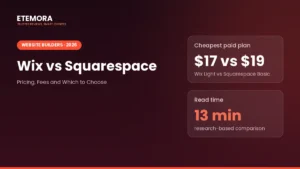 Tech & SoftwareWix vs Squarespace (2026): Pricing, Fees and Which to Choose
 AI ToolsPerplexity vs ChatGPT (2026): Which AI Tool Should You Use?