
Best AI Image Generators in 2026
 By M. Zaid
- Updated September 26, 2026
- 43 min read
Type “best AI image generator” into Google and you will find a dozen lists that treat every tool as a slightly different flavor of the same thing: type a sentence, get a picture. In practice the 12 platforms below solve different problems. Midjourney is built for stylized, art-directed imagery. Ideogram exists because most image models cannot render legible text. Adobe Firefly is designed to sit inside a Creative Cloud workflow. FLUX and Stable Diffusion are open model families you can run yourself, with licensing that varies release by release.
This guide compares them on what they are actually good at — generation, editing, reference-image handling, text rendering, consistency, design features and commercial terms — rather than declaring one universal winner. There isn’t one. A tool that produces the most photorealistic portraits is often the wrong choice for a poster with exact headline text, and a tool built for brand-consistent vector logos is the wrong choice for cinematic concept art.
If you also use AI tools for research, writing or workflow automation, see our guide to the Best AI Tools for Work in 2026. Once you’ve generated images, our free Image Compressor can shrink them before you upload to a website or CMS.
- Quick Picks
- Comparison Table
- 1. ChatGPT Images
- 2. Midjourney
- 3. Google Gemini / Nano Banana
- 4. Adobe Firefly
- 5. Ideogram
- 6. Leonardo AI
- 7. FLUX
- 8. Recraft
- 9. Microsoft Designer / Image Creator
- 10. Canva AI
- 11. Stable Diffusion
- 12. Playground
- What Types of AI Image Generators Are There?
- Best AI Image Generators by Use Case
- Best Free AI Image Generators in 2026
- Best AI Image Generators for Beginners
- AI Image Generators for Designers and Professionals
- Best AI Image Generators for Business Use
- Can You Use AI-Generated Images Commercially?
- What Happens to Your Images and Prompts?
- What Makes an AI Image Generator Good?
- How to Write Better Prompts for AI Image Generators
- Limitations of AI Image Generators
- AI Image Generators vs Stock Photos
- AI Image Generators vs Traditional Design Tools
- How We Compared AI Image Generators
- How Much Do AI Image Generators Cost in 2026?
- Which AI Image Generator Should You Choose?
- Final Verdict
- FAQs
Quick Picks
- Best conversational image generator: ChatGPT Images
- Best for artistic and stylized images: Midjourney
- Best Google AI image workflow: Gemini / Nano Banana
- Best for Adobe creative workflows: Adobe Firefly
- Best for text inside images: Ideogram
- Best for creative control and consistency: Leonardo AI
- Best flexible model ecosystem: FLUX
- Best for graphic design and vector-style work: Recraft
- Best accessible Microsoft image creator: Microsoft Designer / Image Creator
- Best AI design workflow: Canva AI
- Best customizable / open image-generation ecosystem: Stable Diffusion
- Best accessible image-generation workspace: Playground
These are use-case labels, not a 1-to-12 ranking. Several of these tools overlap heavily — the right pick depends on the job, not on a single “best overall” score.
AI Image Generators Compared at a Glance
Yes/No/Limited reflects what each platform is primarily built around, not an exhaustive feature audit. “Plan dependent” means the feature exists but only on certain tiers. Commercial-use terms in particular vary by plan and change over time — check current terms before relying on this table for a legal decision.
| Tool | Best For | Text-to-Image | Image Editing | Text Rendering | Reference Images | Style/Character Consistency | Free Access | Commercial Use |
|---|---|---|---|---|---|---|---|---|
| ChatGPT Images | Conversational editing | Yes | Yes | Limited | Yes | Limited | Yes | Check current terms |
| Midjourney | Stylized art | Yes | Limited | Limited | Yes | Yes | No | Plan dependent |
| Gemini / Nano Banana | Google ecosystem | Yes | Yes | Yes | Yes | Yes | Limited | Check current terms |
| Adobe Firefly | Adobe workflows | Yes | Yes | Limited | Yes | Plan dependent | Limited | Check current terms |
| Ideogram | Text & typography | Yes | Limited | Yes | Limited | Plan dependent | Yes | Check current terms |
| Leonardo AI | Control & consistency | Yes | Yes | Limited | Yes | Yes | Yes | Plan dependent |
| FLUX | Flexible model access | Yes | Limited | Limited | Limited | Limited | Plan dependent | Model dependent |
| Recraft | Vectors & design | Yes | Yes | Limited | Yes | Yes | Limited | Plan dependent |
| Microsoft Designer | Accessible & integrated | Yes | Yes | Limited | No | No | Yes | Check current terms |
| Canva AI | Design workflow | Yes | Yes | Limited | Yes | No | Yes | Check current terms |
| Stable Diffusion | Open & customizable | Yes | Yes | Limited | Yes | Limited | Yes | Model dependent |
| Playground | Accessible workspace | Yes | Yes | Limited | Yes | Limited | Yes | Yes (per plan) |
1. ChatGPT Images
Best for: conversational image creation, precise editing and iterative workflows inside a chat interface you may already use for other work.
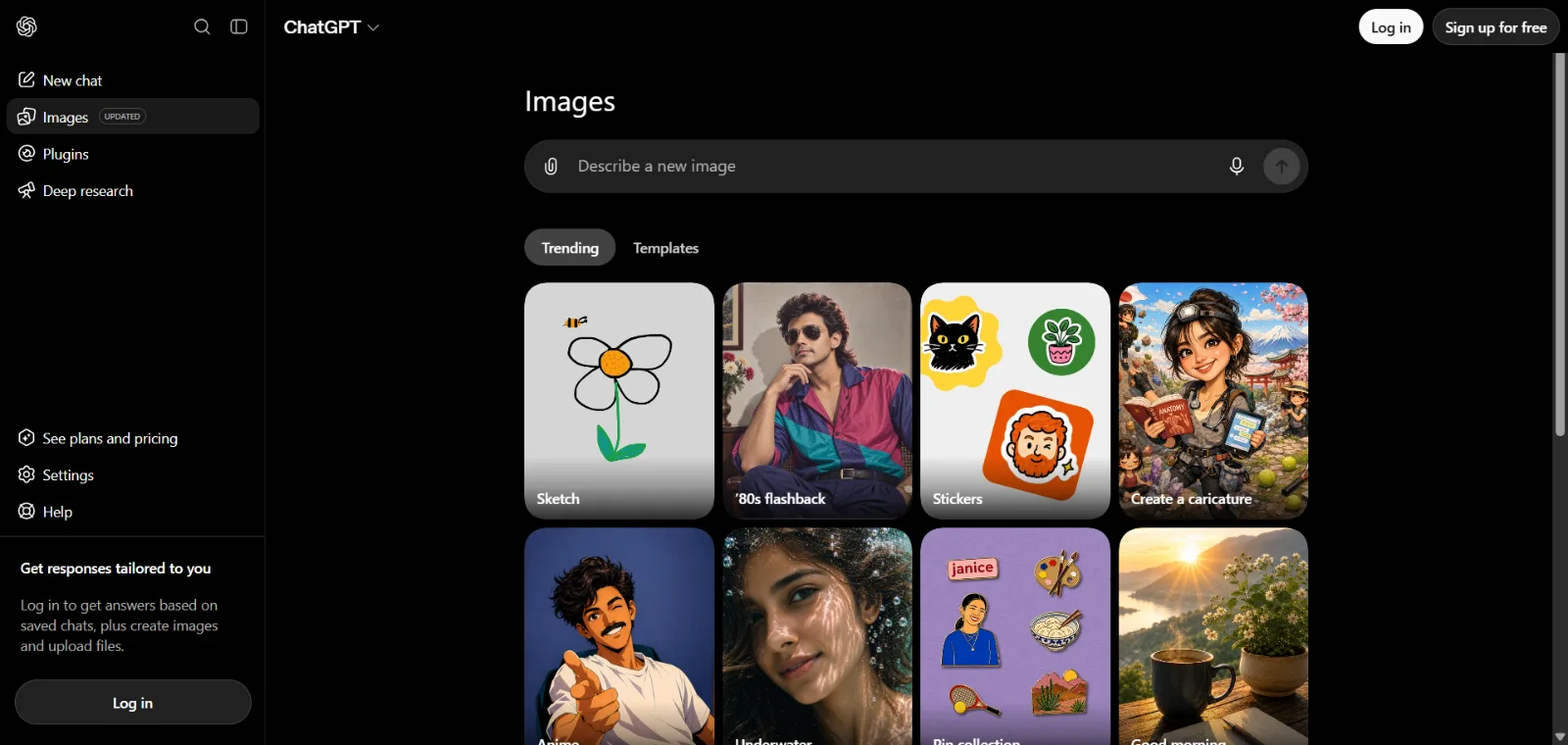
OpenAI introduced ChatGPT Images 2.5 on September 8, 2026, describing it as offering sharper details, more precise editing and faster generation than its predecessor. The feature runs on newer image models (OpenAI calls them GPT-Image-2.5 Flare and GPT-Image-2.5 Sunburst) and is available across ChatGPT’s Free, Plus, Pro, Business, Enterprise and Edu tiers, on web, iOS and Android. The older “DALL·E GPT” inside ChatGPT has been retired in favor of this built-in generator.
What sets ChatGPT Images apart is the conversational, multi-turn workflow: you can generate an image, then ask for a specific change — “make the background darker,” “remove the logo,” “change only her jacket” — and it edits the targeted element rather than regenerating the whole scene. It supports reference images, improved transparent-background generation, a Sketch tool for drawing a rough layout as a generation guide, ready-made templates for common outputs like posters, and the ability to share a prompt so someone else can continue iterating on it. API access is available separately through OpenAI’s Images API for developers who want to build the same generation and editing capability into their own products.
Exact per-tier generation limits and current API pricing for the 2.5 models were not published in a single place we could verify at the time of writing — check OpenAI’s official pricing page for current numbers before budgeting around it.
Pros
- Strong conversational, iterative editing workflow
- Targeted edits that don’t regenerate the whole image
- Reference-image support and a sketch-to-image tool
- Handles complex, multi-part instructions well
- Available on every ChatGPT tier, including Free
Cons
- Exact free-tier generation limits are not clearly published
- Some features, like Templates, are not available in every mode
- Commercial-use terms for image output should be checked against OpenAI’s current usage policies
2. Midjourney
Best for: highly stylized, visually distinctive imagery for creative and artistic projects where aesthetic quality matters more than literal prompt accuracy.
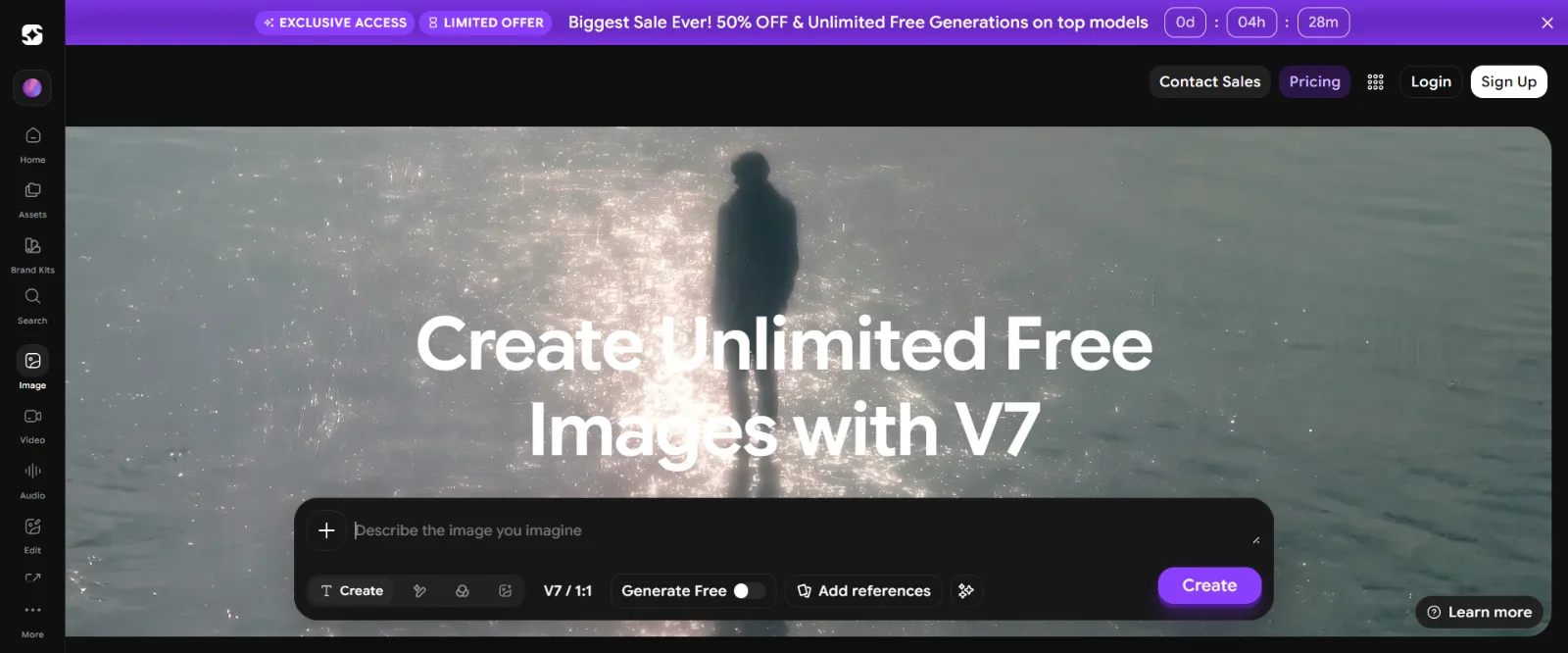
Version 8.2 became Midjourney’s default model on July 24, 2026, following V8.1 in April 2026 and V7 the year before. V8.2’s headline change is a new Edit Model that replaces the earlier Omni Reference, Character Reference and Retexture tools with one unified editing system, alongside improved personalization that draws on a larger pool of a user’s past images. It supports style references, image prompts, adjustable style and image weight, Remix, moodboards, seed-based reproducibility, chaos and aspect ratios up to 14:1 (4:1 for HD renders at 2048px).
Midjourney also offers Draft Mode for fast, low-cost exploration — one prompt produces a batch of low-resolution drafts at a fraction of the cost, which you then upscale or refine once you find a direction you like. Generation happens through Midjourney’s web app (Discord is no longer required), with Relax mode (slower, included on most paid tiers) and Fast mode (quicker, metered by GPU hours) for different speed-versus-cost tradeoffs.
| Basic | $10/mo (or $96/yr) |
| Standard | $30/mo (or $288/yr) |
| Pro | $60/mo (or $576/yr) |
| Mega | $120/mo (or $1,152/yr) |
Midjourney’s commercial terms state that anyone who has held a paid subscription can generally use their images commercially under its general commercial terms, though companies with more than $1 million in annual gross revenue are required to be on the Pro or Mega plan to retain those rights — confirm the current terms of service before relying on this for business use.
Pros
- Distinctive, strong visual aesthetics out of the box
- Deep personalization and style-reference controls
- Draft Mode makes exploration cheap before committing to a full render
- Large, active creative community and style vocabulary
Cons
- No free tier — every account requires a paid subscription
- Less suited to users who want a traditional layer-based editor
- Revenue-based commercial-use rules apply to larger businesses
3. Google Gemini / Nano Banana
Best for: image generation and editing that lives inside Google’s existing AI ecosystem — Gemini, Search, Workspace and Google’s developer tools.
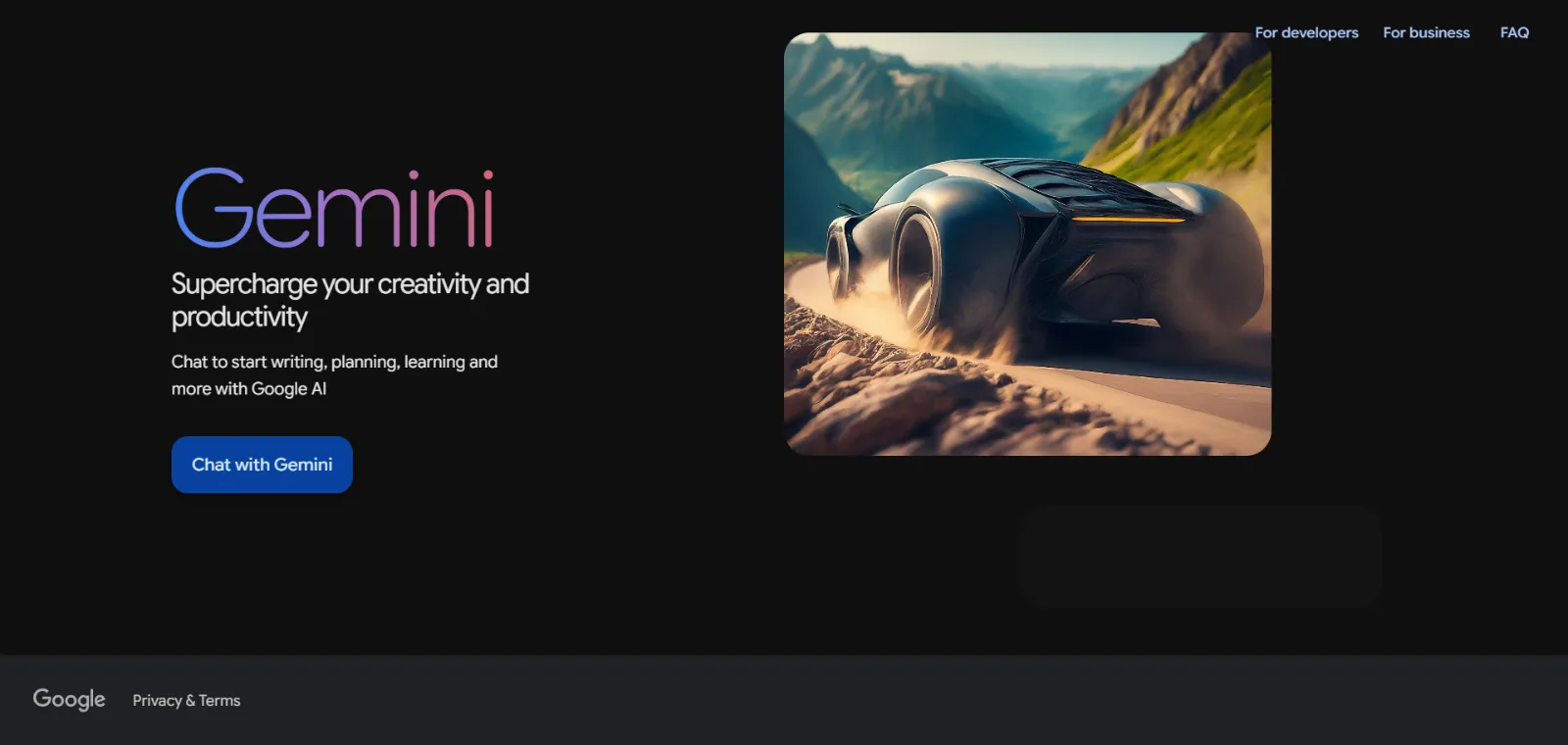
Google’s image generation inside Gemini is branded “Nano Banana,” and it is a family of models rather than one fixed product. As of September 2026 the active lineup includes Nano Banana 2 Lite, Nano Banana 2 and the higher-end Nano Banana Pro, which Google describes as its most capable image generation and editing model, supporting up to 4K output, blending up to 14 reference images while keeping subjects consistent, and preserving the likeness of up to five people in one composition. Nano Banana also has strong text-rendering across multiple languages and fonts, and can ground generated visuals in real Google Search results for more factually accurate infographics and diagrams.
This is a separate product line from Imagen, Google’s standalone text-to-image model family. Google’s own Gemini API documentation shows the Imagen 4 endpoints were deprecated and shut down on August 17, 2026, with developers directed to migrate to the Gemini image models (Nano Banana) instead — even though some older Google marketing pages had not yet been fully updated to reflect that. In practice, treat Nano Banana as Google’s current, actively developed image-generation line rather than Imagen.
Nano Banana is built into the Gemini app, Google AI Studio, the Gemini API, Vertex AI, Google Ads, and Workspace apps like Slides and Vids. The Gemini app’s free tier includes Nano Banana access with limited quotas; paid AI Plus, Pro and Ultra tiers unlock higher usage limits. Exact API pricing per image was not consistently published across Google’s documentation at the time of writing.
Pros
- Deep integration with Gemini, Search and Workspace
- Strong multi-reference and subject-consistency handling
- Search-grounded generation for factual visuals like diagrams
- Available across free and paid Gemini tiers
Cons
- Naming (Nano Banana vs. Imagen) has shifted and can be confusing
- Free-tier quotas are limited compared with paid access
- Exact API pricing isn’t consistently documented in one place
4. Adobe Firefly
Best for: creators and teams whose work already runs through Photoshop, Illustrator or Adobe Express, and who want generation and editing built into that pipeline.
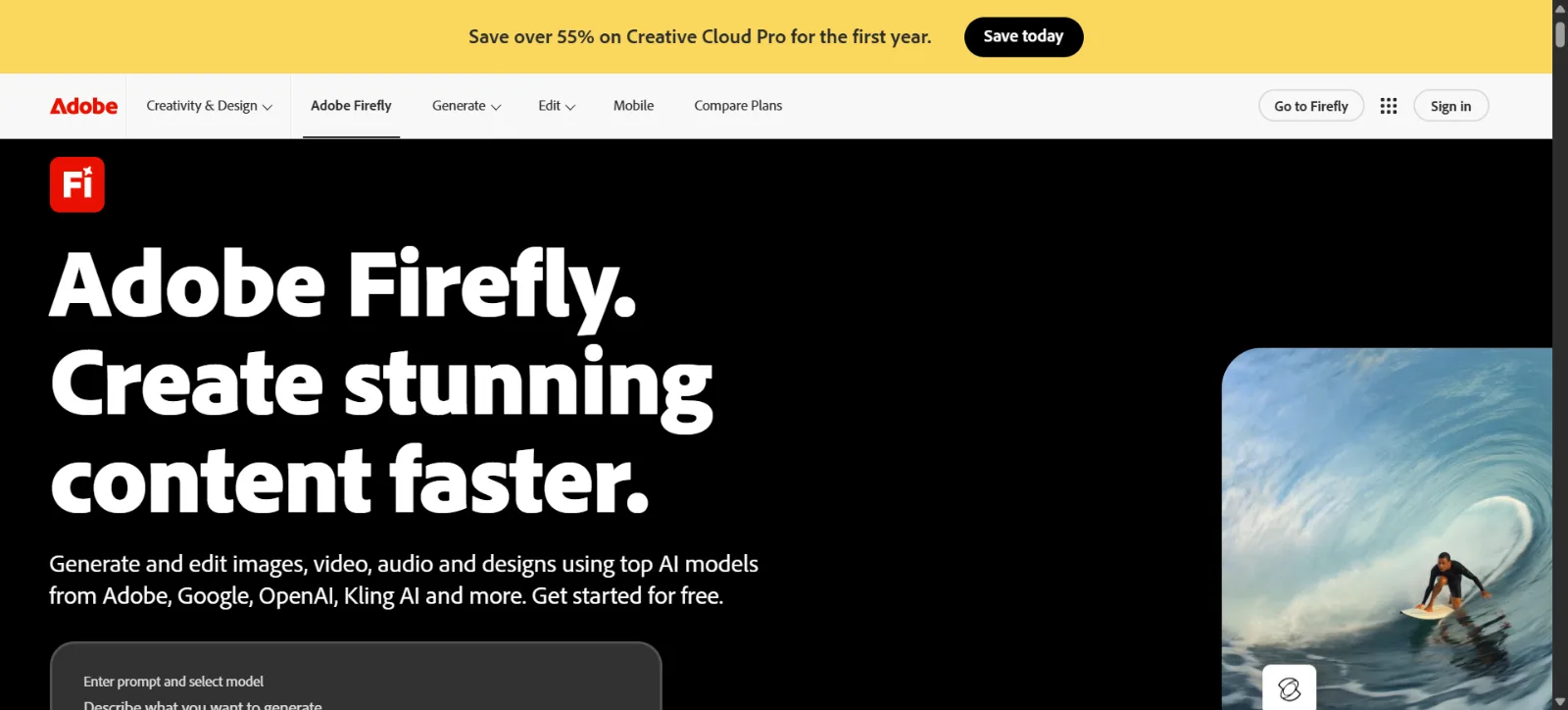
Adobe positions Firefly as a creative AI studio rather than a single image generator: text-to-image, Generative Fill, Generative Expand, Generative Remove, upscaling, portrait and background generation, Firefly Boards for moodboarding, and an AI Assistant that picks the right tool for a request. Firefly also gives access to over 30 partner models inside the same interface — including Google Gemini, OpenAI’s image models, FLUX, Runway, Luma AI and others — so you can compare outputs from several engines without leaving Adobe’s tools. A Custom Models feature (in public beta) lets teams train brand-specific generation styles.
Firefly runs on a generative-credits system shared across Creative Cloud, Adobe Express and Substance 3D. Monthly credit allotments vary by plan and do not roll over to the next month; what happens once you run out mid-month is not clearly documented, so check current terms before assuming unlimited use.
| Free | $0/mo, limited daily generations |
| Standard | $9.99/mo, 2,000 generative credits/mo |
| Pro | $19.99/mo, 4,000 credits/mo, includes Photoshop web/mobile and Express Premium |
| Pro Plus | $49.99/mo regular price, 10,000 credits/mo |
On IP indemnification, Adobe’s official product-description page lists specific “eligible Firefly features” and surfaces (the Firefly website, Adobe Stock, Express, Photoshop, Illustrator, InDesign, Lightroom, Premiere Pro and the Firefly APIs) that indemnification applies to for customers whose commercial agreements reference that page. This is feature- and surface-scoped coverage, not a blanket guarantee across every possible output — read Adobe’s current legal documentation directly before making business decisions around it.
Pros
- Deep Creative Cloud and Photoshop/Illustrator integration
- Access to 30+ generation models in one interface
- Generative Fill and Expand are genuinely useful editing tools
- Feature/surface-scoped IP indemnification for eligible plans
Cons
- Credit system can be complex to plan around
- Best value depends on already using Adobe apps
- Some capabilities are plan-dependent
5. Ideogram
Best for: posters, logos, packaging and social graphics where the image needs to include legible, accurately spelled text.
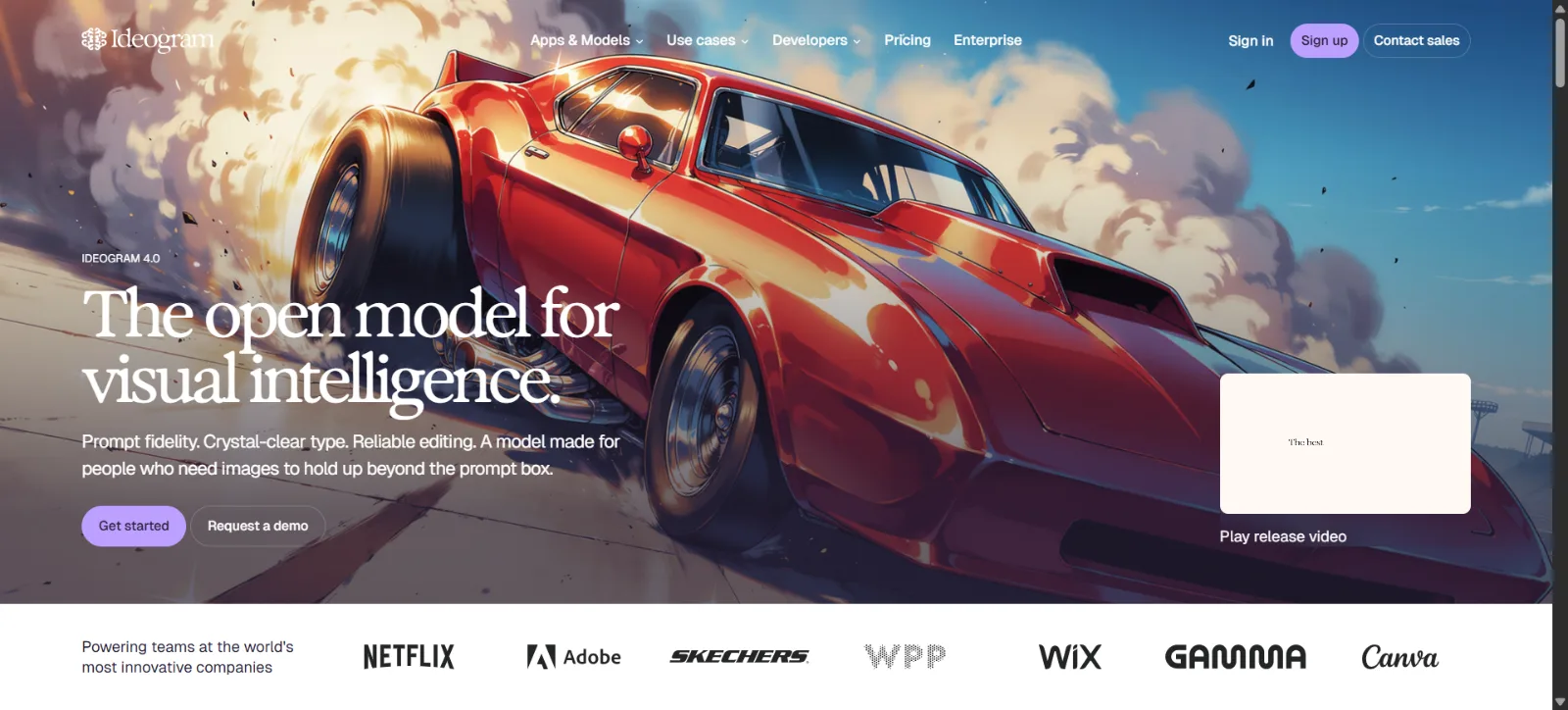
Ideogram 4.0 launched in June 2026 as what Ideogram describes as its first open-weight foundation model — downloadable via GitHub and Hugging Face, in addition to hosted access on ideogram.ai and through the Ideogram API. Text rendering remains the platform’s core differentiator: Ideogram says its system achieves roughly 95% text accuracy versus a claimed 30–50% for most other image generators. That figure is Ideogram’s own reported benchmark, not an independently verified statistic, so treat it as a marketing claim rather than fact.
Beyond typography, Ideogram supports bounding-box layout control for placing text and objects precisely, 2K photorealistic output, a background remover, and Layerize Text — a genuinely useful feature that extracts generated text into an independently editable layer, so you can change wording, font or size without re-running the whole prompt. Ideogram lists posters, logos, packaging, social graphics, advertising and product design among its primary use cases. Some deeper features, like fully editable/movable image layers beyond text, were announced as a planned follow-up rather than something shipped at 4.0’s launch.
| Free | $0/mo, weekly credits, public generations only |
| Plus | From $15/mo (annual), 1,000 priority credits/mo |
| Pro | From $42/mo (annual), 3,500 priority credits/mo |
| Team / Enterprise | Per-seat and custom pricing available |
Pros
- Strongest typography and text-rendering focus on this list
- Layerize Text makes editing wording genuinely practical
- Well suited to posters, packaging and social graphics
- Open-weight model available for self-hosting
Cons
- Less specialized for pure photorealistic scenes
- Some announced layer-editing features are not yet shipped
- Its text-accuracy figure is a self-reported claim
6. Leonardo AI
Best for: creators who need generation, editing, reference-based guidance and consistency controls in one workspace.
Leonardo’s Image Guidance system accepts up to six reference images with distinct modes — Style Reference, Content Reference and Character Reference — plus technical guidance inputs like depth maps, edge detection, sketches and pose references. Its Omni models and inline editor combine several underlying engines (including FLUX, GPT image models and the Nano Banana family) for prompt-based inline editing that explicitly preserves character consistency and art style while you change other elements, and can edit text in an image while preserving its font and placement.
Editing tools include object removal and replacement, background removal, a Custom Relight tool for adjusting lighting, and upscaling. Blueprints are pre-built, node-based workflow templates — more than 50 of them — that chain several generation and editing steps together, available through both the web app and Leonardo’s Production API.
| Free | $0/mo, 150 fast tokens/day |
| Essential | $12/mo, 8,500 tokens/mo |
| Premium | $30/mo, 25,000 tokens/mo, unlimited relaxed generation on first-party models |
| Ultimate | $60/mo, 60,000 tokens/mo, unlimited relaxed image and video generation |
Paid subscribers get full ownership and commercial rights to what they generate. Free-tier users don’t own their images outright but are granted a non-exclusive, royalty-free license for commercial use — a more permissive free-tier stance than some design-focused competitors.
Pros
- Strong reference-image and consistency controls
- Inline editing that preserves character and style
- Blueprints speed up repeatable multi-step workflows
- Free tier still permits commercial use under license
Cons
- The breadth of tools adds a real learning curve
- Third-party models always cost tokens, capping “unlimited” plans
- Advanced workflows (Blueprints, Omni editing) take time to master
7. FLUX
Best for: developers and technical workflows that need flexible model access — from a fully hosted API to weights you can download and fine-tune yourself.
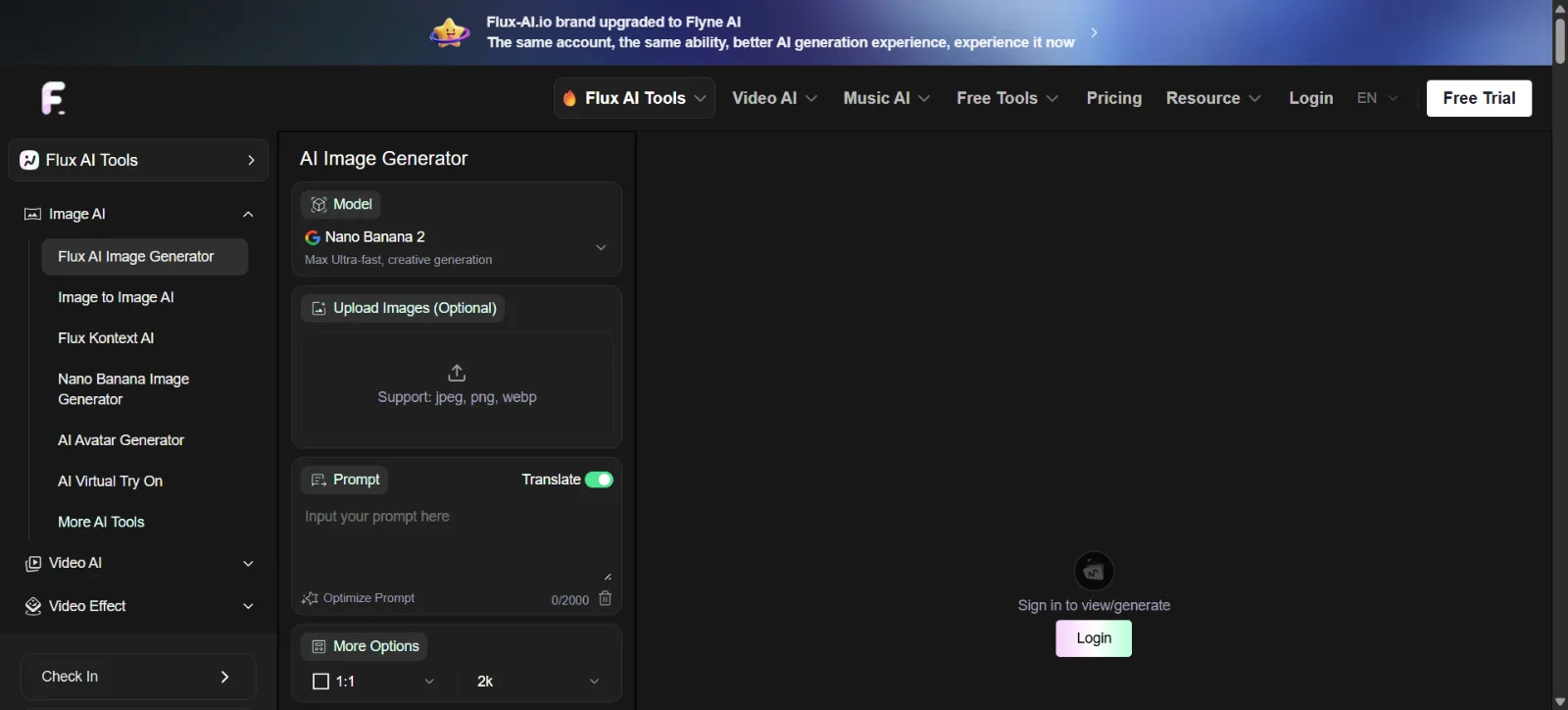
FLUX is developed by Black Forest Labs (bfl.ai) and is not one product but a family of models with genuinely different licenses, so blanket statements about FLUX being “free” or “always local” are inaccurate. As of September 2026 the lineup spans a fast, API-only flagship (FLUX 3, which now also generates video), mid-tier API models (FLUX.2 [pro], [flex] and [max]), and open-weight models you can download from Hugging Face.
The licensing split matters: FLUX.1 [schnell] and the smaller 4B version of FLUX.2 [klein] are released under Apache 2.0, which explicitly permits commercial use. Everything else in the open-weight line — FLUX.1 [dev] and its Fill/Depth/Canny/Redux/Kontext variants, FLUX.2 [dev], and the larger 9B version of FLUX.2 [klein] — is released under the separate FLUX Non-Commercial License, which prohibits commercial or revenue-generating use unless you purchase a commercial license directly from Black Forest Labs. API-served models (Pro, Flex, Max, FLUX 3) are commercial-use-eligible by default because access itself is a paid, licensed service, which is a different mechanism from the open-weight licensing question entirely.
FLUX.2 and the Kontext line support in-context, prompt-based editing and multi-reference generation. Open-weight variants can be run locally or fine-tuned on your own hardware; API-only variants have no local deployment option. Always confirm the license of the specific model you plan to use before assuming it is free for commercial work.
Pros
- Genuinely flexible — hosted API or self-hosted weights
- Strong developer and technical-workflow support
- Multiple model tiers for different speed/quality/cost needs
- In-context editing on the FLUX.2/Kontext line
Cons
- Licensing differs significantly by model — easy to get wrong
- Self-hosting requires real technical setup and hardware
- User experience depends entirely on which platform you access it through
8. Recraft
Best for: logos, icons, vector graphics and brand-consistent assets rather than general-purpose photographic images.
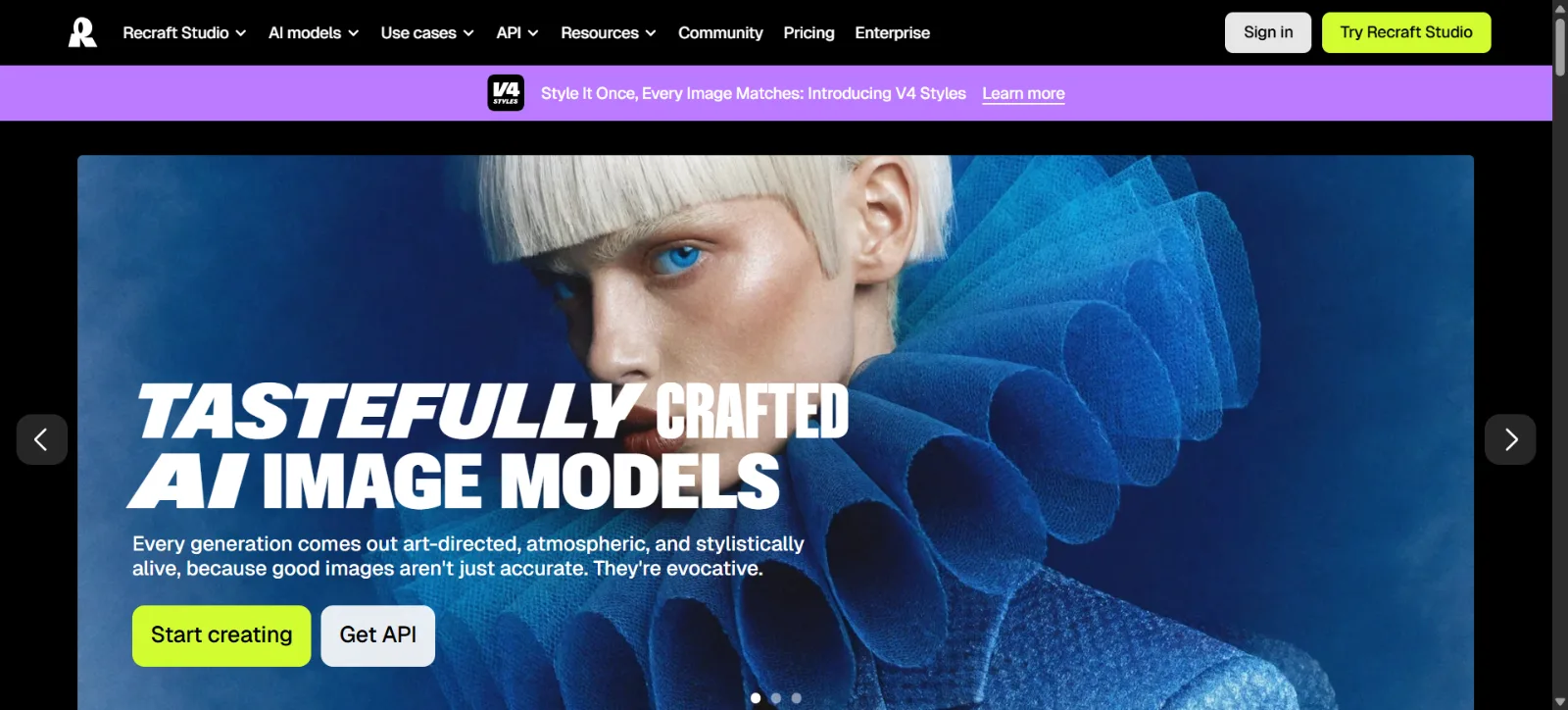
Recraft differentiates itself by generating design-ready, editable vector output alongside raster images — a real advantage over purely raster-based generators when the deliverable is a logo, icon set or scalable brand asset. It supports custom, reusable brand styles built from a reference image (without retraining a model), typography-aware generation, a mockup generator for presenting finished assets, and standard editing tools like upscaling, background removal and object erasure.
| Free | $0/mo, limited daily credits, no commercial use, generations public |
| Basic | $10/mo billed annually ($12 monthly), 1,000 credits/mo, adds commercial rights and private generations |
| Pro | $16/mo billed annually ($20 monthly), 2,000 credits/mo, selectable resolution up to 16K |
| Teams | $18/mo per seat billed annually ($22 monthly), 2,000 credits/mo per seat |
Pros
- Genuine vector output, not just raster images
- Strong for logos, icons and brand-consistent assets
- Reusable custom styles without model retraining
- Access to several third-party models (paid plans)
Cons
- More design-focused than general-purpose image generation
- Free tier cannot be used commercially at all
- Advanced resolution tiers require a paid plan
9. Microsoft Designer / Image Creator
Best for: accessible, prompt-based image creation for people already working inside Microsoft 365.
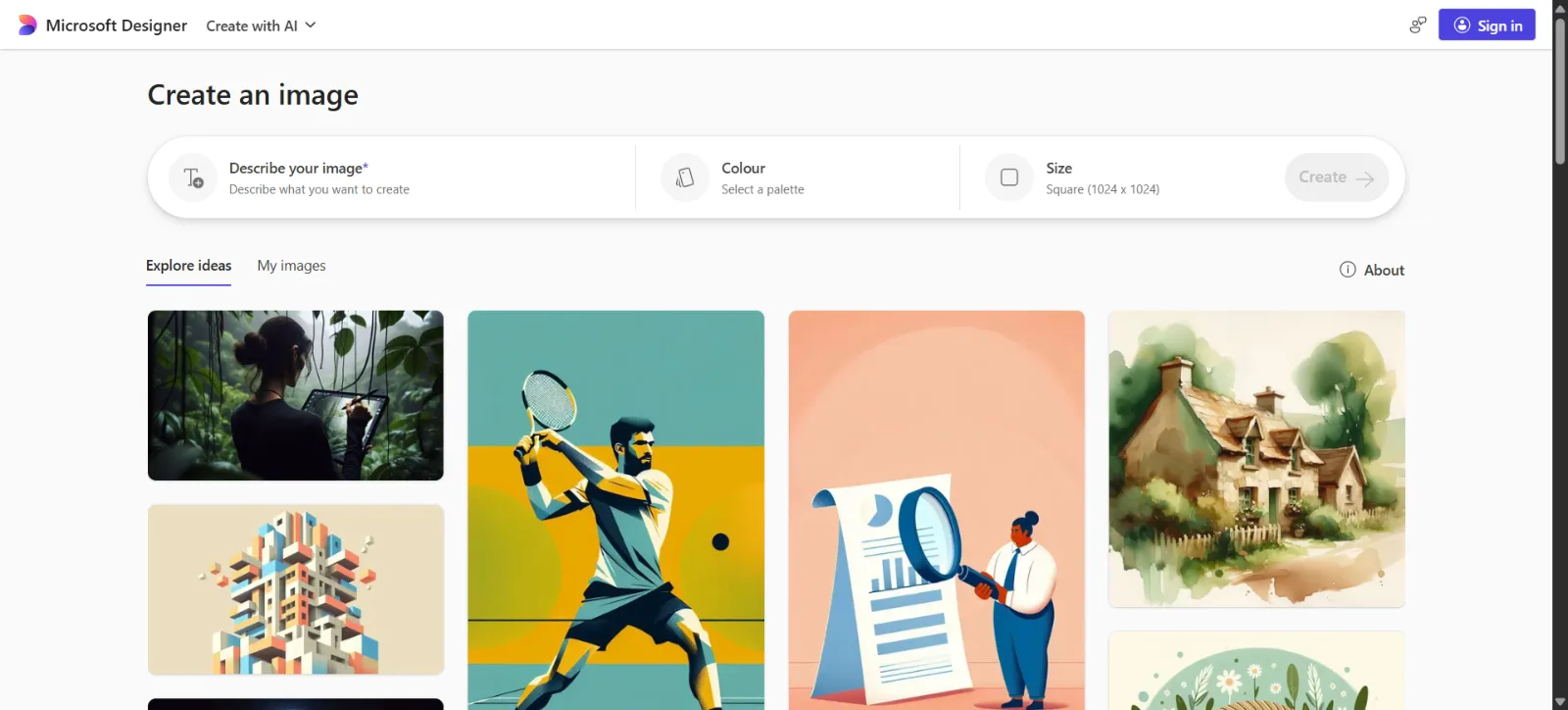
Microsoft Designer remains the umbrella product name, with Image Creator as its generation feature; Bing Image Creator continues to exist as a related consumer surface sharing the same underlying models. Which AI model currently powers Designer’s Image Creator is not clearly published: Microsoft’s own support documentation still references DALL·E, while Microsoft’s AI division has separately announced MAI-Image-2, its own in-house image model, rolling out to Copilot and Bing Image Creator. We could not confirm from official sources whether Designer specifically has moved to the newer model, so we’re not asserting either as current fact here — check Microsoft’s latest documentation if the exact model matters for your use case.
Regardless of the underlying model, Designer offers text-to-image generation, background removal and blur, object erase, restyling, a design-from-scratch canvas with layouts, text and icons, and templates for social posts, invitations, cards and collages. It integrates directly into Teams, Outlook, Word for the Web, OneNote, PowerPoint, OneDrive and Photos, and Copilot can generate images inline inside several of those apps.
Pros
- Accessible, low-learning-curve interface
- Deep integration across Microsoft 365 apps
- Useful templates for common social and print formats
- Free tier available with a Microsoft account
Cons
- Which model currently powers it isn’t clearly documented
- Creative control is less extensive than specialist platforms
- Exact free and paid credit limits aren’t publicly disclosed in detail
10. Canva AI
Best for: people who want AI image generation as part of a broader design and content workflow, not as a standalone destination.
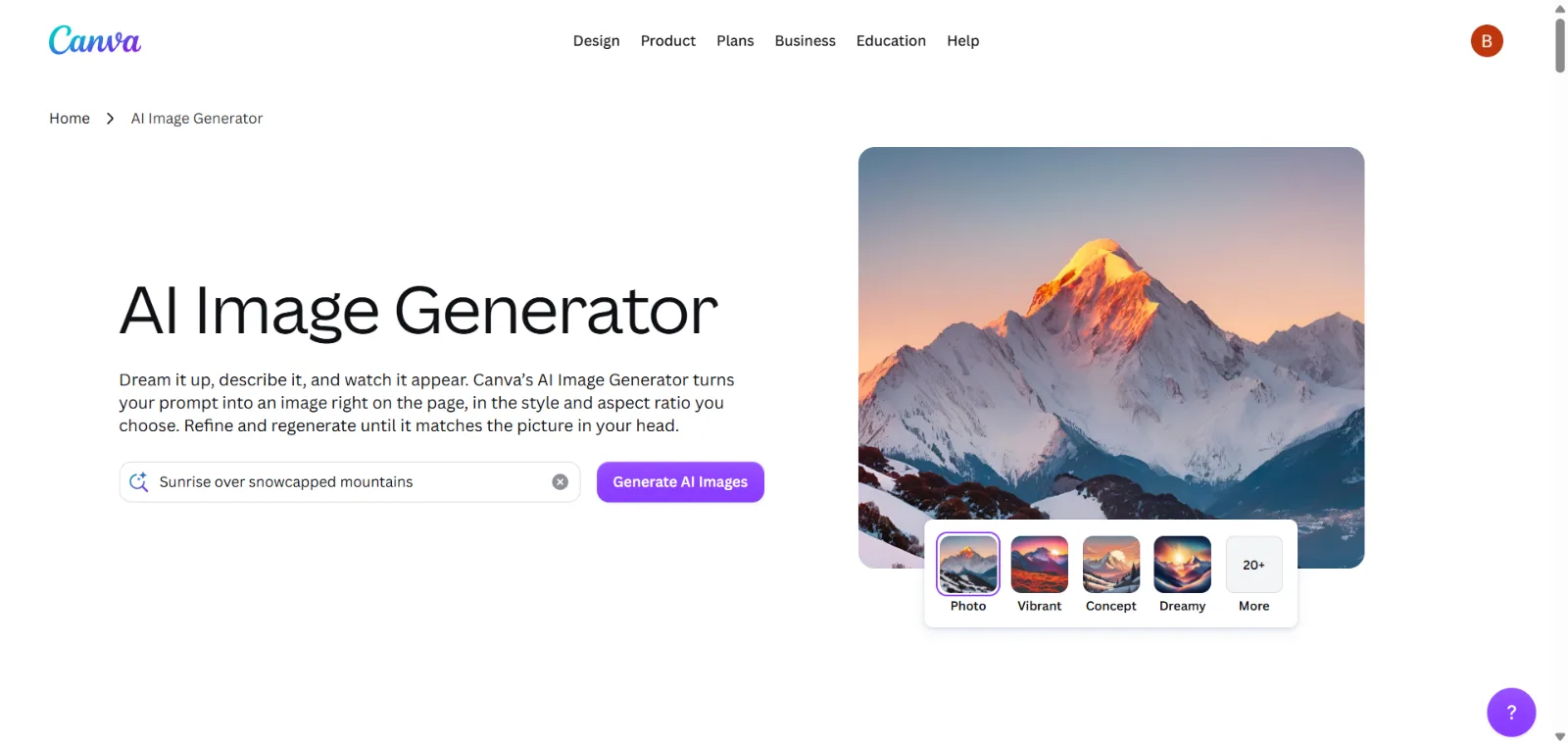
Canva’s AI generation feature is officially called Magic Media, part of the broader Magic Studio suite, though Canva’s own marketing also refers to it more generically as its “AI Image Generator.” It covers text-to-image (photography, digital art and fine-art styles), text-to-graphic generation, short text-to-video clips, Magic Edit for prompt-based object and background replacement, and Magic Eraser for removing unwanted elements. Crucially, anything Magic Media generates opens directly in the full Canva editor, where it can be combined with templates, brand-kit assets, text and layers — that integration, not raw generation quality, is Canva’s real advantage.
| Free | $0/mo, up to 20 standard/premium AI uses per month |
| Pro | $144/yr, up to 200 premium AI uses per month |
| Business | $250/yr per person, up to 400 premium AI uses per month |
| Enterprise | Custom pricing |
Canva states that users own what they create with Magic Media, subject to its Terms of Use, but explicitly cautions that copyright treatment for AI-generated content varies by country and that designs resembling real people, characters or brands still require rights-holder permission — more hedged language than a blanket ownership claim.
Pros
- Generated assets drop straight into a full design editor
- Strong template library for social, marketing and presentations
- Easy for non-designers to get a finished result quickly
- Free tier includes a real, if limited, AI allowance
Cons
- Raw generation quality trails specialist image generators
- AI usage is capped and shared across all of Canva’s AI features
- Advanced image-generation users will likely want a dedicated tool too
11. Stable Diffusion
Best for: users who want an open, customizable image-generation ecosystem rather than one closed, hosted app.
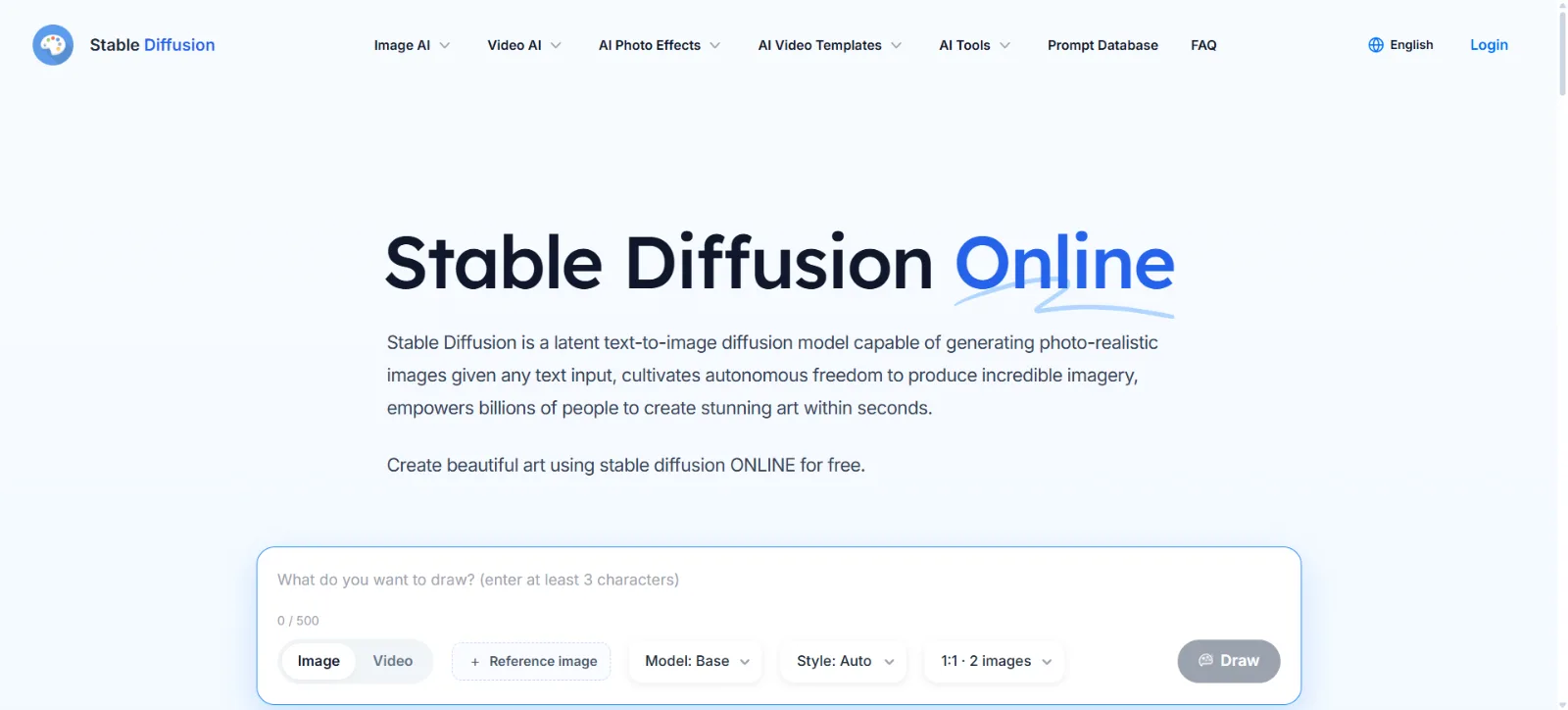
Stable Diffusion isn’t a single website — it’s an open model family from Stability AI, accessed through community interfaces (like ComfyUI or Automatic1111), various hosting platforms, or Stability AI’s own API. As of Stability AI’s published Core Models documentation, the current flagship lineup is the Stable Diffusion 3.5 Suite (Large, Large Turbo and Medium), alongside the earlier SD3 Medium and SDXL/SDXL Turbo models. Confirm you’re looking at the latest release before publishing anything that depends on the exact current version, since this space moves quickly.
Licensing is genuinely tiered, not uniform: Stability AI’s Community License covers research and non-commercial use for everyone, and also covers commercial use for individuals or organizations under $1 million in annual revenue. Organizations above that threshold need an Enterprise License with negotiated terms. Official ControlNets are available for SD 3.5 Large (blur, canny and depth variants) under the Community License, with weights on Hugging Face and support in ComfyUI, enabling precise structural and pose-guided generation. One correction worth noting: Stability AI sold Clipdrop to Jasper in 2024, so Clipdrop is no longer a Stability AI product — Stability’s current official API surface is its own Developer Platform.
Open weights mean genuine local deployment and fine-tuning on your own hardware is possible for Community-licensed models, which is Stable Diffusion’s core appeal over closed, hosted-only tools — but it also means more setup and more technical decisions than a one-click generator.
Pros
- Highly customizable, open model ecosystem
- Genuine local deployment and fine-tuning on your own hardware
- Official ControlNet support for structural/pose-guided generation
- Free commercial use for smaller organizations under the Community License
Cons
- Technical setup is genuinely harder than a hosted app
- Hardware requirements vary a lot by model and interface
- Licensing differs by model release and organization revenue
12. Playground
Best for: an accessible, all-in-one workspace for image generation, editing and design templates without a steep learning curve.
Playground (playgroundai.com, with playground.com redirecting to it) markets itself as “the AI design studio for everyone.” It offers thousands of templates across categories like t-shirts, logos, social posts and greeting cards, a “Swap style” tool for applying a reference style to an existing image, and access to multiple models in one interface — including its own PGv3 and Muse Image models, plus Nano Banana, Nano Banana Pro, GPT Image 2/2.5 and Seedream on paid tiers.
| Free | $0/mo, up to 10 images per 3 hours, commercial-use license included |
| Pro | $12–$15/mo, up to 75 images per 3 hours, unlimited downloads |
| Pro Plus | $36–$45/mo, unlimited generation, 4K editing, API access |
Pros
- Accessible interface with a large template library
- Multiple models available in one workspace
- Free tier explicitly includes commercial-use rights
- Editing and upscaling tools built in
Cons
- Free tier’s generation frequency is capped fairly tightly
- Advanced users may still want a more specialized platform
- Model access and features shift between plans
What Types of AI Image Generators Are There?
Most tools on this list fall into more than one of the following categories — the labels describe emphasis, not exclusivity.
Text-to-Image Generators
These take a written prompt and produce an entirely new image from it. ChatGPT Images, Midjourney, Gemini, Firefly, Ideogram, Leonardo and FLUX all support this as a core workflow, though their strengths diverge once you go past a simple prompt.
Image-to-Image Generators
These transform an existing image rather than starting from nothing — restyling a photo, changing its composition or blending it with a reference. ChatGPT Images, Firefly, Leonardo, Gemini and Stable Diffusion all support meaningful image-to-image workflows.
AI Image Editors
Editing-focused capability covers removing objects, changing backgrounds, modifying clothing or lighting, expanding a canvas beyond its original borders, and editing specific regions without touching the rest of the image. This is where ChatGPT Images, Adobe Firefly, Gemini and Leonardo are strongest.
AI Design Generators
Ideogram, Recraft, Canva and Adobe Firefly lean toward design-oriented output — posters, social graphics, logos and typography — rather than purely artistic or photographic imagery, and typically pair generation with templates or editable layers.
Open / Customizable Image Models
FLUX and Stable Diffusion represent the open end of the spectrum: model weights you can download, fine-tune and run locally, accessed through community interfaces or official APIs, with licensing terms that vary by specific model and release rather than applying uniformly across the whole family.
Best AI Image Generators by Use Case
For Photorealistic Images
ChatGPT Images, Midjourney, Gemini, Firefly, FLUX and Leonardo all produce strong photorealistic results, each with a different flavor — Midjourney tends toward cinematic polish, Gemini and Firefly toward controllable, editable realism. There is no single universal winner here; test the specific subject matter you need.
For Text in Images
Ideogram is the clear specialist, with ChatGPT Images, Gemini and Firefly all having meaningfully improved text rendering in their latest versions. Text-rendering quality still varies by model, prompt complexity and how much text you’re asking for in one image.
For Graphic Design
Ideogram, Recraft, Canva and Adobe Firefly are built with design output in mind — editable text, vector formats, templates and brand consistency — rather than treating a finished image as the end of the workflow.
For Social Media Images
Canva, ChatGPT Images, Adobe Firefly, Ideogram and Microsoft Designer all offer fast paths from prompt to a publish-ready social post, usually backed by templates sized for common platforms.
For Product Images
Firefly, ChatGPT Images, Leonardo and Gemini support reference-image workflows that help keep a product’s shape, packaging or branding consistent across generated backgrounds and scenes, and Midjourney can generate strong product-adjacent lifestyle imagery. None of these guarantee perfect preservation of fine product details — always review generated product imagery closely before publishing it.
For Character Consistency
ChatGPT Images, Leonardo, Midjourney, Gemini and Stable Diffusion all offer some form of character-consistency tooling, but the underlying methods differ — reference images, character-reference codes, fine-tuned custom models or conversational memory — so results and reliability vary by platform and by how demanding the use case is.
For Image Editing
ChatGPT Images, Adobe Firefly, Gemini, Leonardo and Stable Diffusion (via ControlNet and inpainting workflows) offer the most capable editing tools, spanning targeted conversational edits to precise, mask-based control.
For Professional Design Work
Adobe Firefly, Recraft, Ideogram and Canva are the strongest fits for professional design pipelines, given their emphasis on editable output, brand consistency and integration with existing design software.
Best Free AI Image Generators in 2026
Most of these platforms offer some form of free access, but “free” means different things depending on the tool — a free trial, a small number of free generations that reset weekly or daily, or an ongoing free tier with real (if limited) usage. ChatGPT Images, Gemini, Adobe Firefly, Ideogram, Leonardo, Microsoft Designer, Canva and Playground all currently offer some no-cost access; Midjourney and Recraft’s paid tiers are required for commercial use, and Recraft’s free tier cannot be used commercially at all.
Exact free-credit numbers are not published consistently or precisely across every provider, and they change often, so we haven’t listed specific counts here. Before relying on a free tier for real work, check the provider’s current pricing page and distinguish clearly between: a time-limited free trial, a capped number of free generations, features that are simply unavailable without payment, and free credits that reset periodically as part of a paid subscription’s ongoing allowance.
Best AI Image Generators for Beginners
If you’ve never used an AI image generator before, prompt simplicity and a gentle learning curve matter more than raw capability. ChatGPT Images benefits from a conversational interface most people already understand. Gemini offers a similarly familiar chat-based flow. Canva pairs generation with templates that do most of the layout work for you. Microsoft Designer and Adobe Firefly both offer guided, template-driven starting points rather than a blank prompt box. None of these is objectively “the beginner tool” — try two or three and see which interface clicks.
AI Image Generators for Designers and Professionals
Professional workflows usually need more than a single good image: creative control over composition and style, reliable reference-image handling, character or brand consistency across many assets, precise editing rather than full regeneration, export quality suitable for print or large formats, clear commercial licensing, and integration with the tools a team already uses. Adobe Firefly, Midjourney, Ideogram, Leonardo, Recraft, ChatGPT Images, FLUX and Stable Diffusion each cover different pieces of that list — professional teams often end up using more than one, matched to specific stages of a project.
Best AI Image Generators for Business Use
For business use, the priority shifts from generation quality alone to commercial licensing, brand consistency across a team, data privacy, integration with existing design and asset-management systems, API availability for automation, and legal risk. Do not assume any AI-generated image is automatically “copyright-free” — commercial-use permissions and copyright treatment depend on the specific provider’s terms, the jurisdiction involved, what was in the prompt or reference images, and applicable law, all of which can differ from platform to platform. Always review a provider’s current commercial-use terms before putting generated images into paid marketing, packaging or products.
Can You Use AI-Generated Images Commercially?
Often, yes — but the exact permissions depend entirely on the provider you used, not on AI-generated images as a category. Free and paid plans frequently carry different commercial-use rights on the same platform, as shown throughout this guide. The specific model or license you used can also matter, particularly with open-weight ecosystems like FLUX and Stable Diffusion, where commercial rights differ by model release. If you uploaded your own reference images, those may carry separate rights considerations of their own. Generating something that resembles a copyrighted character, logo or real person can create legal exposure independent of the image generator’s own terms. Copyright treatment of AI-generated output itself also varies by jurisdiction and is still evolving. None of this is legal advice — if commercial use is business-critical, read the specific provider’s current terms and consult a qualified professional.
What Happens to Your Images and Prompts?
Data handling differs by provider and, often, by whether you’re on a free, consumer-paid or business/API plan. Before relying on any AI image generator for sensitive or proprietary work, check the provider’s current documentation on: how long images and prompts are retained, whether your inputs are used to train future models (and whether that’s opt-out or opt-in), what privacy controls are available in account settings, how uploaded reference images specifically are handled, whether business or enterprise plans carry different data-handling terms than consumer plans, and what API-specific data policies apply if you’re integrating programmatically. We haven’t made blanket claims about any individual company’s practices here because they vary and change — verify directly with the provider’s current privacy documentation.
What Makes an AI Image Generator Good?
Across the 12 tools compared here, the meaningful differences come down to a consistent set of factors:
- Prompt adherence — how closely the output matches what you actually asked for
- Image quality — sharpness, coherence and absence of obvious artifacts
- Photorealism — how convincing realistic subjects look, where that’s the goal
- Typography — whether text in the image is legible and spelled correctly
- Editing accuracy — whether edits change only what you asked for
- Reference-image handling — how well the tool respects an uploaded reference
- Character consistency — whether the same subject looks the same across images
- Style consistency — whether a chosen aesthetic holds across a set
- Resolution — maximum usable output size for your intended format
- Speed — how long generation and editing actually take
- Control — how much fine-grained influence you have over the result
- Workflow — how well the tool fits into where you actually work
- Commercial terms — whether you can legally use the output the way you need to
- Privacy — how your prompts and images are handled and retained
How to Write Better Prompts for AI Image Generators
A useful, portable prompt structure across most of these tools combines several layers: subject, composition, environment, lighting, camera or viewpoint, materials and textures, style, color, aspect ratio, and any specific text the image needs to include. Not every prompt needs every layer, but reaching for this checklist when a result isn’t landing is a fast way to diagnose what’s missing.
Example 1 — photorealistic product image: “A matte black ceramic coffee mug on a light oak table, soft natural window light from the left, shallow depth of field, minimalist studio background, photorealistic, square aspect ratio.”
Example 2 — social media poster with exact headline text: “A bold gradient poster in teal and orange for a summer sale, large centered headline text reading ‘SUMMER SALE’ in a heavy sans-serif font, geometric shapes in the background, portrait aspect ratio for Instagram Stories.”
Example 3 — editorial website hero image: “A wide editorial hero image of a modern open-plan office at golden hour, people collaborating around a laptop, warm cinematic lighting, shallow depth of field, 16:9 aspect ratio, clean negative space on the left third for a headline overlay.”
Limitations of AI Image Generators
Even the strongest tools on this list still make consistent, recognizable mistakes: inconsistent or garbled text in some conditions, imperfect hands and small body details, occasionally implausible object geometry, factual inaccuracies in generated scenes, difficulty holding an identity perfectly consistent across many separate generations, imperfect preservation of a specific product’s fine details, small details like logos rendering incorrectly, potential reproduction of copyrighted material if prompted toward it, occasional hallucinated objects that weren’t requested, licensing uncertainty (particularly in open model ecosystems), and results that shift noticeably with small prompt changes. All of this varies by model, by specific generation and by how demanding the prompt is — treat any single generated image as a draft to review, not a guaranteed final output.
AI Image Generators vs Stock Photos
AI generation is strongest for custom concepts that don’t exist as a real photo, fast iteration across many variations, unusual or impossible scenes, and rapid visual experimentation before committing to a direction. Stock photography remains stronger for real, verifiable photography, recognizable real subjects and locations, and predictable, well-established licensing. Neither is universally the right choice — a lot of professional workflows now use both, generating custom concept work while still licensing stock photography for anything that needs to be authentically real.
AI Image Generators vs Traditional Design Tools
AI image generation is not a full replacement for Photoshop, Illustrator, Canva or Figma — it’s a new input into those workflows. Many teams now generate a base image or concept with an AI tool, then refine, composite, retouch or lay it out in traditional design software where they have precise, pixel-level control that prompt-based generation still can’t fully match. Tools like Adobe Firefly and Recraft lean into this by generating output that’s meant to be opened and finished in a real editor rather than used as-is.
How We Compared AI Image Generators
Etemora considered generation quality, prompt adherence, editing capability, reference-image handling, text rendering, consistency controls, design-oriented features, general usability, free access, pricing structure, commercial-use terms, privacy documentation, ecosystem integrations, API availability and overall workflow suitability for each tool. This guide is a practical editorial comparison based on each provider’s own documentation and product pages, not a laboratory benchmark with controlled, standardized test prompts — we did not run side-by-side scientific image-quality testing for this article.
How Much Do AI Image Generators Cost in 2026?
Pricing across this category follows a few common patterns: a free tier with limited daily or monthly generations, monthly or discounted annual subscriptions, credit-based systems where different actions (generation, editing, upscaling) consume different amounts, GPU- or time-based usage on some platforms, premium models that cost more per generation than a provider’s base model, separate API/developer pricing distinct from consumer plans, and dedicated business or enterprise tiers with negotiated terms. Promotional pricing shown on a provider’s homepage is not always its standing price — where we found a clearly labeled limited-time offer in this guide, we noted the regular price separately. Pricing varies by plan and usage and changes often; check each provider’s current official pricing page before subscribing.
Which AI Image Generator Should You Choose?
If you want conversational generation and iterative editing, consider ChatGPT Images. If visual style and artistic exploration are your priority, consider Midjourney. If you want image generation built into Google’s ecosystem, consider Gemini and its Nano Banana models. If you already work in Adobe apps, consider Firefly. If text inside the image matters, consider Ideogram. If you want strong creative controls and consistency across many images, consider Leonardo. If you want flexible, developer-friendly model access, consider FLUX. If graphic design and vector output matter, consider Recraft. If you want an easy, template-driven design workflow, consider Canva. If customization and local workflows matter most, consider Stable Diffusion. If you want an accessible, all-in-one workspace, consider Playground or Microsoft Designer. There isn’t one universal winner — match the tool to the specific job.
Final Verdict: Best AI Image Generators in 2026
AI image generation has moved well past simple text-to-image prompting. The platforms compared here increasingly combine generation with editing, reference-image handling, consistency controls, typography, design tooling and full creative workflows — the gap between “an image generator” and “a creative production tool” has largely closed.
The right choice still depends on the job in front of you rather than a single leaderboard position. For conversational generation and editing inside a chat interface, ChatGPT Images is the most frictionless option, especially for iterative, back-and-forth refinement. For stylized, art-directed creative imagery, Midjourney remains distinctive, though it requires a paid subscription from the start and isn’t built as a traditional editor. If your work already lives inside Google’s tools, Gemini’s Nano Banana models bring generation and editing directly into Search, Workspace and the Gemini app — just keep the Nano Banana versus Imagen distinction straight, since Google’s own developer documentation shows Imagen’s API has been deprecated in favor of the Gemini image line.
For Adobe-centric workflows, Firefly’s real advantage isn’t raw generation quality on its own — it’s that generation and editing sit inside the same Creative Cloud apps designers already use, backed by feature-scoped IP indemnification for eligible plans. When a design needs legible, accurate text, Ideogram is worth testing before any general-purpose tool, and its Layerize Text feature genuinely solves a problem most competitors don’t. Leonardo AI earns its place for anyone who needs the same character or brand style to hold up across a large set of images rather than one strong single render.
For teams comfortable going deeper technically, FLUX and Stable Diffusion offer real flexibility — hosted APIs or fully self-hosted, fine-tunable models — but licensing is genuinely model-specific in both ecosystems, and treating either as uniformly free or uniformly open is a mistake that can create real commercial risk. Recraft and Canva serve the design-and-marketing end of the spectrum well, with Recraft leaning into vector and brand-asset work and Canva leaning into an accessible, template-driven workflow for teams that need finished assets fast. Microsoft Designer and Playground both round out the accessible end of the market for people who want a gentle learning curve without giving up meaningful editing and template tools.
Whichever platform you choose, base the decision on image style, editing needs, consistency requirements, text-rendering needs, budget, commercial-use requirements, privacy expectations, your team’s technical comfort level, and how well the tool fits your existing workflow — not on which platform happens to be trending this month.
Frequently Asked Questions
What is the best AI image generator in 2026?
There isn’t a single universal answer. ChatGPT Images suits conversational editing, Midjourney suits stylized art, Ideogram suits text-heavy design, Adobe Firefly suits Creative Cloud workflows, and Stable Diffusion or FLUX suit teams that want open, customizable models. The right tool depends on the specific job.
What is the best free AI image generator?
Several tools offer meaningful free access, including ChatGPT Images, Gemini, Adobe Firefly, Ideogram, Leonardo, Microsoft Designer, Canva and Playground. Free-tier limits and commercial-use permissions differ and change often, so check each provider’s current pricing page rather than relying on a fixed figure.
What AI image generator makes the most realistic images?
ChatGPT Images, Midjourney, Gemini, Firefly, FLUX and Leonardo all produce strong photorealistic results, each with a slightly different look. There isn’t a single tool that wins for every kind of photorealistic subject — test the specific type of scene you need.
Which AI image generator is best for text in images?
Ideogram is built specifically around accurate text rendering and editable text layers. ChatGPT Images, Gemini and Adobe Firefly have all meaningfully improved text handling too, though results still vary by prompt and how much text is requested.
Is Midjourney still good in 2026?
Yes. Version 8.2, Midjourney’s current default model as of July 2026, adds a unified Edit Model and deeper personalization on top of its established strength in stylized, artistic image generation.
Is ChatGPT good for AI image generation?
Yes. ChatGPT Images 2.5, introduced September 2026, focuses on sharper detail, faster generation and precise, targeted editing inside a familiar conversational interface, and it’s available across every ChatGPT tier.
Is Google Gemini good for AI images?
Yes, particularly if you already use Google’s ecosystem. Gemini’s Nano Banana models handle generation, editing, multi-reference blending and text rendering, and are built into Search, Workspace and Google’s developer tools.
Is Adobe Firefly good for commercial use?
Commercial-use rights depend on your current Adobe plan and which specific Firefly feature and surface you used — Adobe’s official documentation describes feature- and surface-scoped IP indemnification for eligible plans rather than a blanket guarantee. Check Adobe’s current legal documentation for the specifics that apply to your plan.
Are AI-generated images copyright-free?
No — that’s an oversimplification. Commercial-use permissions and copyright treatment depend on the specific provider’s terms, your plan, what was in your prompt or reference images, and the jurisdiction involved. Don’t assume any AI-generated image is automatically free of rights concerns.
Can I sell AI-generated images?
Often yes, but it depends entirely on the provider’s current commercial-use terms for the plan and model you used, and on applicable law in your jurisdiction. Review the specific provider’s terms before selling generated work.
Which AI image generator is best for logos?
Ideogram and Recraft are the strongest fits, given their focus on legible typography, vector output and brand-consistent design. Adobe Firefly and Canva can also produce usable logo concepts inside a broader design workflow.
Which AI image generator is best for product photos?
Adobe Firefly, ChatGPT Images, Leonardo and Gemini all support reference-image workflows useful for product imagery, helping maintain a product’s shape and branding across generated backgrounds and scenes. None guarantees perfect preservation of fine product details, so review results closely.
Which AI image generator is best for social media?
Canva, ChatGPT Images, Adobe Firefly, Ideogram and Microsoft Designer all offer fast, template-backed paths from prompt to a publish-ready social graphic.
Can AI image generators edit existing photos?
Yes. ChatGPT Images, Adobe Firefly, Gemini, Leonardo and Stable Diffusion all support meaningful image-to-image editing, from targeted conversational edits to precise, mask-based control via tools like ControlNet.
Can AI image generators keep the same character across images?
Many now offer some form of character consistency — ChatGPT Images, Leonardo, Midjourney, Gemini and Stable Diffusion all have dedicated approaches, from reference-image workflows to character-reference codes to fine-tuned custom models. Reliability varies by platform and by how demanding the use case is.
Can AI image generators create text accurately?
Text rendering has improved significantly across most major platforms, and Ideogram in particular is built around it. Results still vary by model, by how much text is requested, and by prompt complexity, so review generated text closely before using it in a final asset.
Can AI image generators create transparent backgrounds?
Support varies by tool and model. ChatGPT Images and several design-focused tools like Ideogram and Recraft support transparent-background generation or removal; check the specific tool and model you’re using, since this isn’t universal.
Do AI image generators use my images to train models?
Policies differ by provider and often by plan — consumer and business/API tiers frequently have different data-handling terms. Check the specific provider’s current privacy and data-usage documentation, including whether training use is opt-in or opt-out, before uploading sensitive or proprietary images.
Related articles you may like
 Tech & SoftwareNamecheap vs GoDaddy: 2026 Honest Domain Comparison
 Tech & SoftwareWhat Is a Website Builder? The Ultimate 2026 Guide
 SEO & MarketingBest SEO Tools in 2026: 12 SEO Tools Compared
 SEO & MarketingBest Marketing Tools in 2026: 10 Tools Compared
 Tech & SoftwareBest Cloud Storage Services in 2026: 10 Options Compared
 Tech & SoftwareBest Website Builders in 2026: 10 Platforms Compared