
Best Web Hosting Services in 2026:
10 Hosts Compared
 By M. Zaid
- Updated September 27, 2026
- 30 min read
Some links on this page are affiliate links. If you buy through them, Etemora may earn a commission at no extra cost to you. Read our affiliate disclosure
Choosing web hosting looks easy until you open two pricing pages side by side. Nearly every host advertises a low monthly figure, but that number almost always depends on paying for one, three or four years up front — and the renewal price underneath it is often three or four times higher.
The right host also depends on what you are building. A personal blog does not need the same infrastructure as an online store, a growing business site or a busy WordPress publication. A $3 shared plan and a $35 managed plan are not competing products; they solve different problems.
We compared 10 major hosting providers on pricing, renewal costs, ease of use, WordPress support, performance features, backups, security, scalability and support. The goal is not to crown one host for everybody. It is to show which provider makes sense for the website you actually want to run.
New to hosting altogether? Our guide on what web hosting is and how it works covers the basics — domains, DNS, server types and costs — before you compare providers.
- Quick Picks
- The 10 Best Web Hosting Services at a Glance
- 1. Hostinger — Best for Value
- 2. SiteGround — Best Managed Features
- 3. Bluehost — Best for Beginners
- 4. DreamHost — Best for Flexibility
- 5. Namecheap — Best Cheap Renewal
- 6. HostGator — Traditional Shared Hosting
- 7. WP Engine — Managed WordPress
- 8. Cloudways — Flexible Cloud Hosting
- 9. Kinsta — Premium WordPress
- 10. InMotion Hosting — Small Business
- What Type of Hosting Do You Need?
- How Much Does Web Hosting Cost in 2026?
- What to Look For in a Host
- Is Cheap Hosting Good Enough?
- Is Managed WordPress Worth It?
- How to Choose in Five Minutes
- How We Compared These Hosts
- Frequently Asked Questions
Quick Picks
- Best overall value: Hostinger
- Best managed features on a small budget: SiteGround
- Best for beginners: Bluehost
- Best for flexibility and monthly billing: DreamHost
- Cheapest renewal price: Namecheap
- Traditional shared hosting: HostGator
- Managed WordPress: WP Engine
- Flexible cloud hosting: Cloudways
- Premium managed WordPress: Kinsta
- Small-business hosting with human support: InMotion Hosting
These are use-case recommendations, not a claim that one provider beats every other host on every measure.
The 10 Best Web Hosting Services at a Glance
Every figure below is the entry plan as published by the provider in September 2026, with the billing term stated. The renewal column is the number that matters most over a few years — our hosting renewal cost calculator adds it up for the number of years you plan to keep your site.
| Provider | Best for | Entry price | Term | Renewal | Sites | Storage |
|---|---|---|---|---|---|---|
| Hostinger | Overall value | $2.99/mo | 48 months | $10.99/mo | 3 | 20 GB SSD |
| SiteGround | Managed features | $2.99/mo | 12 months | $17.99/mo | 1 | 10 GB |
| Bluehost | Beginners | $3.99/mo | 36 months | $9.99/mo | 10 | 10 GB NVMe |
| DreamHost | Flexibility | $2.89/mo | 12 months | $10.99/mo | 25 | 25 GB NVMe |
| Namecheap | Cheap renewal | $1.83/mo | 12 months | $4.66/mo | 3 | 20 GB SSD |
| HostGator | Traditional shared | Not published as a fixed figure | 36 months | $10.99/mo | Up to 10 | 10 GB SSD |
| WP Engine | Managed WordPress | $336/year | Annual | Not published | 1–30 | 10–50 GB |
| Cloudways | Cloud hosting | $11/mo | Pay as you go | Same | Unlimited | 25 GB |
| Kinsta | Premium WordPress | $35/mo | Monthly or annual | Same | 1 | 10 GB |
| InMotion | Small business | $4.99/mo | Term varies | $17.99/mo | 10 | 200 GB NVMe |
Two entries need a word of explanation. HostGator renders its promotional prices with JavaScript, so we could not read a fixed introductory figure from the page; the $10.99 renewal is taken from HostGator’s own published price chart for a three-year Hatchling term. WP Engine restructured its plans, and the Essential tier is now quoted as an annual figure rather than a monthly one. The InMotion row is the Power plan, which was the only one whose price, storage and site allowance we could read together from InMotion’s own page.
1. Hostinger — Best Web Hosting for Value
Best for: beginners, bloggers, freelancers and small businesses who want a lot of features without moving up to managed-hosting prices.
Hostinger is the easiest provider here to recommend when price and features both matter. The range runs from entry shared hosting up to cloud plans, so you can start small and move up without changing company.
The Premium plan is listed at $2.99 per month when you prepay for 48 months, renewing at $10.99 per month. That gap is the whole story of modern shared hosting: the advertised figure is the cost of a four-year package, not a monthly subscription. At four years up front you are paying around $143 at checkout, and the second term costs roughly $527 at the renewal rate.

| Best for | Feature density at a low entry price |
| Premium | $2.99/mo on 48 months, renews $10.99/mo |
| Unlimited | $3.99/mo on 48 months, renews $16.99/mo |
| Cloud Startup | $7.99/mo on 48 months, renews $25.99/mo |
| Premium includes | 3 websites, 20 GB SSD, free domain for one year |
Premium covers three websites on 20 GB SSD with a free first-year domain. Unlimited moves up to 50 GB NVMe and unlimited websites, and Cloud Startup adds 100 GB NVMe. The free domain applies on the 48-month term.
Pros
- Genuinely competitive entry pricing
- Three websites on the entry plan, unlimited a tier up
- Free domain for the first year on eligible terms
- Clear upgrade path into cloud hosting
- Well-regarded control panel for beginners
Cons
- The headline price requires a four-year commitment
- Renewal is roughly 3.7× the introductory rate
- Entry resources are not sized for heavy traffic
- Some features only appear on higher tiers
2. SiteGround — Best Managed Features on a Small Budget
Best for: WordPress sites and small businesses that care more about backups, support and managed tooling than the lowest possible price.
SiteGround’s StartUp plan is $2.99 per month on a 12-month prepay and renews at $17.99 per month. That renewal is the highest jump of any shared host in this comparison, and it is the single thing to weigh before signing up.
What you get for it is a genuinely managed experience: daily backups, free SSL and CDN, free migration, multiple caching layers and 24/7 support, running on Google Cloud infrastructure.

| Best for | Managed WordPress features at shared-hosting entry prices |
| StartUp | $2.99/mo on 12 months, renews $17.99/mo |
| GrowBig | $4.99/mo on 12 months, renews $29.99/mo |
| GoGeek | $7.99/mo on 12 months, renews $44.99/mo |
| StartUp includes | 1 website, 10 GB storage, daily backups |
StartUp is a one-site plan. GrowBig lifts that to unlimited websites on 50 GB, and GoGeek to 100 GB. SiteGround publishes approximate traffic guidance per plan, which is worth reading as guidance rather than a guaranteed ceiling.
Pros
- Daily backups on every listed plan
- Free SSL, CDN and website migration
- Serious WordPress tooling and caching
- 24/7 support with a strong reputation
- Google Cloud infrastructure
Cons
- Renewal is six times the introductory price
- StartUp allows only one website
- 10 GB is modest for a media-heavy site
- Not the cheapest option over three or four years
3. Bluehost — Best Web Hosting for Beginners
Best for: first websites, blogs and small businesses that want the simplest possible path from signup to a live page.
Bluehost’s Starter plan is $3.99 per month on a 36-month term and renews at $9.99 per month — the gentlest renewal jump of any shared host here, at roughly 2.5×. It covers 10 websites on 10 GB NVMe storage with a free first-year domain.
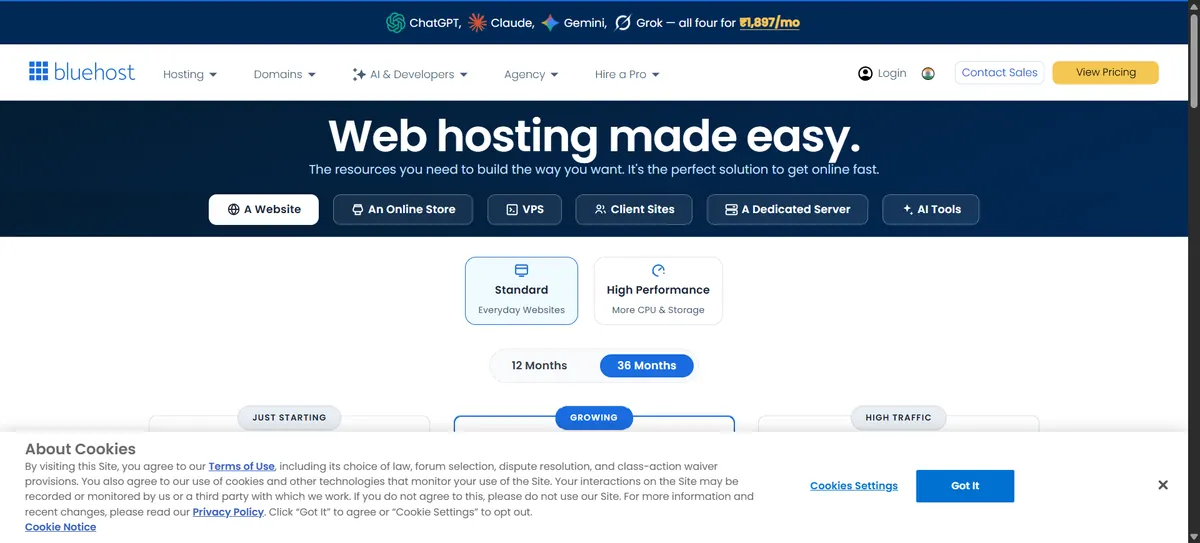
| Best for | A straightforward first website |
| Starter | $3.99/mo on 36 months, renews $9.99/mo |
| Business | $6.99/mo on 36 months, renews $13.99/mo |
| eCommerce Essentials | $14.99/mo on 36 months, renews $21.99/mo |
| Starter includes | 10 websites, 10 GB NVMe SSD |
Ten websites on an entry plan is unusually generous, and the renewal multiple is the mildest in this group. Business steps up to 50 sites on 50 GB, and eCommerce Essentials to 100 sites on 100 GB.
Pros
- Smallest renewal jump of the shared hosts here
- 10 websites on the entry plan
- NVMe storage and free first-year domain
- WordPress-oriented setup and managed updates
- 24/7 support
Cons
- Three-year commitment for the headline price
- 10 GB fills up quickly with images
- Pricing and support options vary by region
- Upper tiers get expensive relative to rivals
4. DreamHost — Best for Flexibility
Best for: bloggers and small sites that want daily backups, plenty of site slots and the option not to sign a long contract.
The Launch plan is $2.89 per month for a year, renewing at $10.99. Launch covers 25 websites on 25 GB NVMe with daily automated backups.
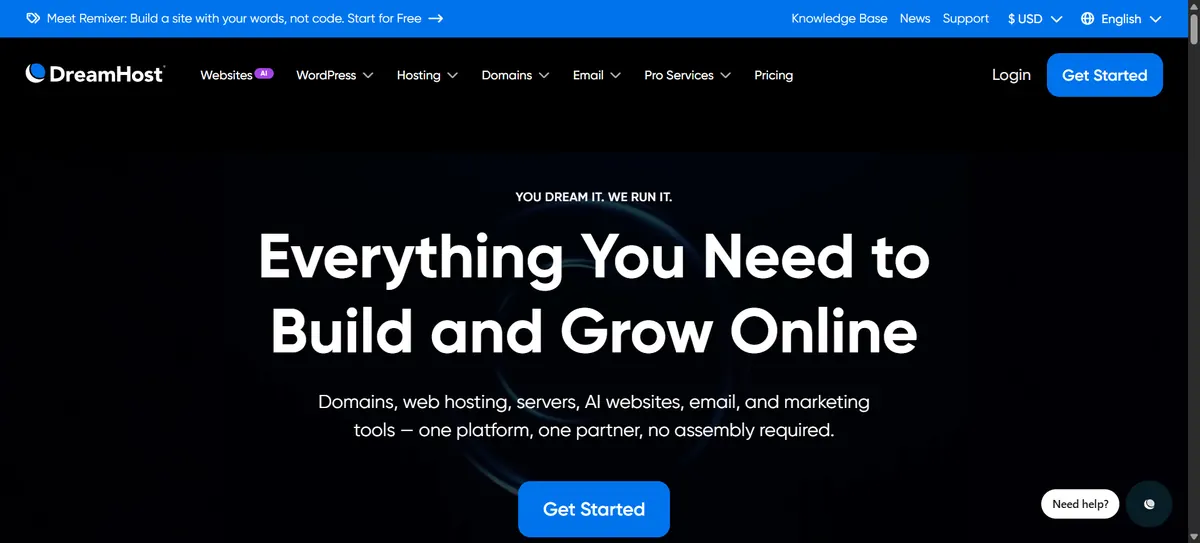
| Best for | Site count, daily backups and billing flexibility |
| Launch | $2.89/mo yearly (renews $10.99) |
| Growth | $3.99/mo yearly (renews $12.99), 50 sites, 50 GB |
| Scale | $9.99/mo yearly (renews $25.99), 100 sites, 100 GB |
| Launch includes | 25 websites, 25 GB NVMe, daily automated backups |
Daily automated backups on the cheapest plan is rare at this price, and 25 sites on an entry tier is more than most people will ever use. DreamHost also sells hosting month to month if you would rather not prepay at all.
Pros
- Lowest renewal price among traditional shared hosts
- Daily automated backups on the entry plan
- 25 websites and 25 GB NVMe to start
- Monthly billing available
- Free domain for one year and unlimited free SSL
Cons
- The introductory rate applies to the first year only
- Control panel is DreamHost’s own, not cPanel
- Managed WordPress products cost noticeably more
- Brand recognition is lower than Bluehost’s
5. Namecheap — Best Cheap Renewal
Best for: small sites and anyone who wants domain and hosting in one account without a painful renewal later.
Namecheap is better known for domains, but its Stellar shared plan has the quietly remarkable feature of renewing at $55.88 a year (about $4.66 per month). The introductory rate is $1.83 per month, billed as $21.96 for the first year. Stellar covers three websites on 20 GB SSD.
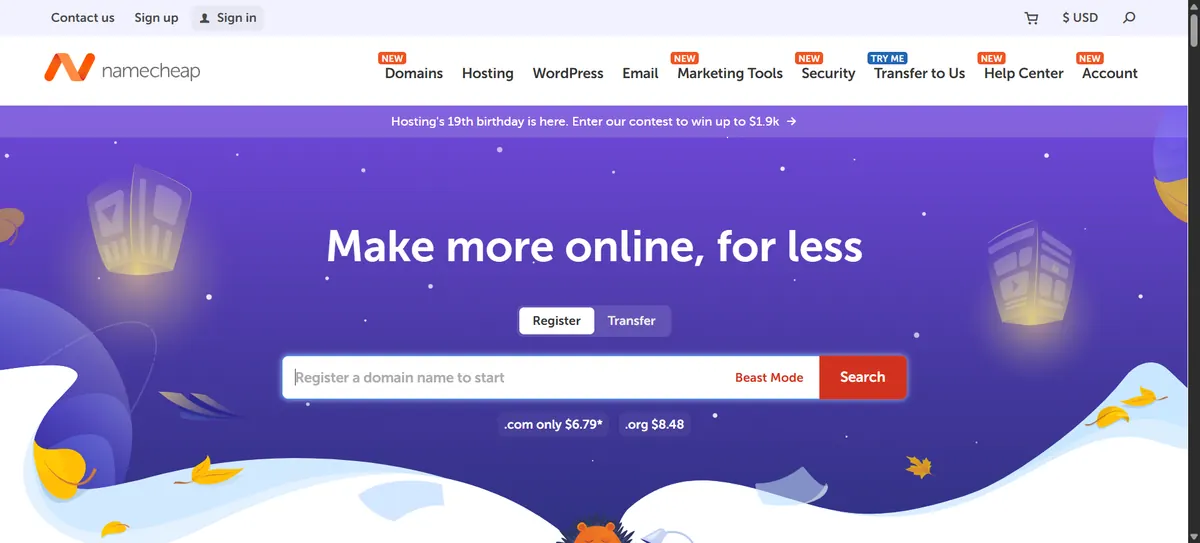
| Best for | The lowest renewal price in this comparison |
| Stellar | $1.83/mo intro (1 year), renews $55.88/yr (about $4.66/mo), 3 sites, 20 GB SSD |
| Stellar Plus | $2.41/mo intro, renews $85.44/yr (about $7.12/mo), unlimited sites |
| Stellar Business | $4.03/mo intro, renews $128.88/yr (about $10.74/mo), 50 GB cloud storage |
| Billing | Monthly, yearly and two-year terms offered |
Put that renewal next to SiteGround’s $17.99 and the difference over three years is substantial. What you trade away is the managed tooling — this is straightforward shared hosting, not a performance platform.
Pros
- By far the lowest renewal price here
- Domains and hosting in one account
- Three websites on the entry plan
- Monthly billing available
- Unlimited sites one tier up for under $8 at renewal
Cons
- Fewer managed and performance features than SiteGround
- Resources are aimed at smaller sites
- Support reputation is mixed compared with premium hosts
- Not the right home for a heavy WordPress build
6. HostGator — Traditional Shared Hosting
Best for: people who want conventional cPanel-style shared hosting from a long-established brand.
HostGator is the most familiar name in budget shared hosting, and the current Hatchling plan covers up to 10 websites on 10 GB SSD with unmetered bandwidth.
We have to be straight about the pricing. HostGator renders its promotional prices in JavaScript, and the page served to us showed placeholder values rather than figures, so we could not confirm a current introductory price. What we can confirm comes from HostGator’s own published price chart, which lists regular (renewal) rates.

| Best for | Conventional shared hosting |
| Hatchling regular rate | $10.99/mo on 3 years · $13.19/mo yearly · $17.59 monthly |
| Baby regular rate | $16.49/mo on 3 years · $18.69/mo yearly |
| Business regular rate | $21.99/mo on 3 years · $24.19/mo yearly |
| Hatchling includes | Up to 10 websites, 10 GB SSD, unmetered bandwidth |
One point worth understanding: HostGator states that promotional rates apply to the initial term and then renew at regular rates. “Unmetered” bandwidth also remains subject to its acceptable-use terms — it does not mean limitless in every circumstance.
Pros
- Familiar, conventional shared hosting
- Up to 10 websites on the entry plan
- One-click WordPress installation
- Free SSL and website migration
- Long-established support operation
Cons
- Current promotional price is not readable from the pricing page
- Regular rates are higher than several rivals here
- “Unmetered” is still governed by resource policies
- Little to offer beyond standard shared hosting
7. WP Engine — Best Managed WordPress Hosting
Best for: businesses whose WordPress site earns money and where downtime or maintenance time has a real cost.
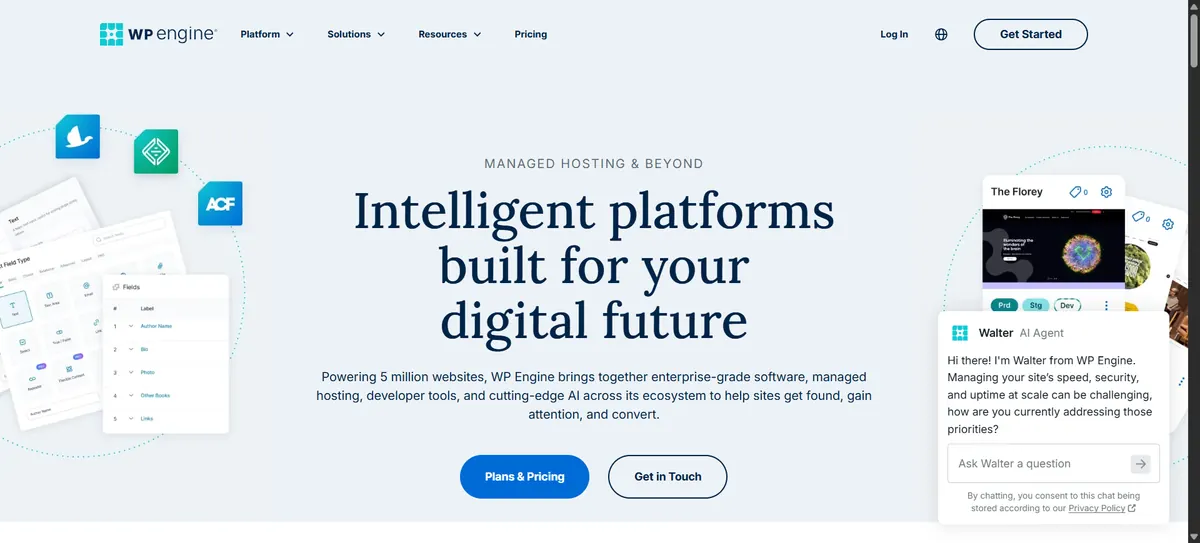
WP Engine is a different product from everything above it on this list. It is managed WordPress hosting — staging environments, automated backups, a global CDN, managed updates and WordPress-specialist support — and it is priced accordingly.
Note that WP Engine has restructured its plan lineup. The Startup, Professional and Growth tiers that circulated in older comparisons are no longer what the pricing page shows.
| Best for | Revenue-generating WordPress sites |
| Essential | $336 first year, billed annually |
| Essential includes | 1–30 sites, 10–50 GB storage, 75 GB/month bandwidth |
| Core | 30–50 sites, 50 GB–2 TB, 550 GB/month — price not published on the page |
| Enterprise | Custom pricing, 50+ sites |
$336 a year is $28 a month, which is roughly what three years of Hostinger Premium at the renewal rate would cost you. That is the honest way to frame the decision: you are paying for managed infrastructure and support, not for disk space.
Pros
- Genuinely managed WordPress environment
- Staging environments and automated backups
- Global CDN included
- WordPress-specialist support
- Developer-friendly workflow
Cons
- Many times the cost of shared hosting
- WordPress only
- Storage and bandwidth are metered
- Core tier pricing is not published on the plans page
8. Cloudways — Best Flexible Cloud Hosting
Best for: growing sites, agencies and developers who want cloud infrastructure without administering a server themselves.
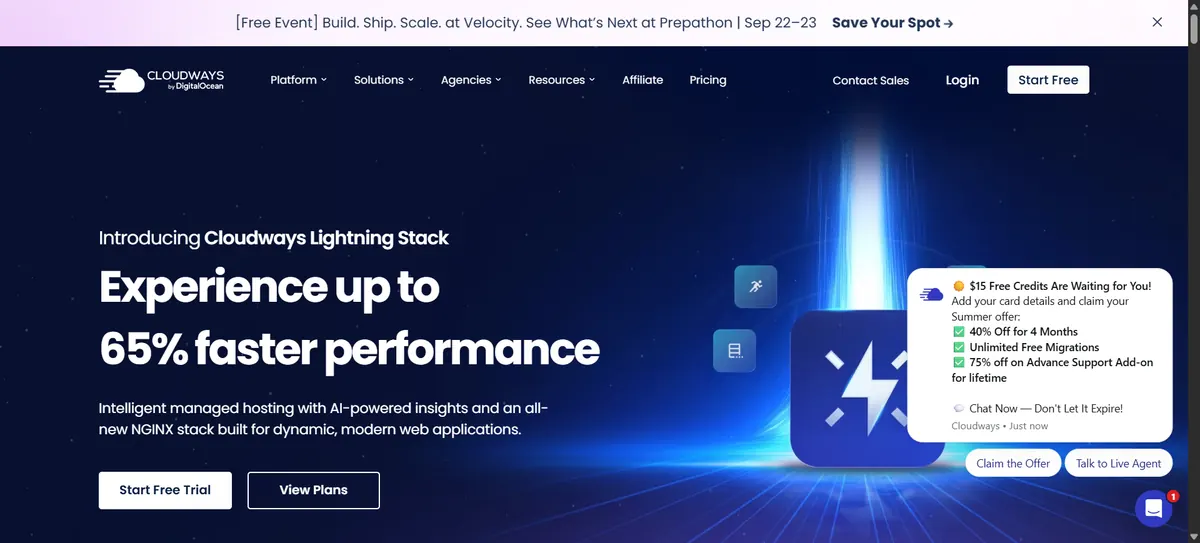
Cloudways is a managed layer on top of cloud providers — DigitalOcean, Vultr, Linode, AWS and Google Cloud. You pick the underlying infrastructure and Cloudways handles the server management, with pay-as-you-go billing rather than prepaid terms.
Entry DigitalOcean hosting is listed at $11 per month. There is no promotional-to-renewal cliff here, which makes the arithmetic much simpler than shared hosting.
| Best for | Scaling without a renewal cliff |
| Entry price | $11/month on DigitalOcean |
| Entry configuration | 1 GB RAM, 1 core, 25 GB storage, 1 TB bandwidth |
| Billing | Pay as you go, no prepaid term |
| Other providers | Vultr, Linode, AWS and Google Cloud — prices vary by configuration |
We could not read confirmed entry prices for the AWS and Google Cloud options, which are meaningfully more expensive than the DigitalOcean tier. Cloudways also documents additional bandwidth charges for some underlying providers, so a high-traffic site should read the transfer terms before choosing a server.
Pros
- No promotional-to-renewal price jump
- Choice of five infrastructure providers
- Scale resources up or down as needed
- Unlimited websites on a server you control
- Managed server administration
Cons
- More expensive than shared hosting at entry level
- Server sizing confuses beginners
- Bandwidth overages can apply depending on provider
- Email hosting is a paid add-on
9. Kinsta — Best Premium Managed WordPress
Best for: agencies and business-critical WordPress sites where reliability matters more than monthly cost.
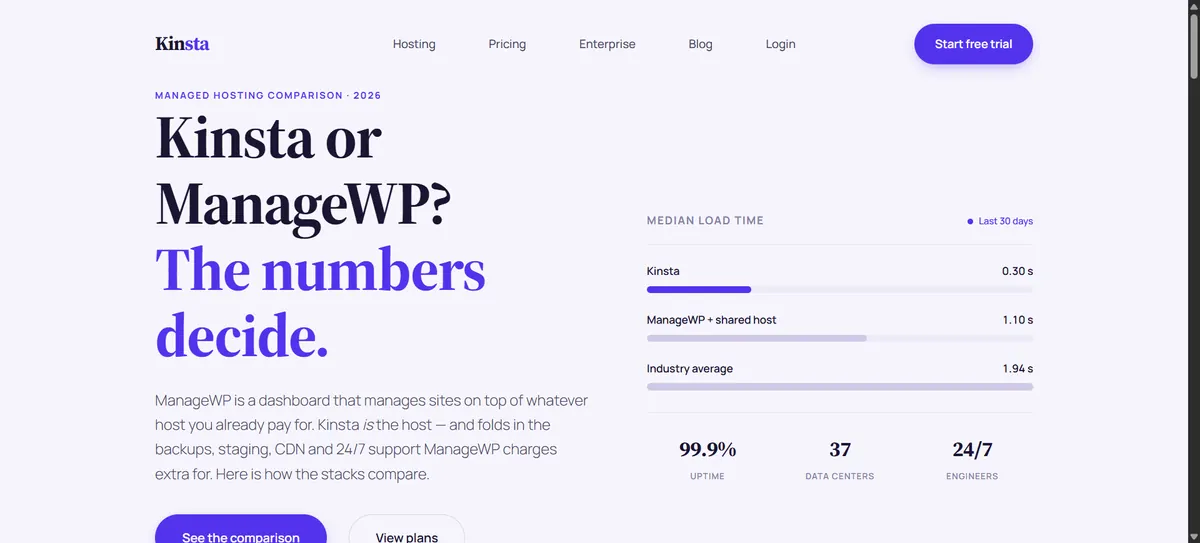
Kinsta sits in the same category as WP Engine and should be compared with it rather than with shared hosting. The Single 20GB plan is $35 per month, or $350 annually, covering one WordPress install with 10 GB storage and 20 GB of bandwidth.
| Best for | Business-critical WordPress |
| Single 20GB | $35/month or $350/year |
| Includes | 1 install, 10 GB storage, 20 GB bandwidth, 125 GB CDN |
| Larger single-site tiers | $50, $90, $170, $290 and $375 per month by bandwidth |
| Multi-site tiers | From $59/month billed annually, priced by visits rather than bandwidth |
Paying annually saves you a month. Note that Kinsta’s plan names have changed from the ones older comparisons quote — the current lineup is organised around bandwidth for single sites and visits for multi-site plans.
Pros
- Premium managed WordPress infrastructure
- Daily backups with retention
- CDN included
- Free migrations
- Staging and developer tooling
Cons
- Ten times the cost of good shared hosting
- 10 GB storage is tight at this price
- Bandwidth is metered on single-site plans
- Additional sites raise the cost quickly
10. InMotion Hosting — Best for Small Businesses
Best for: business websites that want generous storage and traditional human support.
InMotion targets small business rather than first-time bloggers, and its storage allowances reflect that. The Power plan is $4.99 per month promotionally, renewing at $17.99, with 200 GB NVMe storage and 10 websites — by some distance the most storage per dollar in this comparison.

| Best for | Storage-heavy small business sites |
| Power | $4.99/mo promotional, renews $17.99/mo |
| Power includes | 10 websites, 200 GB NVMe storage |
| Core | Entry tier, allows two websites — price not confirmed |
| Other tiers | Launch and Pro sit between and above — prices not confirmed |
We want to be clear here rather than tidy: InMotion’s pricing page would not load for us, and the plan table we could read did not line up cleanly with the plan names. The Power figures above are the ones we could confirm together. Check the others at checkout.
Pros
- 200 GB NVMe on the Power plan
- Free migration and SSL
- Email hosting included
- Strong reputation for human support
- Clear small-business positioning
Cons
- Renewal is 3.6× the promotional price
- Pricing for several tiers was not readable from the site
- Entry plan is limited to two websites
- Less name recognition than Bluehost or HostGator
What Type of Hosting Do You Actually Need?
The biggest mistake in hosting comparisons is treating every provider as the same product. A $3 shared plan and a $35 managed plan are not competing for the same customer.
| Hosting type | Typical user | Main advantage | Main trade-off |
|---|---|---|---|
| Shared | Beginners, small sites | Low cost | Shared resources |
| Managed WordPress | Businesses on WordPress | Less maintenance | Higher cost |
| Cloud | Growing sites | Scalability | More complexity |
| VPS | Developers | Dedicated resources | More administration |
| Premium managed | Business-critical sites | Managed infrastructure and support | Highest cost |
For a simple blog
Shared hosting is genuinely enough. You do not need a cloud server because your site runs WordPress. Look for SSL, backups, reasonable storage and a renewal price you can live with.
For a small business site
Shared hosting still works for a site that is mostly pages, a contact form and some content. Prioritise backups, security, email, support and a sane upgrade path. Hostinger, Bluehost, DreamHost, SiteGround and InMotion all sell into this space.
For ecommerce
A store needs more than storage: database performance, backups, security, caching, a CDN and staging all start to matter. A small shop can start on shared hosting, but a growing one will want cloud or managed WordPress before long.
For multiple websites
Check the actual site allowance rather than assuming “unlimited”. DreamHost’s entry plan allows 25 sites and Bluehost’s allows 10, while SiteGround’s StartUp allows exactly one.
How Much Does Web Hosting Cost in 2026?
The number next to “$/month” is usually not the number you will pay every month. There are four different prices hiding in most hosting offers.
The promotional price is the new-customer rate. The billing term is how much of it you must pay at once — a $2.99 offer on 48 months is about $143 at checkout, not $2.99. The renewal price is what you pay from the second term onwards, and for a site you intend to keep, it is the only number that really matters. The monthly price, if the host offers one, is higher again.
Then there are add-ons: domain renewal, email, premium backups, security products, migration, extra storage. The cheapest advertised plan is frequently not the cheapest plan over four years.
The real cost of cheap hosting
Take two real plans from this comparison. SiteGround StartUp is $2.99 a month for the first year and $17.99 after. DreamHost Launch is $2.89 for the first year and $10.99 after. They look nearly identical on the shelf. Over four years, the SiteGround plan costs roughly $683 and the DreamHost plan roughly $430 — a difference of about $250, entirely invisible at checkout.
That is not an argument against SiteGround, which includes managed features DreamHost does not. It is an argument for comparing initial cost plus commitment plus renewal plus add-ons rather than the size of the discount.
What Should You Look For in Web Hosting?
1. Renewal pricing
Find it before you buy. In this comparison the renewal multiple ranges from about 2.5× (Bluehost) to 6× (SiteGround). That single number will dominate your costs.
2. Performance
Look at NVMe or SSD storage, caching, CDN, server resources and PHP versions — but do not assume one specification guarantees a fast site. Real performance depends on your code, images, plugins, traffic and configuration at least as much as the host.
3. Backups
Check how often backups run, how long they are kept, and whether restoring is included or charged. Daily automated backups appear on DreamHost’s entry plan and across SiteGround’s range; several rivals back up weekly or leave it to you.
4. Security
SSL, firewalls, malware scanning, DDoS protection and automatic updates. No host replaces basic security practice on your side, but a good one reduces how much you have to manage yourself.
5. Support
Support matters most on the day something breaks. Check whether live chat, tickets, phone and WordPress specialists are available, and on which plans.
6. Scalability
Your first plan does not need to serve a million visitors. It does need a route upwards — shared to cloud, shared to VPS, shared to managed WordPress — that does not involve rebuilding your site somewhere else.
7. Resource limits
Look past storage at CPU, RAM, databases, inode limits and bandwidth. “Unlimited” and “unmetered” are commercial terms, not technical ones; every provider applies acceptable-use and resource policies underneath them.
Is Cheap Web Hosting Good Enough?
Yes, for the right site. Personal blogs, portfolios, small business sites, early projects and simple information sites all run perfectly well on shared hosting.
The calculation changes as a site becomes financially important. When downtime costs money, you start to value better backups, stronger support, staging and more predictable performance. The useful question is not “is cheap hosting bad?” but “does this plan give my site enough resources and enough protection for what it actually does?”
Is Managed WordPress Hosting Worth It?
It can be, when WordPress is central to the business — the site generates revenue, you would rather not administer servers, staging and backups matter, and downtime has a real cost. WP Engine and Kinsta both sell into exactly that situation.
For a small blog with modest traffic, $28 to $35 a month rarely buys enough extra value to justify itself over a good shared plan. Be honest about which of the two you are.
How to Choose Web Hosting in Five Minutes
- Decide what you are building. Blog, business site, store, portfolio or application.
- Be realistic about traffic. Do not buy infrastructure for visitors you do not have.
- Decide whether WordPress matters enough to pay for managed hosting.
- Find the renewal price. Not the promotional one.
- Check backups and security before you compare storage.
- Check migration if you are moving an existing site.
- Check the upgrade path for when traffic grows.
- Buy the smallest plan that fits comfortably. You can always move up.
How We Compared These Web Hosting Services
This is a research-based comparison, not a benchmark study. We did not run production sites on all ten providers, and we do not present third-party speed tests as our own measurements.
We read each provider’s current pricing page in September 2026 and recorded the introductory price, the billing term required to get it, the renewal price, site allowances, storage, backups and included features. Where pricing depends on billing period, we state the term rather than presenting a prepaid monthly equivalent as if it were a normal subscription.
Where a provider’s page did not publish a figure we could read — HostGator’s promotional prices, WP Engine’s Core tier, most of InMotion’s range, Cloudways’ AWS and Google Cloud tiers — we say so in the relevant section instead of substituting a number from elsewhere. Editorial scores reflect value and suitability for the stated use case, not measured performance.
More about our approach is in How We Review.
Web Hosting vs Website Builder
Hosting is the infrastructure your site runs on. A website builder is the tool you use to make the site. Some companies sell both, and platforms like Wix and Squarespace bundle hosting into the product so the distinction disappears.
If you are not sure which you need, start with Best Website Builders in 2026, which covers the builder side of that decision.
Your Hosting and Your Domain Are Different Things
A domain is the address; hosting is where the site lives. Many companies sell both together, but you are never obliged to buy them from the same place — and domain renewal is usually charged separately once any free first year expires.
If you are working out what a domain will cost you over time, our Domain Renewal Cost Calculator does that arithmetic, and Best Domain Registrars compares where to buy one.
Hostinger vs Bluehost vs SiteGround
For most beginners the shortlist ends up being these three, and they are genuinely different propositions.
| Hostinger | Bluehost | SiteGround | |
|---|---|---|---|
| Entry price | $2.99/mo | $3.99/mo | $2.99/mo |
| Term | 48 months | 36 months | 12 months |
| Renewal | $10.99/mo | $9.99/mo | $17.99/mo |
| Renewal multiple | 3.7× | 2.5× | 6.0× |
| Sites | 3 | 10 | 1 |
| Storage | 20 GB SSD | 10 GB NVMe | 10 GB |
Hostinger gives the most storage, Bluehost the most sites and the gentlest renewal, SiteGround the most managed features and the steepest renewal. If you want the cheapest cost of ownership rather than the cheapest first year, look at DreamHost instead.
For a closer look at one of these against a managed platform, see our Hostinger vs WP Engine comparison.
Frequently Asked Questions
What is the best web hosting service in 2026?
It depends on the site. Hostinger offers the strongest feature-to-price balance at entry level, Bluehost is the easiest for a first website and has the mildest renewal jump, DreamHost is cheapest to own over several years, SiteGround has the best managed features on a small budget, and WP Engine and Kinsta serve business-critical WordPress.
What is the cheapest web hosting?
On introductory price, Namecheap Stellar at $1.83 per month for the first year is the lowest here. On renewal price — the number that matters for a site you keep — Namecheap Stellar at about $4.66 per month ($55.88 a year) is also the cheapest in this comparison, with Bluehost’s $9.99 next.
What is the best web hosting for beginners?
Bluehost, on the strength of a simple setup, 10 websites on the entry plan and a renewal price that only rises to $9.99. Hostinger and DreamHost are both good alternatives if you are comfortable reading a pricing page carefully.
What is the best hosting for WordPress?
There is no single answer. WordPress runs fine on any of the shared hosts here. Managed platforms such as WP Engine and Kinsta are built specifically around it and make sense when the site earns money or you want to stop doing maintenance yourself.
Is cheap web hosting good enough?
For blogs, portfolios, small business sites and early projects, yes. The thing to check is whether the plan has enough resources, proper backups and a clear upgrade path — not whether the monthly price looks low.
How much does web hosting cost per month?
Shared hosting runs roughly $3 to $5 a month on a long introductory term and about $6 to $18 at renewal. Cloud hosting starts around $11 a month. Managed WordPress starts around $28 to $35 a month. Monthly billing always costs more than prepaying.
What is the difference between hosting and a website builder?
Hosting provides the infrastructure a site runs on; a builder provides the tools to create it. Some companies sell both, and hosted platforms like Wix and Squarespace combine them into one product.
Do I need WordPress hosting?
Not necessarily. WordPress runs on ordinary shared hosting. Managed WordPress hosting becomes worth paying for when you want specialist support, staging, managed updates and someone else handling the infrastructure.
Should I choose monthly or yearly hosting?
Monthly costs more but leaves you free to move. Long prepaid terms carry the lowest advertised rates but lock in several years at once. DreamHost and Namecheap both offer monthly billing if you would rather not commit.
What is managed WordPress hosting?
Hosting where the provider looks after more of the WordPress infrastructure for you — updates, backups, staging, caching, security and WordPress-specific support — rather than handing you a blank server and a control panel.
How much storage do I need for a website?
Less than most people assume. Text and normally-sized images are small; 10 GB covers a typical blog or business site comfortably. Large media libraries, stores with thousands of product photos and anything hosting video need considerably more.
Can I move my website to another host later?
Yes, and most established hosts will migrate it for you. SiteGround, HostGator, InMotion and Kinsta all advertise migration assistance. Check whether it is free and whether your platform is supported before you buy.
Does web hosting include a domain?
Often for the first year, then charged separately. Hostinger, Bluehost and DreamHost all include a free first-year domain on eligible terms. The renewal is a separate cost from year two onwards.
Does web hosting include SSL?
Essentially all major hosts now include free SSL certificates. Every provider in this comparison does, but it is still worth confirming on the specific plan you are buying.
How do I choose a web host?
Start with what you are building and how much traffic you realistically expect. Then compare renewal price, backups, security, site allowances, support, migration and the upgrade path — in that order, and before you look at the discount.
The bottom line. There is no host that is right for everybody. For a first website, Bluehost is the safest landing. For the best features per dollar, Hostinger. For the lowest cost over five years, DreamHost. For the cheapest renewal, Namecheap. For managed features on a budget, SiteGround. And when a WordPress site genuinely earns its keep, WP Engine or Kinsta stop looking expensive.
The one mistake to avoid is choosing on the promotional monthly price alone. Look at the full commitment, the renewal rate, what is actually included and where you can go when the site grows. Choose for the website you have today, but check the provider can still serve the one you expect to have in three years.
All prices in this guide were read from provider pricing pages in September 2026 and are a snapshot, not a quote. Promotional rates depend on billing term, region and eligibility, and change without notice. Confirm the price, the term and the renewal rate at checkout before buying.
Affiliate Disclosure: Some links on this page may be affiliate links. If you buy through them, Etemora may earn a commission at no additional cost to you. Affiliate relationships never determine our rankings. Learn more →
Related articles you may like
 Web HostingHostinger vs WordPress.com: 2026 Honest Comparison
 Web HostingHow to Buy a Domain Name in 2026: 8 Simple Steps
 Web HostingLargest Domain Registrars in 2026 (Ranked by .com Domains)
 SecurityMost Secure Domain Registrars in 2026: 2FA, Locks and Privacy Compared
 Web HostingHow to Transfer a Domain to Another Registrar (Step by Step)
 Web HostingWhy Domain Renewal Prices Go Up (and 7 Ways to Pay Less)