
Best Antivirus Software in 2026:
10 Antivirus Programs Compared
 By M. Zaid
- Updated September 26, 2026
- 33 min read
Some links on this page are affiliate links. If you buy through them, Etemora may earn a commission at no extra cost to you. Read our affiliate disclosure
Antivirus software in 2026 covers a lot more than the traditional virus scanning most people picture. Modern security suites deal with ransomware, phishing sites, malicious downloads, scam text messages and calls, and increasingly, identity and privacy risks that have nothing to do with a file infecting your hard drive.
Windows 11 also ships with Microsoft Defender Antivirus already turned on. That changes the question for a lot of readers: it is no longer “which antivirus should I buy” by default, but “do I need to buy one at all, and if so, what am I actually paying for?”
This guide compares 10 well-known consumer security products — free and paid — on the things that actually matter: independent lab-tested protection, ransomware and phishing defense, platform coverage, system impact, extra features like VPNs and password managers, and price, including what happens at renewal.
- Quick Picks
- The 10 Antivirus Products at a Glance
- 1. Bitdefender Total Security
- 2. Norton 360
- 3. ESET HOME Security
- 4. McAfee Total Protection
- 5. Avast
- 6. AVG Antivirus
- 7. TotalAV
- 8. Kaspersky
- 9. F-Secure
- 10. Microsoft Defender Antivirus
- Free vs. Paid Antivirus
- Do You Need Antivirus on Windows 11?
- Best Antivirus by Use Case
- Best Antivirus for Windows
- Best Antivirus for Mac
- Best Antivirus for Android
- Best Antivirus for iPhone
- What Does Antivirus Protect You From?
- Antivirus vs. VPN
- Antivirus vs. Password Manager
- How We Compared These Products
- How Much Does Antivirus Cost in 2026?
- What to Look For Before Buying
- Common Antivirus Mistakes to Avoid
- Should You Install More Than One Antivirus?
- Final Recommendations
- Final Verdict
- Frequently Asked Questions
Quick Picks
These are use-case recommendations based on independent testing and current features — not a 1-to-10 ranking. No single product here is the right choice for everyone.
- Best overall protection and feature balance: Bitdefender Total Security
- Best for built-in Windows protection: Microsoft Defender Antivirus
- Best for multi-device security features: Norton 360
- Best for security-conscious users: ESET HOME Security
- Best for family device coverage: McAfee Total Protection
- Best free antivirus options: Avast Free Antivirus and AVG Antivirus Free
- Best for privacy-focused users: F-Secure Total
- Best for users comparing broad security suites: Kaspersky (where locally available)
- Best for straightforward consumer antivirus: TotalAV
The 10 Antivirus Products at a Glance
Platform support, free options and independent testing status for each product, current as of September 2026.
| Provider | Best for | Free option | Windows | Mac | Android | iOS | VPN | Password manager | Identity/privacy | Independent testing |
|---|---|---|---|---|---|---|---|---|---|---|
| Bitdefender | Overall balance | Limited | Yes | Yes | Yes | Yes | Limited (200 MB/day) | Yes | Plan dependent | AV-TEST, AV-Comparatives |
| Norton 360 | Multi-device features | No | Yes | Yes | Yes | Yes | Included | Yes | Included | AV-TEST, AV-Comparatives |
| ESET HOME | Low system impact | No | Yes | Yes | Yes | Yes | Plan dependent | Plan dependent | Plan dependent | AV-TEST |
| McAfee | Family devices | No | Yes | Yes | Yes | Yes | Included | Yes | Included | AV-TEST |
| Avast | Free protection | Yes | Yes | Yes | Yes | Yes | Trial/paid | Paid tier | Paid tier | AV-TEST, AV-Comparatives |
| AVG | Free protection | Yes | Yes | Yes | Yes | Yes | Paid tier | Paid tier | Paid tier | AV-TEST |
| TotalAV | Simple consumer suite | Limited | Yes | Yes | Yes | Yes | Plan dependent | Plan dependent | Plan dependent | AV-TEST, AV-Comparatives |
| Kaspersky | Broad security suite | No | Yes | Yes | Yes | Yes | Included | Included | Included | AV-TEST |
| F-Secure | Privacy features | No | Yes | Yes | Yes | Yes | Included | Included | Included | AV-TEST |
| Microsoft Defender | Built-in protection | Yes (built in) | Yes | No | Limited (Defender app) | Limited (Defender app) | No | No | No | AV-TEST |
Kaspersky note for US readers: the US Department of Commerce prohibited the sale and licensing of Kaspersky software in the United States, with enforcement taking effect in 2024. If you are in the US, check current availability before considering Kaspersky. It remains available in many other markets, including India.
1. Bitdefender Total Security
Best for: users who want strong multi-layer protection and a broad feature set without stepping up to a top-tier suite.
Bitdefender Total Security is Bitdefender’s flagship consumer suite, covering Windows, macOS, Android and iOS. The Individual plan is listed for up to 5 devices, with real-time malware protection, multi-layer ransomware protection, a dedicated password manager, and web attack and scam prevention. Not every feature is available on every operating system — some tools, like webcam monitoring, are Windows-specific, so check the feature comparison for your platform before buying.
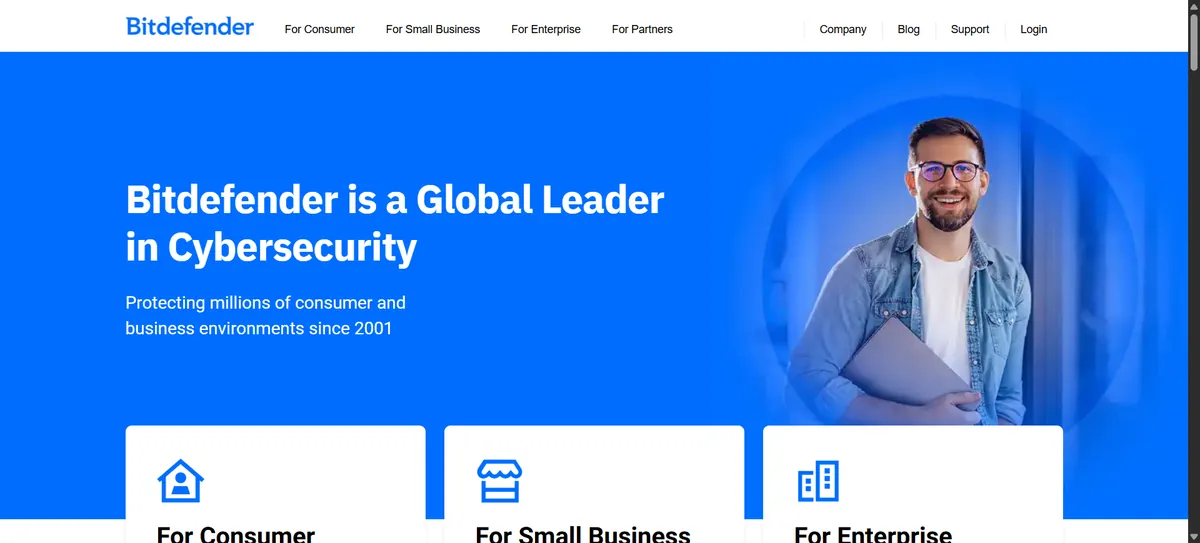
| Platforms | Windows, macOS, Android, iOS |
| Devices | Individual plan, up to 5 devices |
| First-year price | From $59.99/year (5 devices) as listed on Bitdefender’s site |
| VPN | Included with a 200 MB/day traffic limit; unlimited VPN is a separate add-on |
| Renewal | Renewal pricing varies and should be confirmed at checkout |
Independent testing
AV-TEST’s June 2026 Windows 11 home-user test lists Bitdefender Total Security 27.0 with a Protection score of 6/6, Performance of 6/6 and Usability of 6/6 — an 18/18 total, which qualifies for AV-TEST’s TOP PRODUCT designation. That is a laboratory result for the specific version and test period AV-TEST evaluated, not an Etemora measurement or a guarantee of future results.
Pros
- Strong, consistent independent test history
- Covers Windows, macOS, Android and iOS
- Multi-layer ransomware protection
- Built-in password manager
- Scam and web-attack prevention
Cons
- Bundled VPN is capacity-limited unless you upgrade
- Some tools are platform-specific, not universal
- First-year promotional pricing can differ sharply from renewal
2. Norton 360
Best for: users who want antivirus combined with a VPN, password manager, scam protection and other security features in one subscription.
Norton 360 plans bundle antivirus, malware and ransomware protection, scam protection, a VPN, password manager, dark web monitoring and deepfake protection across every tier Norton currently sells, according to Norton’s own plan pages. The differences between tiers are mostly about device count, cloud backup storage, and whether LifeLock identity-theft features and parental controls are included.
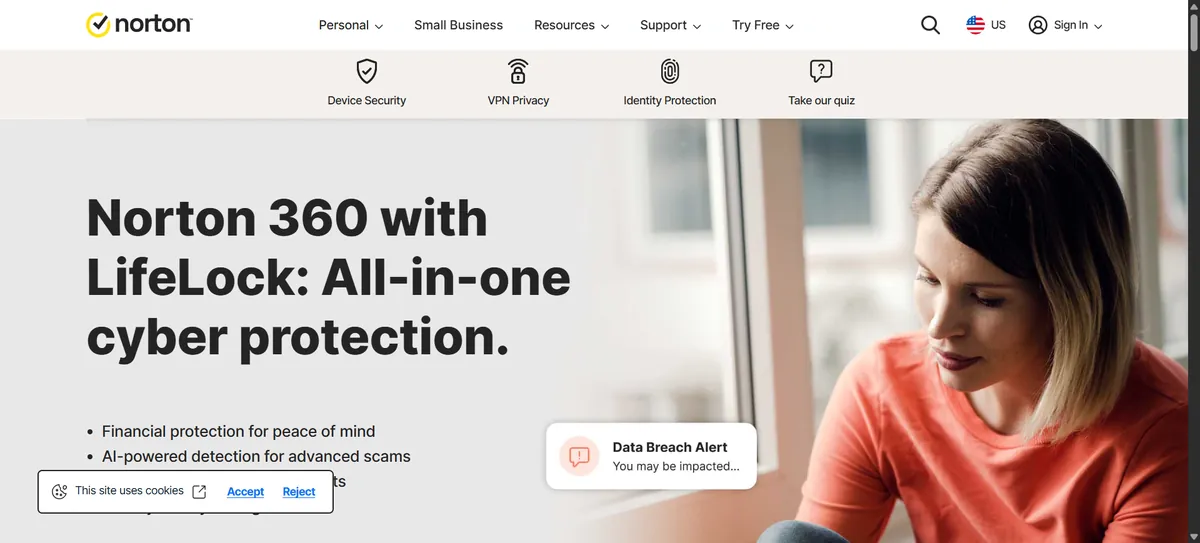
| Platforms | Windows, macOS, Android, iOS |
| Standard | 3 devices, 2 GB cloud backup, listed at $24.99 for the first year (renews at $94.99) |
| Deluxe | 5 devices, 50 GB cloud backup, privacy monitor, parental controls |
| 360 with LifeLock Select Plus | 10 devices, 250 GB backup, identity-theft protection and reimbursement |
| Renewal | Renewal pricing varies and should be confirmed at checkout |
Independent testing
AV-TEST’s June 2026 Windows 11 test lists Norton 360 with Protection 6/6, Performance 6/6 and Usability 6/6, an 18/18 total. As with every product here, this reflects one lab, one test period and one product version — not an Etemora finding.
Pros
- Broad security suite, not just antivirus
- VPN and password manager included on every plan
- Multi-device options up to 10 devices
- Dark web monitoring and scam protection
- Identity-theft features on the LifeLock tier
Cons
- Cloud backup and identity features are plan dependent
- Renewal pricing is significantly higher than first-year pricing
- More suite than a user who only wants antivirus may need
3. ESET HOME Security
Best for: users who value a broad security suite and a lighter system footprint.
ESET renamed its consumer lineup to ESET HOME Security, sold in three tiers: Essential, Premium and Ultimate. All three cover PC, macOS, Android and iOS, with anti-phishing and Wi-Fi protection on every tier. VPN and encrypted-file storage are reserved for Premium and Ultimate, and Ultimate adds a larger VPN device allowance. Identity-monitoring features such as dark web scanning appear on the higher tiers.
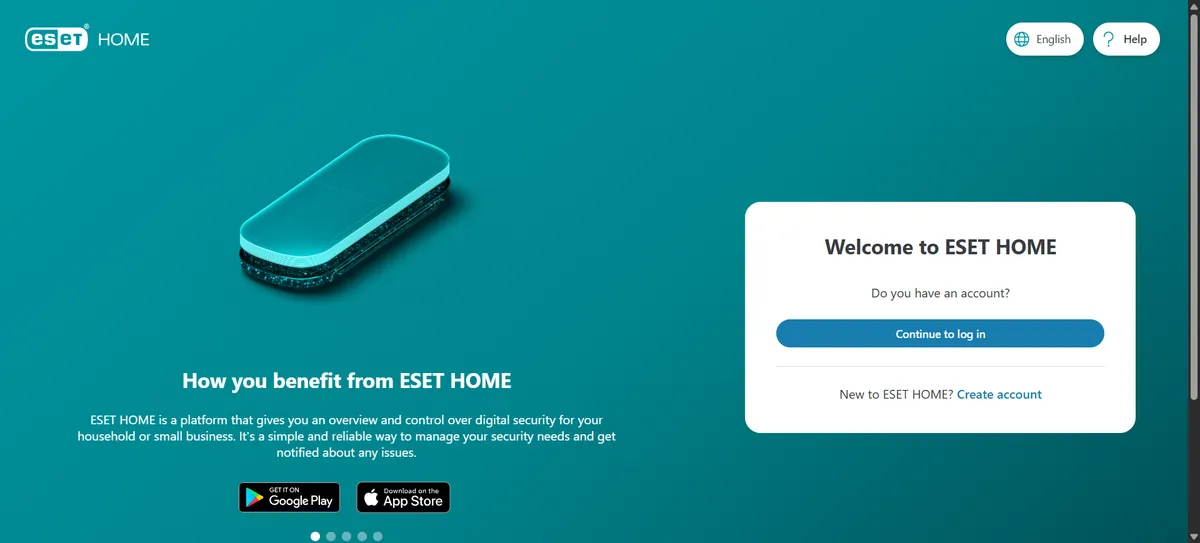
| Platforms | Windows, macOS, Android, iOS |
| Essential | Antivirus, anti-phishing, Wi-Fi protection |
| Premium | Adds VPN (limited), password manager, encryption |
| Ultimate | Adds a larger VPN allowance and broader identity protection |
| Renewal | Renewal pricing varies by device count, term and region — confirm at checkout |
Independent testing
AV-TEST’s June 2026 test lists ESET Security Ultimate 19.1 with Protection 6/6, Performance 6/6 and Usability 6/6, an 18/18 total. That lab-tested product name refers to the specific build AV-TEST evaluated and does not necessarily map one-to-one to ESET’s current commercial HOME Ultimate plan naming — check ESET’s own site for what a specific plan includes today.
Pros
- Strong, consistent independent test results
- Broad protection: banking, browsing and network security
- Low reported performance impact in lab testing
- Multi-platform coverage
Cons
- Three tiers can be confusing to compare
- VPN and identity features require Premium or Ultimate
- Pricing varies by device count and region
4. McAfee Total Protection
Best for: households that need multi-device protection and identity-monitoring features in one plan.
McAfee Total Protection currently covers Windows, macOS, Android, iOS and ChromeOS, sold in 1, 3 and 5-device tiers according to McAfee’s own listings. It sits alongside McAfee’s broader McAfee+ lineup, which leans further into identity and privacy protection; Total Protection is positioned as McAfee’s core device-and-identity plan rather than its most premium tier.
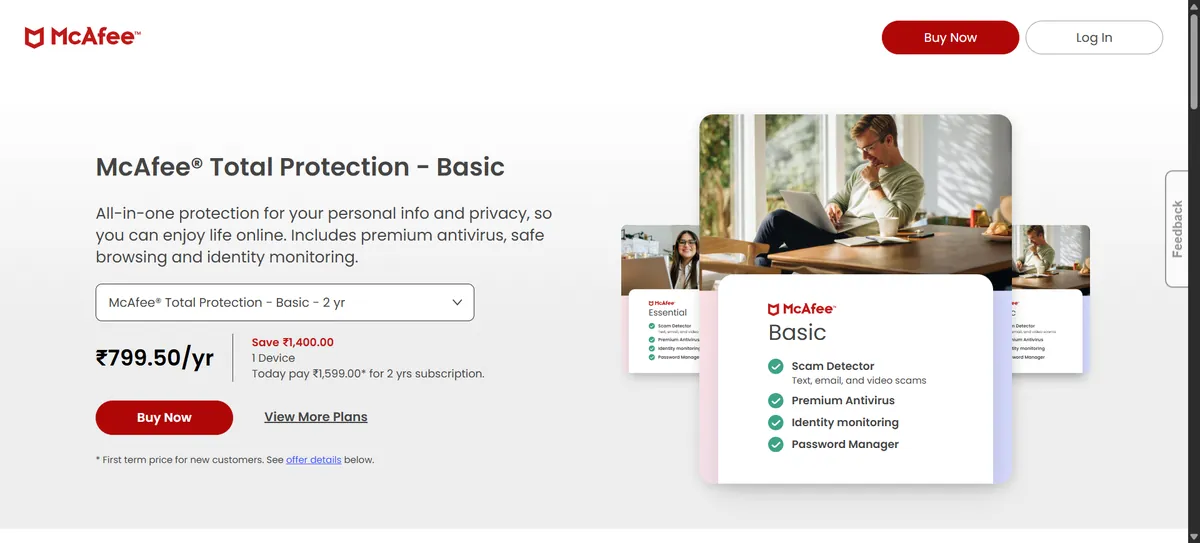
| Platforms | Windows, macOS, Android, iOS, ChromeOS |
| Device tiers | 1, 3 or 5 devices |
| Includes | Antivirus, scam protection, secure VPN, password manager, identity monitoring |
| Renewal | Auto-renewing subscription; renewal pricing varies and should be confirmed at checkout |
Independent testing
AV-TEST’s June 2026 test lists McAfee Total Protection 1.37 with Protection 6/6, Performance 6/6 and Usability 6/6, an 18/18 total.
Pros
- Covers up to 5 devices on one subscription
- Identity monitoring and password manager included
- Web and scam protection built in
- Strong independent test results
Cons
- Feature set overlaps with McAfee’s separate McAfee+ lineup, which can be confusing
- Many features are subscription and tier dependent
- Renewal price is typically higher than the first-year offer
5. Avast
Best for: users looking for a genuinely free antivirus option with the choice to upgrade later.
Avast Free Antivirus, delivered through the Avast One app, covers Windows, macOS, Android and iOS. The free tier includes real-time file and behavior protection, ransomware shield, a Wi-Fi network inspector, firewall, and scam-site blocking, plus a time-limited VPN trial. Paid tiers — Avast Premium Security and Avast Ultimate — add unlimited VPN, cleanup tools and broader privacy features. The free and paid feature sets are genuinely different; do not assume the free version includes everything Avast sells.
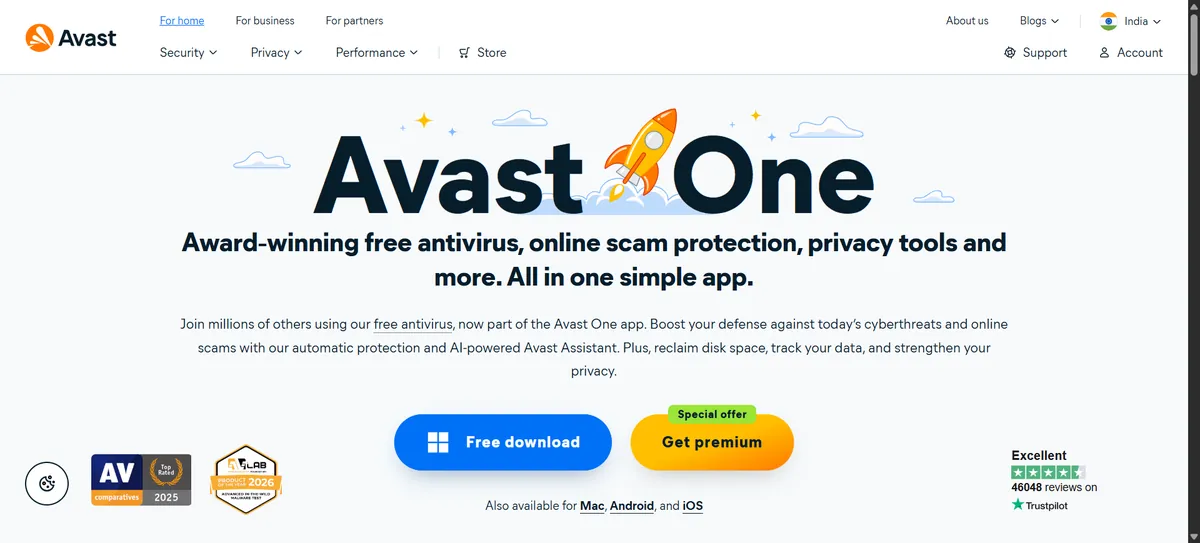
| Platforms | Windows, macOS, Android, iOS |
| Free tier | Real-time protection, ransomware shield, Wi-Fi inspector, firewall, limited VPN trial |
| Paid tiers | Avast Premium Security, Avast Ultimate — add unlimited VPN and extra privacy tools |
| Pricing | Free tier is $0; paid pricing should be checked in-app or at checkout |
Independent testing
AV-TEST’s June 2026 test lists Avast Free Antivirus 26.4 & 26.5 with Protection 6/6, Performance 6/6 and Usability 6/6, an 18/18 total. AV-Comparatives also includes Avast in its Real-World Protection testing; refer to the current factsheet for detailed figures.
Pros
- Genuinely usable free antivirus, not just a trial
- Strong independent test results
- Easy setup for non-technical users
- Clear upgrade path to paid privacy features
Cons
- Free version prompts you toward paid upgrades
- Full VPN requires a paid tier
- Advanced privacy tools are paid-only
6. AVG Antivirus
Best for: users wanting free protection with a familiar, straightforward consumer security app.
AVG Antivirus Free (AVG is owned by the same parent company as Avast, and the two products share underlying technology) covers Windows, macOS, Android and iOS, with real-time protection, multi-layer security, email and Wi-Fi protection, and ransomware protection at no cost. Paid upgrades — AVG Internet Security and AVG Ultimate — add firewall enhancements, webcam protection and broader privacy tools depending on the tier.
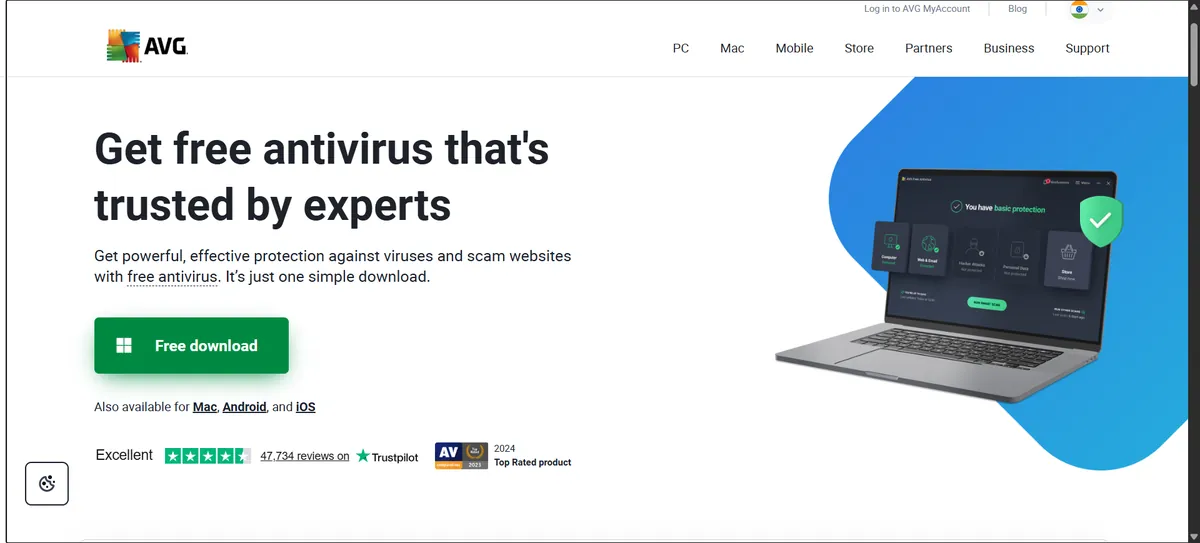
| Platforms | Windows, macOS, Android, iOS |
| Free tier | Real-time protection, Wi-Fi and email protection, ransomware protection |
| Paid tiers | AVG Internet Security, AVG Ultimate |
| Pricing | Free tier is $0; paid pricing should be checked at checkout |
Independent testing
AV-TEST’s June 2026 test lists AVG Antivirus Free 26.4 & 26.5 with Protection 6/6, Performance 6/6 and Usability 6/6, an 18/18 total.
Pros
- Free tier with strong independent test results
- Simple, familiar interface
- Ransomware and Wi-Fi protection included free
- Paid tiers available if you want more
Cons
- Advanced features require a paid tier
- Free and paid products differ meaningfully
- Subscription pricing varies by region and term
7. TotalAV
Best for: users looking for a simple consumer antivirus suite with additional privacy and cleanup tools alongside it.
TotalAV sells three main tiers — TotalAV Plus (antivirus), Internet Security (adds VPN) and Total Security (its most complete consumer bundle) — across Windows, Mac, Android and iOS. TotalAV also sells separate privacy products such as Total Password and Total Adblock. It is worth being clear that TotalAV’s system-optimization and cleanup tools are separate from its core malware-protection engine; one does not substitute for the other.
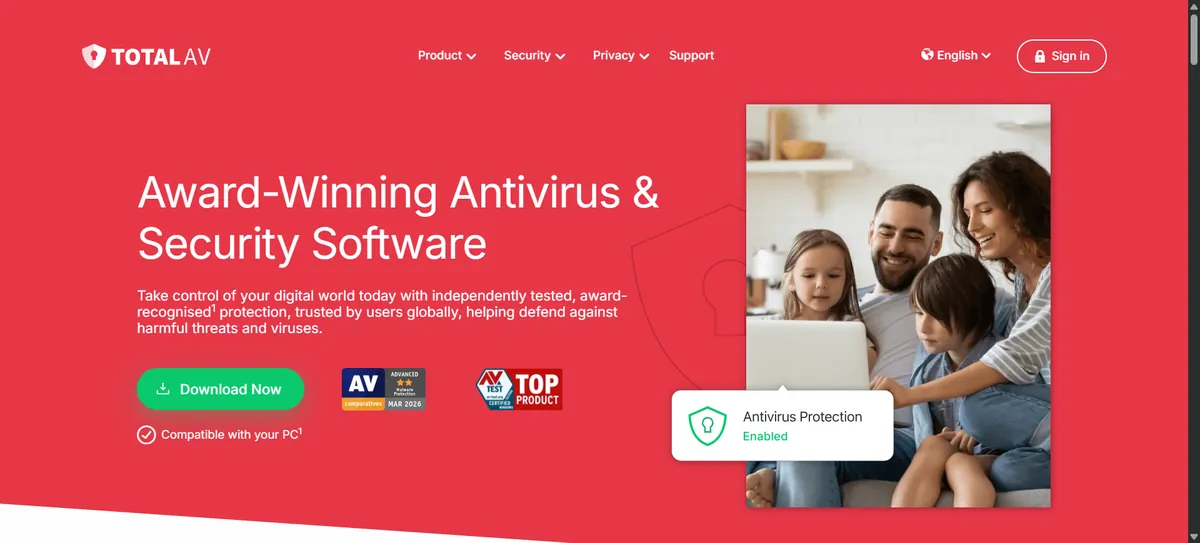
| Platforms | Windows, macOS, Android, iOS |
| TotalAV Plus | Core antivirus protection |
| Internet Security | Adds VPN |
| Total Security | TotalAV’s most complete consumer bundle |
| Billing | Monthly, quarterly, biannual and annual plans, auto-renewing |
Independent testing
AV-TEST’s June 2026 test lists Protected.net TotalAV 6.6 with Protection 6/6, Performance 5.5/6 and Usability 6/6, a 17.5/18 total — still above AV-TEST’s 17.5-point threshold for its TOP PRODUCT award. Separately, AV-Comparatives’ February–May 2026 Real-World Protection report included TotalAV Premium among products that received that test period’s highest award tier. These are two different laboratories with different methodologies and should not be combined into a single score.
Pros
- Broad consumer security and privacy bundle
- Independent testing from more than one lab
- Cross-platform coverage
- Separate privacy tools available if you want them
Cons
- Feature availability varies significantly by plan
- Optimization tools are separate from core antivirus protection
- Renewal pricing needs checking at signup
8. Kaspersky
Best for: users who want a broad security suite, where it is legally available to buy and use.
Kaspersky Premium covers Windows, macOS, Android, iOS and Linux, with unlimited VPN, a password manager, identity protection and performance tools bundled in on the flagship tier. Availability is the key issue for US readers: the US Department of Commerce prohibited the sale and licensing of Kaspersky antivirus products in the United States, with the prohibition on new sales and updates taking effect in 2024. If you are in the US, verify current legal availability before considering Kaspersky. It remains sold in many other markets, including India, subject to each country’s own rules.

| Platforms | Windows, macOS, Android, iOS, Linux |
| Includes | Antivirus, anti-ransomware, unlimited VPN, password manager, identity protection |
| Availability | Not for sale in the United States as of this writing; available in many other regions |
| Pricing | Varies by region — confirm on your country’s Kaspersky site |
Independent testing
AV-TEST’s June 2026 test lists Kaspersky Premium 21.24 with Protection 6/6, Performance 6/6 and Usability 6/6, an 18/18 total. Independent lab performance does not change the regional legal-availability situation described above.
Pros
- Strong independent test results
- Broad protection and privacy feature set
- Unlimited VPN and password manager included on Premium
Cons
- Not currently available for sale in the United States
- Availability and support vary by country
- Plan structure differs by region
9. F-Secure
Best for: users who want antivirus combined with privacy-focused features like VPN and identity monitoring.
F-Secure Total bundles antivirus, a VPN, password manager and identity-monitoring tools across Windows, macOS, Android and iOS. F-Secure’s own pricing page lists tiers by device count — 1, 3 or 5 devices — across 1-year and 2-year terms, with per-device cost dropping as device count rises.
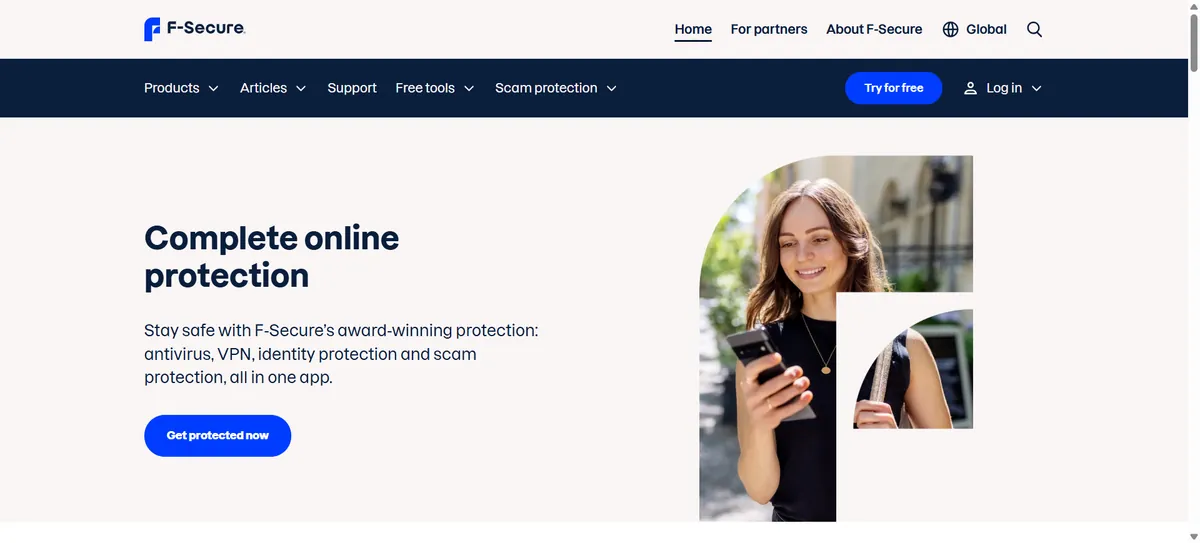
| Platforms | Windows, macOS, Android, iOS |
| 1-year plans | 1 device, 3 devices or 5 devices, priced separately by tier |
| Includes | Antivirus, VPN, password manager, dark web monitoring (up to 10 emails), banking and shopping protection |
| Renewal | Renewal pricing varies and should be confirmed at checkout |
Independent testing
AV-TEST’s June 2026 test lists F-Secure Total with Protection 6/6, Performance 6/6 and Usability 6/6, an 18/18 total.
Pros
- Strong independent test results
- VPN and identity monitoring genuinely integrated, not bolted on
- Banking and shopping protection included
- Multi-platform coverage
Cons
- Priced in euros; regional pricing needs confirming
- Full suite may be more than a basic user needs
- Cost scales with device count
10. Microsoft Defender Antivirus
Best for: Windows users who want built-in antivirus protection without purchasing another security suite.
Windows 11 includes Microsoft Defender Antivirus as part of Windows Security, active from the moment you set up the device. It provides real-time protection, cloud-delivered protection that checks suspicious files against Microsoft’s threat intelligence, an integrated firewall, and SmartScreen, which warns about malicious sites, downloads and apps. Windows Security also includes ransomware protection features such as Controlled Folder Access, which restricts which apps can modify protected folders.
Defender is separate from broader Microsoft 365 security features aimed at organizations; for a home user, what matters is the antivirus and Windows Security functionality described here, which is available at no extra cost on any Windows 11 device.
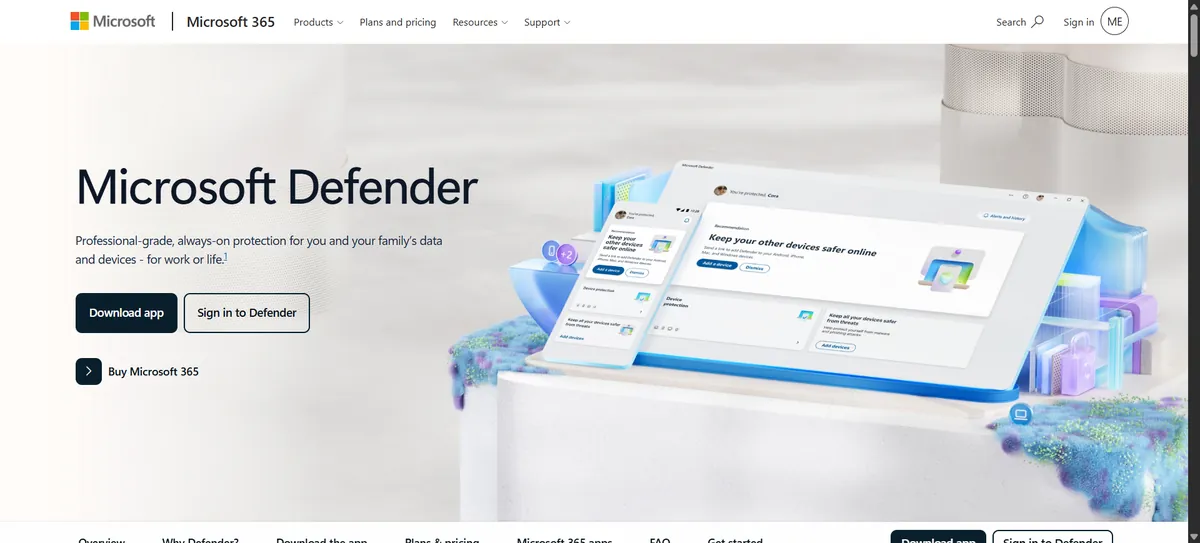
| Platform | Built into Windows 11 (and Windows 10); a separate Microsoft Defender app extends some features to Android, iOS and Mac |
| Cost | Included with Windows, no separate purchase |
| Core features | Real-time protection, cloud-delivered protection, firewall, SmartScreen, Controlled Folder Access |
Independent testing
AV-TEST’s June 2026 test lists Microsoft Defender Antivirus 4.18 with Protection 6/6, Performance 5.5/6 and Usability 6/6, a 17.5/18 total — enough to qualify for AV-TEST’s TOP PRODUCT award. Full protection and usability points, with a 5.5/6 performance score, means Defender showed a small measurable system-resource impact relative to a perfect score in that specific test round — not that it performed poorly. AV-Comparatives also includes Microsoft Defender in its Windows testing; check its current factsheet for detail.
Pros
- Built into Windows at no extra cost
- No separate antivirus installation required
- Strong, current independent test results
- Integrated with Windows Security, SmartScreen and the firewall
Cons
- No built-in VPN, password manager or identity monitoring
- Cross-platform coverage is more limited than paid suites
- Users who want bundled extras will still need a separate product
Free Antivirus vs. Paid Antivirus: What’s the Difference?
Free antivirus products from Avast, AVG and Microsoft Defender all provide meaningful core malware protection, backed by independent lab results in the table above. The gap between free and paid is mostly about what surrounds the antivirus engine, not the engine itself.
Paid suites typically add a VPN, password manager, identity or dark-web monitoring, parental controls, more advanced ransomware protection layers, cloud backup and centralized multi-device management. None of that is automatically “more secure” — it is additional functionality that some users need and others do not.
If you already use a separate password manager and VPN, and you do not need identity monitoring or parental controls, a free antivirus product plus good habits may be genuinely sufficient. If you want everything under one subscription and one interface, a paid suite can be worth the convenience.
Do You Need Antivirus Software on Windows 11?
Not automatically. Microsoft Defender Antivirus is on by default on Windows 11, scored well in AV-TEST’s June 2026 evaluation, and requires no setup or purchase. For a single Windows PC with reasonably careful browsing habits, built-in protection can be enough.
Third-party software becomes more useful when you need things Defender does not provide on its own: a VPN, a password manager, identity or dark-web monitoring, parental controls, extra scam-call and text protection, or centralized management across a mix of Windows, Mac and Android devices. If you only have a Windows PC and do not want those extras, there is no requirement to replace Defender with a paid product.
Best Antivirus Software by Use Case
| Use case | Product to consider | Why |
|---|---|---|
| Best overall protection/features | Bitdefender Total Security | Strong lab results with a broad, multi-platform feature set |
| Best free protection | Avast Free / AVG Free / Microsoft Defender | Genuine core protection with an 18/18 or 17.5/18 lab score at no cost |
| Best for Windows users | Microsoft Defender Antivirus | Already installed, well tested, no extra purchase |
| Best for families | McAfee Total Protection | Multi-device plans with identity monitoring included |
| Best for multiple devices | Norton 360 | Plans scale up to 10 devices with a consistent feature set |
| Best for privacy features | F-Secure Total | VPN and dark-web monitoring built around the core product |
| Best for VPN + antivirus | Norton 360 / Kaspersky Premium | VPN included on every relevant tier, not capped |
| Best for lightweight protection | ESET HOME Security | Strong lab results with a lighter reported footprint |
| Best for advanced users | Kaspersky Premium | Deep feature set, subject to regional availability |
| Best for built-in protection | Microsoft Defender Antivirus | No installation, already part of Windows 11 |
Best Antivirus for Windows
Windows 11 comes with Microsoft Defender Antivirus active by default, and it tested well in AV-TEST’s June 2026 evaluation. That covers core protection for most Windows users without a purchase. Third-party Windows antivirus products from Bitdefender, Norton, ESET, McAfee, Avast, AVG, TotalAV, Kaspersky and F-Secure add features like VPNs, password managers and identity monitoring on top of their own antivirus engines. Windows users are not required to buy one of these; the decision comes down to whether you want those extra features bundled in.
Best Antivirus for Mac
macOS includes its own built-in security mechanisms, including Gatekeeper and XProtect, which check apps and files for known malware. That reduces — but does not eliminate — the value of third-party protection. Mac-focused malware, phishing sites and malicious downloads do exist, and third-party antivirus can add web protection, phishing filtering and privacy tools that macOS does not provide on its own.
Every product in this comparison that lists Mac support (Bitdefender, Norton, ESET, McAfee, Avast, AVG, TotalAV, Kaspersky and F-Secure) offers a macOS client. Windows test results should not be treated as evidence of Mac performance; AV-TEST publishes separate Mac-specific testing, and that is the more relevant source if Mac performance is your priority.
Best Antivirus for Android
Android security apps focus on scanning installed and sideloaded apps for malware, flagging malicious or deceptive apps, blocking phishing links and unsafe websites, and in some cases adding anti-theft features like remote lock or locate. Because Android allows installing apps from outside the Play Store, app-based threats are a bigger practical concern than on iOS.
Bitdefender, Norton, ESET, McAfee, Avast, AVG, TotalAV, Kaspersky and F-Secure all offer Android apps with some combination of these features. Android and iOS do not have identical security needs, largely because of how differently the two platforms restrict app installation and system access.
Best Antivirus for iPhone
iOS antivirus works differently from Windows or Android antivirus because of how Apple restricts app permissions. iOS apps, including security apps, do not get unrestricted system-level scanning access the way a traditional Windows antivirus engine does. As a result, iPhone security apps from vendors in this comparison focus on phishing protection, malicious-website blocking, Wi-Fi network safety, identity or dark-web monitoring, and VPN — not traditional file-system virus scanning.
That does not make these apps pointless; phishing links and unsafe Wi-Fi networks are real risks on iPhone. It does mean you should judge an iOS security app on those specific protections rather than expecting it to behave like desktop antivirus.
What Does Antivirus Software Actually Protect You From?
Modern antivirus and security suites are built to catch several distinct categories of threat:
- Viruses and trojans — malicious code that infects files or disguises itself as legitimate software.
- Ransomware — malware that encrypts your files and demands payment; most products here include a ransomware-specific protection layer.
- Spyware and adware — software that tracks activity or injects unwanted advertising.
- Malicious downloads — files that carry malware, often flagged before they finish downloading.
- Phishing and malicious websites — fake login pages and scam sites designed to steal credentials or payment details.
- Potentially unwanted applications (PUAs) — software that is not strictly malware but behaves in unwanted or deceptive ways.
Antivirus is not a complete substitute for basic security hygiene. Keeping software updated, using strong and unique passwords, enabling multi-factor authentication, browsing carefully, and keeping backups of important files all matter alongside, not instead of, antivirus protection.
Antivirus vs. VPN: What’s the Difference?
These solve different problems and one does not replace the other.
Antivirus protects your device against malicious software and security threats — scanning files, blocking malware, and flagging dangerous sites and downloads.
A VPN encrypts the network traffic between your device and a VPN server, which can help protect your privacy on public or untrusted networks. It does not scan files for malware and does not stop you from downloading something malicious.
Several products in this comparison, including Norton, Kaspersky and F-Secure, bundle both into one subscription. That is a convenience decision, not a sign that either tool alone is incomplete.
Antivirus vs. Password Manager
Antivirus protects devices. A password manager generates, stores and autofills your credentials so you can use strong, unique passwords for every account without memorizing them. A password manager does not scan for malware, and antivirus does not manage your logins.
Bitdefender, Norton, McAfee, Kaspersky, F-Secure and ESET’s higher tiers all bundle a password manager. If you want a more full-featured, standalone password manager, see our Best Password Managers guide.
How We Compared These Antivirus Products
This is a research-based comparison, not a benchmark study. Etemora did not independently reproduce AV-TEST’s or AV-Comparatives’ laboratory tests, and we do not present their results as our own measurements.
Our comparison considers: independent laboratory testing results, protection features (malware, ransomware, phishing, web protection), platform coverage, privacy tools, VPN and password-manager inclusion, identity-monitoring features, device limits, pricing and renewal pricing where published, ease of use, plan complexity, and overall fit for different types of users.
Test results referenced throughout this article come from AV-TEST’s Windows 11 home-user evaluations and AV-Comparatives’ Real-World Protection Test series, and apply to the specific product versions and test periods those labs evaluated. We do not combine scores from different laboratories into a single artificial number, because their methodologies are not directly comparable.
More about our approach is in How We Review.
How Much Does Antivirus Software Cost in 2026?
Free antivirus — including Microsoft Defender, Avast Free Antivirus and AVG Antivirus Free — costs $0. Paid antivirus is typically sold as an annual subscription, with pricing shaped by device count, plan tier, first-year promotions, country and billing term.
Every paid product in this comparison advertises a first-year or promotional price that is usually lower than what you pay at renewal. Where a vendor’s page did not clearly publish a renewal figure, we say so rather than inventing one — renewal pricing varies and should be confirmed at checkout before you buy.
What to Look for in Antivirus Software
Malware protection
The core function. Independent lab scores are the most reliable public signal of how well a product actually detects and blocks malware.
Ransomware protection
Look for a dedicated ransomware layer, not just general malware detection — most products in this comparison include one.
Phishing protection
Web and email filtering that blocks known phishing and scam sites before you can enter credentials.
Web protection
Blocking malicious downloads and dangerous websites in real time as you browse.
Independent testing
Check current AV-TEST and AV-Comparatives results rather than relying on a vendor’s own marketing claims.
System performance
Lab performance scores indicate how much a product slows down everyday tasks like copying files or launching applications.
Device coverage
Confirm which operating systems and how many devices a specific plan actually covers — this varies a lot between tiers.
Privacy features
Dark-web or identity monitoring, webcam protection, and data-removal tools where offered.
VPN
Check whether it is unlimited or capacity-limited, and whether it is included or a separate add-on.
Password manager
Useful if you do not already use a dedicated one; redundant if you do.
Identity monitoring
Dark-web scanning and breach alerts, usually reserved for higher tiers.
Parental controls
Content filtering and screen-time tools, available on select plans from McAfee, Norton and others.
Price and renewal
Always check the renewal price, not just the first-year offer.
Customer support
Live chat, phone support and response times vary by vendor and plan tier.
Common Antivirus Mistakes to Avoid
- Buying based only on the first-year price. The renewal rate is usually the number that matters over time.
- Ignoring renewal pricing entirely. Check it before you subscribe, not after the first charge.
- Installing multiple real-time antivirus programs at once. They can conflict and cause performance problems.
- Assuming a VPN is antivirus. They protect against different things.
- Assuming antivirus makes phishing impossible. Web protection helps, but you still need to check links and sites yourself.
- Ignoring software updates. Unpatched software is a common entry point regardless of your antivirus.
- Not using multi-factor authentication. It protects accounts even if a password leaks.
- Not keeping backups. Ransomware protection reduces risk; backups are your recovery plan if something still gets through.
- Buying features you do not need. A premium suite with parental controls and identity monitoring is wasted spend if you live alone and do not need either.
- Assuming a test result on one operating system applies to every platform. Windows results do not tell you how a product performs on Mac, Android or iOS.
Should You Install More Than One Antivirus?
No, not as two full real-time antivirus programs running at the same time. Two real-time engines competing to scan the same files can interfere with each other, cause false positives, and slow the system down without meaningfully improving protection.
If you want a second opinion, an on-demand scanner — one you run manually to check for something a full-time engine might have missed — is different from running two real-time antivirus products simultaneously, and is generally safe to use occasionally.
Final Recommendations
If you want a broad paid security suite: Bitdefender or Norton.
If you want built-in Windows protection: Microsoft Defender Antivirus.
If you want privacy and security features together: ESET or F-Secure.
If you want family multi-device coverage: McAfee.
If you want free protection: Avast, AVG or Microsoft Defender.
If you want many bundled features in one suite: Norton, Bitdefender or McAfee.
There is no universal ranking here on purpose. The right choice depends on your operating system, number of devices, budget, privacy needs, and whether you actually want a VPN, password manager, identity monitoring or parental controls bundled in.
Final Verdict: Best Antivirus Software in 2026
There is no single antivirus product that every reader needs. That is the most honest starting point for a comparison like this one, and independent testing backs it up: in AV-TEST’s June 2026 Windows 11 evaluation, the majority of products covered here — including free options — scored a full 18 out of 18 points across protection, performance and usability.
Microsoft Defender Antivirus, built into every Windows 11 device at no extra cost, scored 17.5 out of 18 in that same test, with full marks for protection and usability and a small measured performance impact. For a lot of Windows users, that is genuinely enough. You are not obligated to buy a third-party product just because it exists.
Where paid suites earn their price is in what they add beyond core antivirus: a VPN, a password manager, identity or dark-web monitoring, parental controls, cloud backup, and centralized management across a mix of devices. Bitdefender, Norton, ESET, McAfee, Avast, AVG, TotalAV, Kaspersky and F-Secure each combine those extras differently, at different price points, with different device limits.
If you want the broadest feature set with a strong independent testing record, Bitdefender and Norton are reasonable starting points. If your budget is $0, Avast, AVG and Microsoft Defender all tested well without costing anything. If you are outside the US and want the deepest bundled feature set, Kaspersky is worth a look, subject to your local availability. If privacy tools matter most to you specifically, F-Secure is built around that idea more directly than most competitors.
The decision that actually matters is not which product has the longest feature list. It is which combination of platform coverage, extra tools and price fits how you actually use your devices — and whether you are willing to pay for features you might not use just to get the ones you do.
Frequently Asked Questions
What is the best antivirus software in 2026?
It depends on your operating system, number of devices and which extra features (VPN, password manager, identity monitoring) you actually want. Bitdefender and Norton offer the broadest paid feature sets on strong independent test results; Microsoft Defender is a strong free, built-in option for Windows users.
Is Microsoft Defender good enough in 2026?
For many Windows users, yes. Defender is built into Windows 11 at no extra cost and scored 17.5 out of 18 in AV-TEST’s June 2026 evaluation, with full protection and usability marks. Users who want a VPN, password manager or identity monitoring will still need a separate product for those extras.
Is free antivirus enough?
Often, yes, for core malware protection — Avast Free Antivirus, AVG Antivirus Free and Microsoft Defender all scored well in independent testing. Paid extras like a VPN, identity monitoring or parental controls are useful additions, not a requirement for basic protection.
Is paid antivirus better than Windows Defender?
Not automatically, and not just on protection scores — several paid products and Defender both scored highly in AV-TEST’s June 2026 test. Paid products generally add features beyond core antivirus, like a VPN or password manager, rather than dramatically better malware detection.
What is the best free antivirus?
Microsoft Defender, Avast Free Antivirus and AVG Antivirus Free are all reasonable options, each with strong June 2026 AV-TEST results. The right one depends on whether you want a standalone app (Avast, AVG) or built-in protection with no separate install (Defender).
Do Macs need antivirus?
macOS has built-in protections like Gatekeeper and XProtect, which reduce but do not eliminate risk. Third-party antivirus can add web protection, phishing filtering and privacy tools macOS does not provide on its own, which is useful for some users more than others.
Do iPhones need antivirus?
iOS restricts the kind of system-level scanning traditional antivirus performs, so iPhone security apps mostly provide phishing protection, safe-browsing tools, identity monitoring and VPN rather than classic virus scanning.
Does antivirus protect against ransomware?
Most modern antivirus products, including every one covered here, include ransomware-specific protection layers. No security product can guarantee prevention, which is why backups remain important alongside antivirus.
Does antivirus protect against phishing?
Many products include web and email phishing protection that blocks known malicious sites and links. You should still check URLs and sender details yourself rather than relying on filtering alone.
Does antivirus slow down your computer?
Security software uses some system resources by nature. Independent labs like AV-TEST specifically measure this — most products in this comparison scored 6/6 or 5.5/6 on performance in June 2026 testing, indicating a small measured impact.
Can I install two antivirus programs?
Running two full real-time antivirus engines at the same time is not recommended — they can conflict and cause performance issues. An occasional on-demand scan from a second tool is a different, generally safe, use case.
Do I need a VPN if I have antivirus?
They solve different problems. Antivirus protects your device from malware; a VPN encrypts your network traffic for privacy. Some suites, like Norton and Kaspersky, bundle both.
Do antivirus programs include password managers?
Some do, on some plans — Bitdefender, Norton, McAfee, Kaspersky and F-Secure all include one on at least one tier. Not every plan from every vendor includes it, so check the specific plan.
Does antivirus work on Android?
Yes. Android security apps scan installed apps, flag malicious downloads, and check for phishing and unsafe websites, with capabilities that differ from desktop Windows antivirus.
Does antivirus work on iPhone?
Security apps exist for iOS, but Apple’s platform restrictions mean they cannot operate like traditional Windows antivirus with unrestricted file scanning. They focus on phishing, web and privacy protection instead.
How much does antivirus cost?
Free options like Microsoft Defender, Avast Free Antivirus and AVG Antivirus Free cost $0. Paid suites are typically sold as annual subscriptions, with first-year promotional pricing usually lower than the renewal rate — always confirm the renewal price before subscribing.
Should I buy antivirus for my family?
Multi-device or family plans, like McAfee Total Protection or Norton 360’s higher tiers, can make sense if you are covering several people’s devices under one subscription with identity monitoring or parental controls included. If you only have one or two devices, a single-device or free option may be enough.
Editor’s Note. Antivirus software, pricing, plan names, features and device limits change frequently. Independent laboratory results also apply to specific product versions, operating systems and test periods. This guide was researched using current 2026 information available from antivirus vendors and independent testing organizations. Always check the provider’s current plan, price, renewal terms and supported devices before purchasing.
Affiliate Disclosure: Some links on this page may be affiliate links. If you buy through them, Etemora may earn a commission at no additional cost to you. Affiliate relationships never determine our rankings. Learn more →
Related articles you may like
 SecurityMost Secure Domain Registrars in 2026: 2FA, Locks and Privacy Compared
 SecurityWhat Is a VPN and How Does It Work?
 SecurityHow to Check if Your VPN Is Working
 SecurityIPv4 vs IPv6: What’s the Difference?
 SecurityPublic IP vs Private IP: What’s the Difference?
 SecurityVPN vs Proxy: What’s the Difference?