
Best SEO Tools in 2026:
12 SEO Tools Compared
 By M. Zaid
- Updated September 30, 2026
- 36 min read
Type “best SEO tools” into Google and you will get a dozen lists that all rank the same handful of platforms in a different order, usually because of an affiliate deal rather than a real difference in fit. The tools themselves are not interchangeable. Semrush and Ahrefs are broad research platforms. Screaming Frog and Sitebulb are crawlers built for technical audits. Google Search Console and Google Analytics 4 are free, first-party and answer different questions from every paid tool on this page. Surfer is built around content, not links.
This guide compares 12 widely used SEO tools on what they actually do, who they fit and what their proprietary metrics do and do not mean. It does not crown one universal winner, because there isn’t one — an agency running client audits and a solo blogger checking indexing have almost nothing in common as buyers.
Several of the platforms below are now also branching into AI-visibility tracking — monitoring how a brand appears inside AI-generated answers, not only classic search results. If that broader AI-tooling landscape is what you’re actually researching, see our guide to the Best AI Tools for Work in 2026.
- Quick Picks
- Comparison Table
- 1. Semrush
- 2. Ahrefs
- 3. SE Ranking
- 4. Moz Pro
- 5. Screaming Frog SEO Spider
- 6. Sitebulb
- 7. Surfer
- 8. Google Search Console
- 9. Google Analytics 4
- 10. Google Keyword Planner
- 11. Ubersuggest
- 12. Yoast SEO
- What Types of SEO Tools Do You Need?
- Best Free SEO Tools in 2026
- Best SEO Tools for Beginners
- Best SEO Tools for Small Businesses
- Best SEO Tools for Agencies
- Best SEO Tools for Technical SEO
- Best SEO Tools for Content SEO
- SEO Metrics You Should Understand
- Can SEO Tools Guarantee Rankings?
- How to Choose the Right SEO Tool
- Do You Need More Than One SEO Tool?
- Example SEO Tool Stacks
- How We Compared SEO Tools
- How Much Do SEO Tools Cost in 2026?
- Which SEO Tool Should You Choose?
- Final Verdict
- FAQs
Quick Picks
- Best all-in-one SEO platform: Semrush
- Best for backlink and content research: Ahrefs
- Best integrated alternative: SE Ranking
- Best established SEO suite for link and keyword research: Moz Pro
- Best technical crawler: Screaming Frog SEO Spider
- Best visual technical SEO auditing: Sitebulb
- Best for content optimization: Surfer
- Best first-party Google SEO data: Google Search Console
- Best for website analytics: Google Analytics 4
- Best Google keyword research companion: Google Keyword Planner
- Best accessible SEO research option: Ubersuggest
- Best WordPress SEO plugin: Yoast SEO
These are use-case labels, not a 1-to-12 ranking. A tool near the bottom of this list can easily be the right one for your workflow.
SEO Tools Compared at a Glance
Yes/No/Limited reflects what each platform is built around, not an exhaustive feature audit. “Separate tool” means the capability exists elsewhere in the same company’s product line, not inside the tool itself.
| Tool | Keyword Research | Rank Tracking | Backlink Analysis | Site Audit | Content Optimization | Competitor Research | Free Option |
|---|---|---|---|---|---|---|---|
| Semrush | Yes | Yes | Yes | Yes | Yes | Yes | Trial only |
| Ahrefs | Yes | Yes | Yes | Yes | Limited | Yes | Limited |
| SE Ranking | Yes | Yes | Yes | Yes | Limited | Yes | Trial only |
| Moz Pro | Yes | Yes | Yes | Yes | Limited | Yes | Limited |
| Screaming Frog | No | No | Limited | Yes | No | No | Yes (capped) |
| Sitebulb | No | No | No | Yes | No | No | Trial only |
| Surfer | Limited | No | No | Limited | Yes | Limited | Plan dependent |
| Search Console | Limited | Limited | Limited | Limited | No | No | Yes |
| Analytics 4 | No | No | No | No | No | No | Yes |
| Keyword Planner | Yes | No | No | No | No | No | Yes |
| Ubersuggest | Yes | Yes | Yes | Yes | Limited | Yes | Limited |
| Yoast SEO | No | No | No | Limited | Limited | No | Yes |
1. Semrush
Best for: teams that want one platform covering keyword research, rank tracking, site auditing, backlink analysis, competitor research and content tools instead of stitching several tools together.
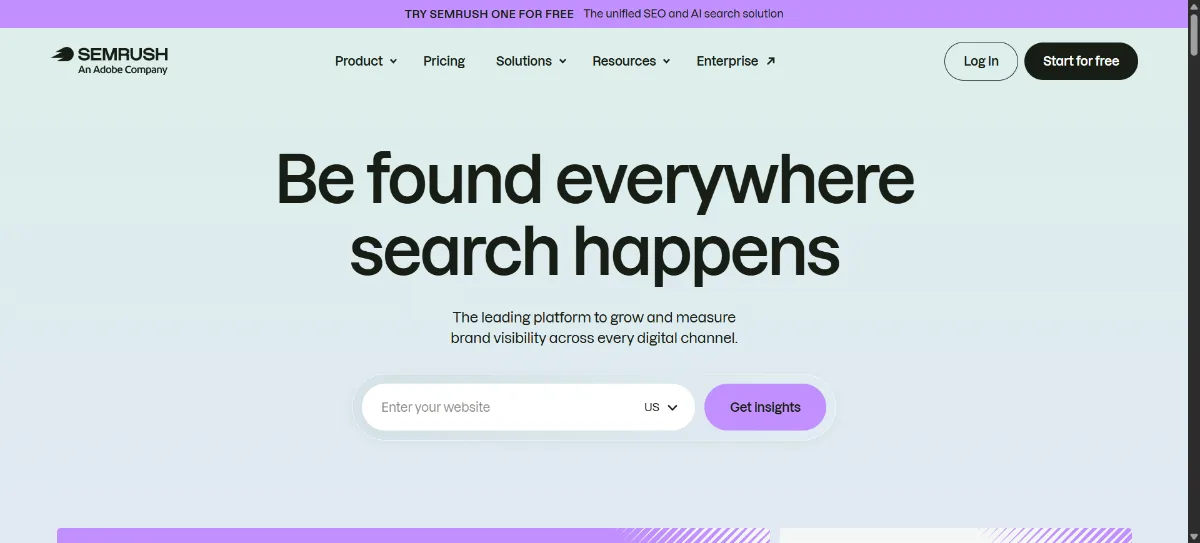
Semrush describes itself as a platform for growing and measuring brand visibility across search, PPC, social and, increasingly, AI-powered search results — not just a keyword tool. That AI-search framing is new positioning for 2026: alongside traditional keyword research, rank tracking, backlink analysis and Site Audit, Semrush now tracks how brands are mentioned inside AI-generated answers, not only in classic blue-link results.
The core SEO toolkit is still the reason most people sign up: keyword research with AI-assisted suggestions, position tracking, a large backlink index, technical Site Audit, AI-assisted content scoring, local SEO tools, advertising research and reporting built for agencies managing several clients.
| Free access | 7-day free trial; no standing free plan on the current pricing page |
| Entry tier | From roughly $117–$139/mo depending on billing term |
| Mid tiers | Two further tiers priced up to roughly $455–$549/mo for the most advanced plan |
| Note | Plan names and prices vary by region and campaign; confirm the current tiers on the official pricing page before buying |
Semrush’s proprietary Authority Score rates a site from 1 to 100 using backlink data, organic traffic and anti-spam signals. It is Semrush’s own calculation, not a Google metric, and is best used to compare sites against each other rather than as an absolute score.
Pros
- Genuinely broad feature set in one subscription
- Strong keyword research and competitor analysis
- Site auditing, rank tracking and backlink analysis together
- Useful for agencies managing multiple clients
Cons
- The feature set can overwhelm a solo user
- Higher tiers are needed for larger sites or teams
- Data limits scale with plan, not with need
2. Ahrefs
Best for: backlink research, content research and technical SEO analysis built around one of the most established link indexes in the industry.
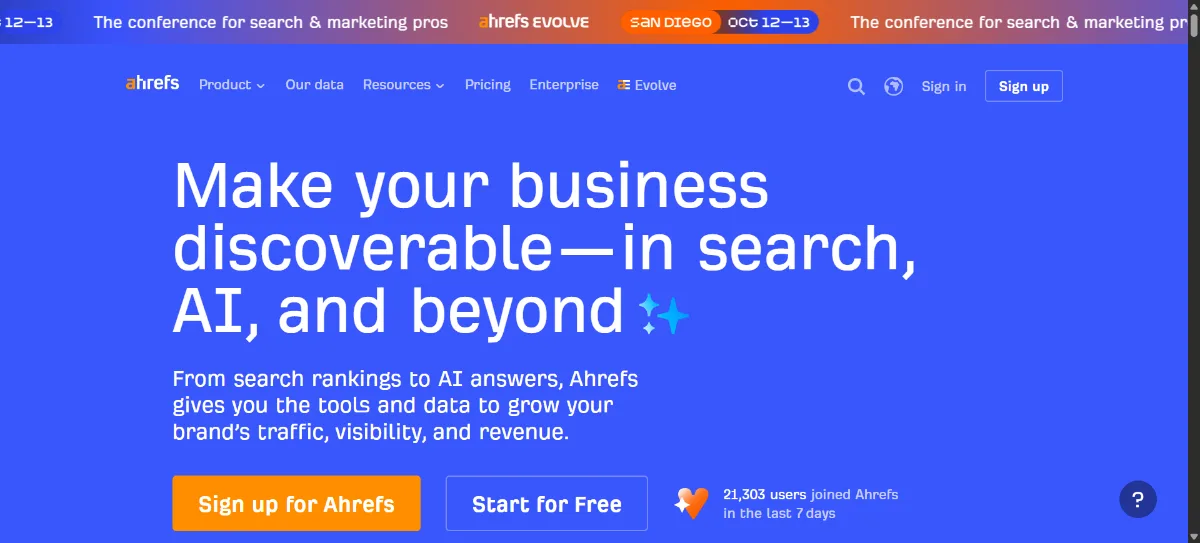
Ahrefs now positions itself as an “AI marketing platform powered by big data,” and its 2026 product line has expanded well beyond its backlink-checker roots: Site Explorer, Keywords Explorer, Rank Tracker, Site Audit, Content Explorer, an AI Content Helper, Web and Bot Analytics, Brand Radar (which tracks how a brand is mentioned by AI chatbots and AI search), and a Report Builder for pulling it all together. Backlink research is still the tool’s signature strength.
| Starter | $29/mo |
| Lite | $129/mo |
| Standard | $249/mo |
| Advanced | $449/mo |
| Enterprise | $1,499/mo, annual commitment |
Ahrefs’ Domain Rating (DR) rates a site from 0 to 100 based on the quantity and quality of its backlink profile. Ahrefs itself is explicit that DR does not factor in traffic, domain age or link spam separately — it is a backlink-strength signal, not a ranking prediction, and definitely not something Google calculates.
Pros
- One of the deepest backlink research workflows available
- Strong keyword and content research tools
- Site Audit and Rank Tracker cover the technical side too
- Content Explorer is useful for finding proven topics
Cons
- Entry tier is limited; real workflows usually need Lite or Standard
- Pricing climbs quickly for agency-scale usage
- No traditional free trial, only a capped free tier
3. SE Ranking
Best for: teams that want an integrated platform — rank tracking, keyword research, audits, backlinks and reporting — at a lower price than Semrush or Ahrefs.
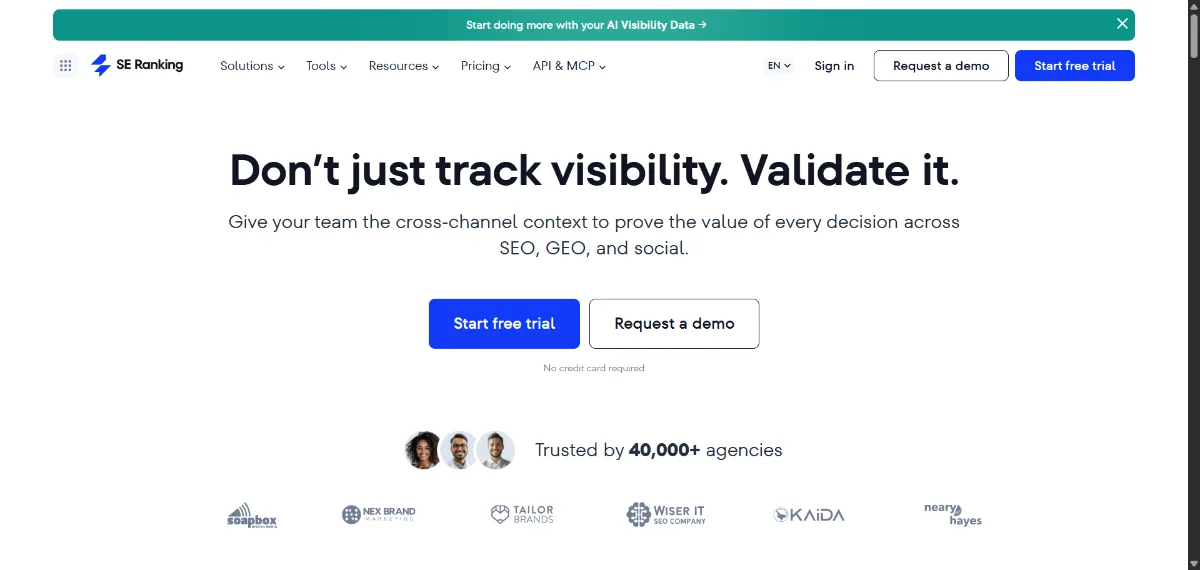
SE Ranking bundles keyword research (against a large keyword database), rank tracking, a backlink checker, a website audit and on-page SEO checker, a content marketing/editor module with AI writing assistance, competitive/traffic intelligence, local SEO and rank tracking, and AI visibility tracking across chatbots such as ChatGPT, Gemini and Perplexity. The pitch is one dashboard rather than the deepest tool in any single category.
| Free trial | 14 days, no credit card required |
| Core | Roughly $103–$129/mo depending on billing term |
| Growth | Roughly $223–$279/mo |
| Enterprise | Custom, contact sales |
Pros
- Broad feature set at a lower price point than the two market leaders
- Rank tracking, audits and keyword research in one dashboard
- Local SEO tools built in
- Reasonable learning curve for a platform this size
Cons
- Databases are smaller than Semrush’s or Ahrefs’
- Less brand recognition among enterprise buyers
- Feature depth varies noticeably by plan
4. Moz Pro
Best for: users who want an established, easy-to-read SEO research and link-analysis suite built around one of the industry’s oldest authority metrics.
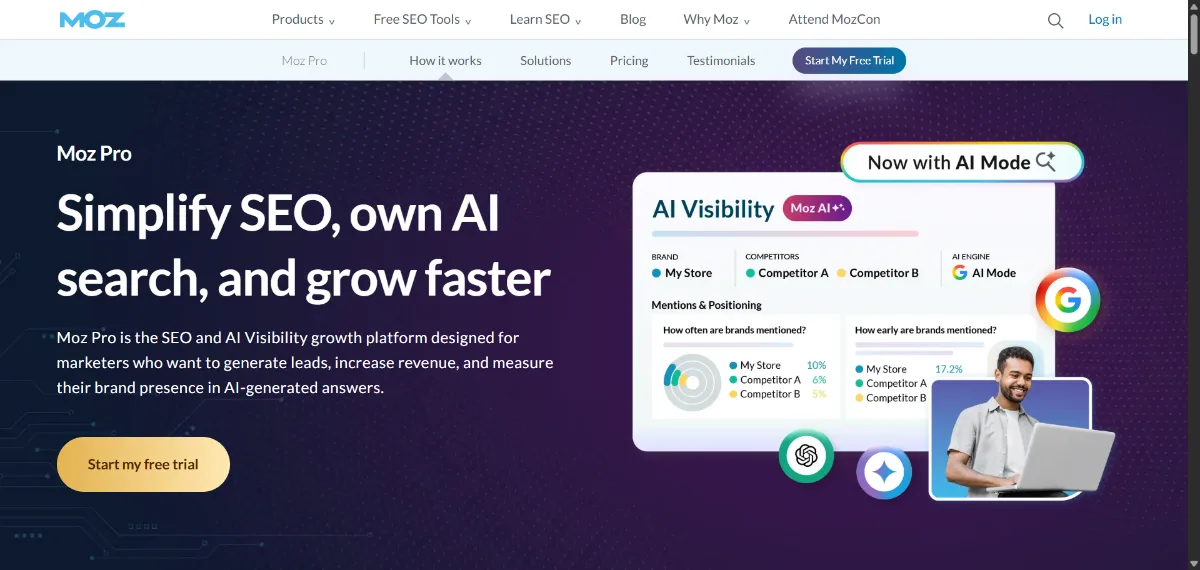
Moz Pro bundles Keyword Explorer, Link Explorer, Site Crawl, rank tracking and on-page optimization guidance into one product. It is one of the longest-running SEO platforms, and its interface is generally considered more approachable than Semrush’s or Ahrefs’.
Moz’s best-known feature is Domain Authority (DA), a 1–100 score meant to indicate how likely a site is to rank, calculated from Moz’s own link index. Domain Authority and Page Authority are Moz’s proprietary metrics — Google does not use them, and no third-party authority score is a direct Google ranking factor. They are useful only as a comparative signal between sites measured the same way.
Pros
- Established platform with a large user base
- Keyword research, link research, site crawling and rank tracking together
- Domain Authority is a widely recognized, easy-to-explain metric to clients
- Generally an easier learning curve than larger rivals
Cons
- Some advanced features sit behind higher-priced plans
- Domain Authority is often over-interpreted as a Google score, which it is not
- Link index size is generally considered smaller than Ahrefs’
5. Screaming Frog SEO Spider
Best for: technical SEOs who need to crawl a site and inspect it URL by URL — broken links, redirects, metadata, canonicals, structured data and more — rather than read a summarized dashboard.
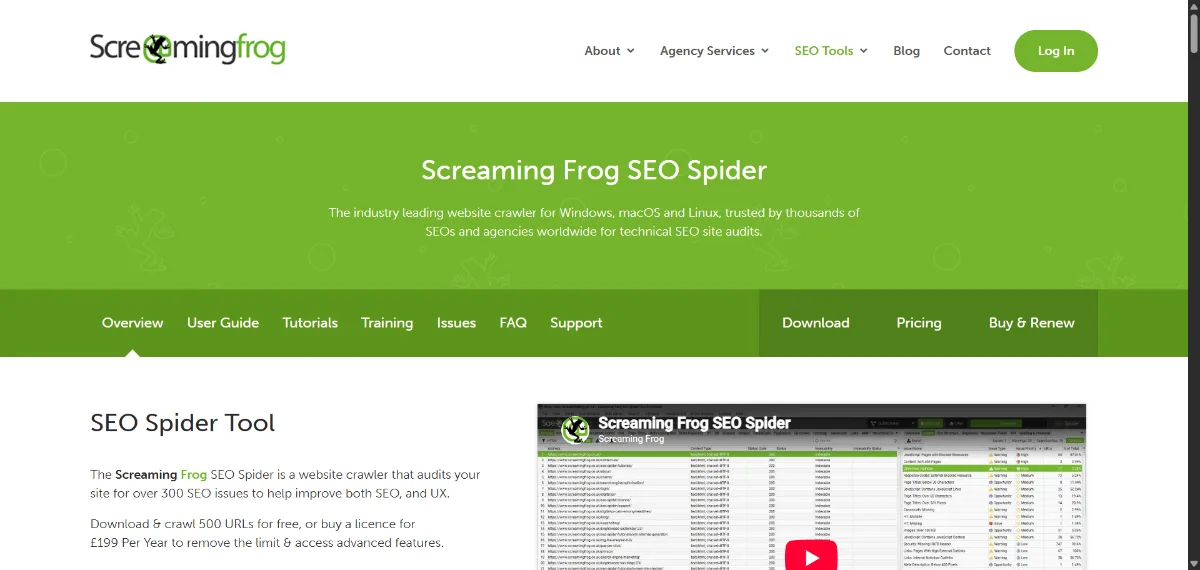
Screaming Frog SEO Spider is desktop software (Windows, macOS and Linux) that crawls a site and checks it against 300-plus SEO issues: broken links and server errors, redirect chains, title and meta description problems, duplicate content, missing or malformed structured data, XML sitemap generation, and JavaScript rendering via an integrated Chromium engine. It connects to Google Analytics, Search Console and PageSpeed Insights, and supports custom extraction via XPath, CSS selectors or regex for larger technical projects.
| Free version | Capped at 500 URLs per crawl; includes broken-link checks, metadata analysis, JS rendering and GA/GSC integration |
| Licensed version | £279 per year per license; removes the URL cap (limited only by your machine’s memory), adds scheduling, custom extraction and API access |
Screaming Frog is a crawler and diagnostic tool, not a keyword research or backlink platform — it markets no proprietary authority score.
Pros
- Extremely deep, URL-level technical crawling
- JavaScript rendering included even on the free tier
- Flexible custom extraction for larger technical audits
- One-time annual license rather than a recurring platform subscription
Cons
- Desktop software; large crawls need real local resources
- No keyword research, rank tracking or content tools
- Steeper learning curve for non-technical users
6. Sitebulb
Best for: technical SEOs and agencies who want visual, prioritized audit reports rather than a raw list of crawl errors.
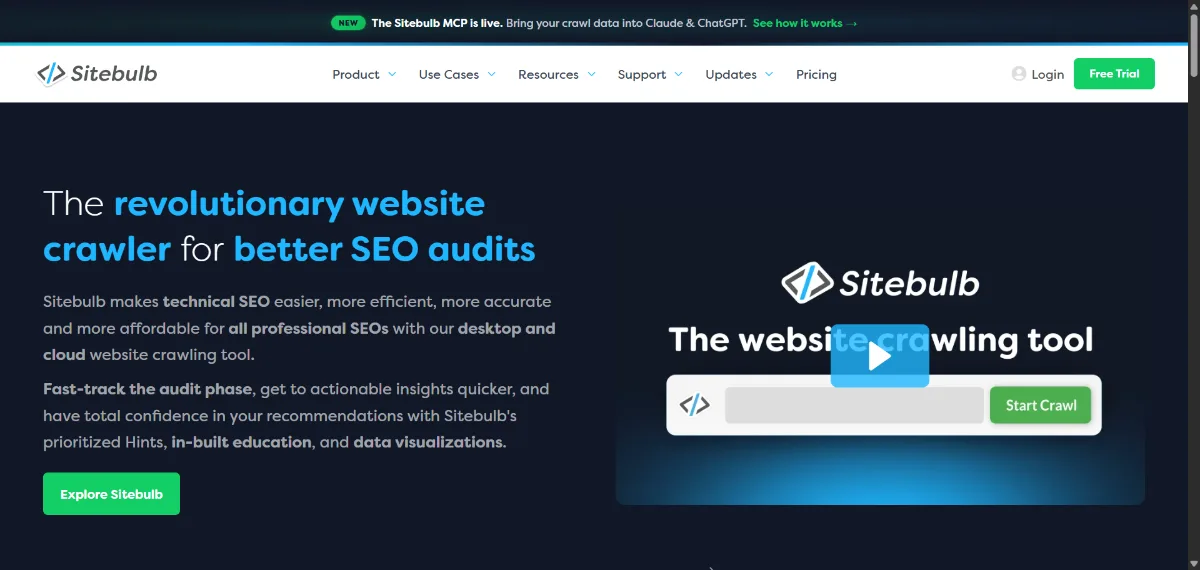
Sitebulb is a website crawler, available as desktop software or as a Cloud product, built around what it calls “Hints” — prioritized, explained technical issues rather than an undifferentiated error list. It crawls JavaScript at no extra cost, checks hundreds of SEO issues, generates data visualizations, compares audits over time, and integrates with Google Search Console, GA4 and Google Sheets. Reports are designed to be explainable to a client, not just to another SEO.
Pros
- Prioritized, explained issues instead of a raw error dump
- JavaScript crawling included across tiers
- Audit comparison over time
- GA4 and Search Console integrations built in
Cons
- Purely an auditing/crawling tool, not a keyword or backlink platform
- Advanced crawl limits depend on plan
- Desktop version still needs local resources for very large sites
7. Surfer
Best for: content teams optimizing individual pages and briefs against what is currently ranking, rather than technical SEO work.
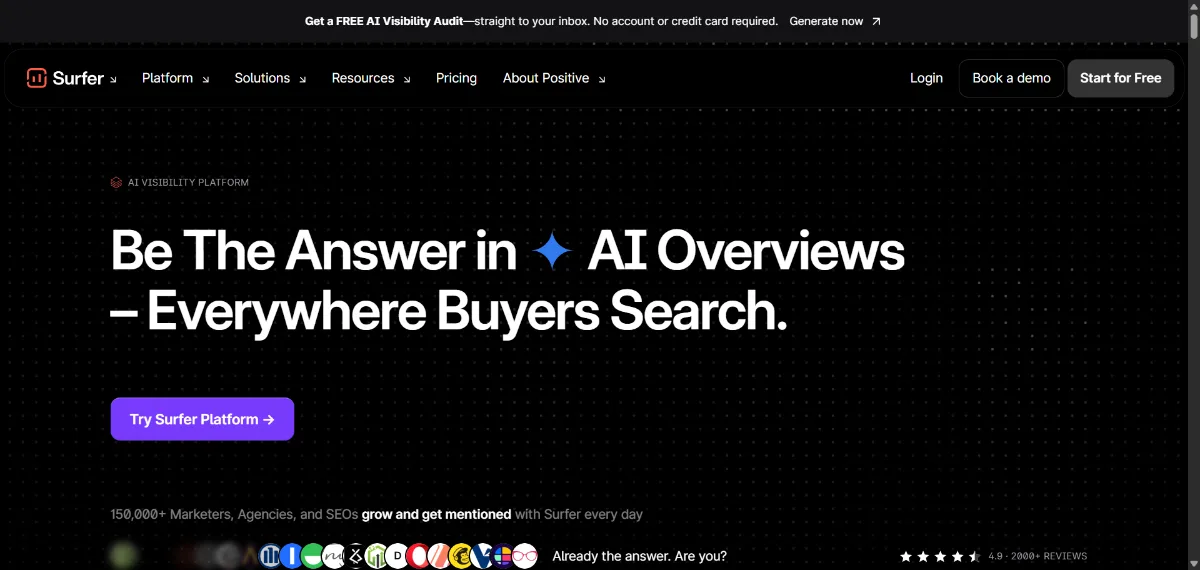
Surfer’s product now presents itself under the name Positive Surfer, repositioned as an “AI visibility platform” — still reachable at surferseo.com and still widely searched as “Surfer SEO.” The core workflow is unchanged in spirit: SERP-based content analysis, content briefs, a Content Editor with real-time optimization guidance, topical mapping, and now AI-visibility monitoring — tracking whether a brand gets mentioned in Google AI Overviews and chatbots like ChatGPT, Gemini and Perplexity, alongside a continuous re-optimization loop that flags ranking drops.
| Discovery | $49/mo |
| Standard | $99/mo |
| Pro | $182/mo |
| Peace of Mind | $299/mo |
| Enterprise | Custom pricing |
Surfer’s Content Score is a proprietary metric describing how closely a draft matches patterns Surfer associates with pages that currently rank well. It is Surfer’s own model output, not a Google ranking requirement — a perfect Content Score does not guarantee a ranking, and a lower one does not disqualify a page.
Pros
- Focused, practical content optimization workflow
- SERP-based recommendations grounded in current rankings
- Useful for content teams producing at volume
- AI-visibility tracking added for 2026
Cons
- Light on technical SEO and backlink features
- Recommendations are algorithmic guidance, not Google requirements
- Recent rebrand may confuse readers searching for “Surfer SEO”
8. Google Search Console
Best for: every website, with no exception — it is free, first-party and shows how Google itself sees your site.
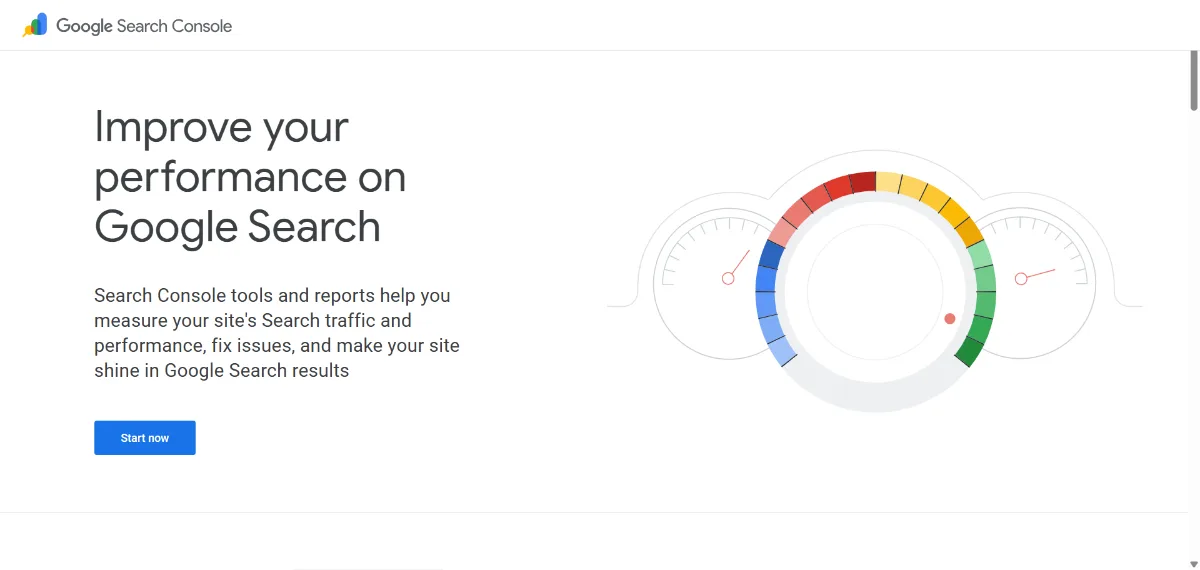
Google Search Console is a free Google service that helps site owners “monitor, maintain, and troubleshoot your site’s presence in Google Search results.” According to Google’s own documentation, it lets you confirm Google can find and crawl your site, fix indexing problems and request re-indexing, and review Performance report metrics: Queries (the search terms people typed), Impressions (how often your site appeared in results), Clicks, Position (the average position of your topmost result) and CTR.
The URL Inspection tool shows Google’s indexed version of a specific page, including structured data and indexing status, and lets you run a live test or request indexing — though Google is explicit that passing this test doesn’t account for everything that affects whether a page appears in Search, including manual actions and quality guidelines. Search Console also handles sitemap submission, reports Core Web Vitals (LCP, INP and CLS, measured from real Chrome user data rather than lab tests) and shows which sites link to yours.
Pros
- Free, and first-party Google Search data
- Indexing tools and URL Inspection
- Real Performance data: queries, impressions, clicks, position
- Core Web Vitals reporting from real users
Cons
- Limited competitor research — it only shows your own site
- Backlink data is thinner than commercial tools
- Reporting has retention and sampling limitations
- Not an all-in-one SEO platform on its own
9. Google Analytics 4
Best for: understanding what visitors do after they land on your site — not for keyword research.
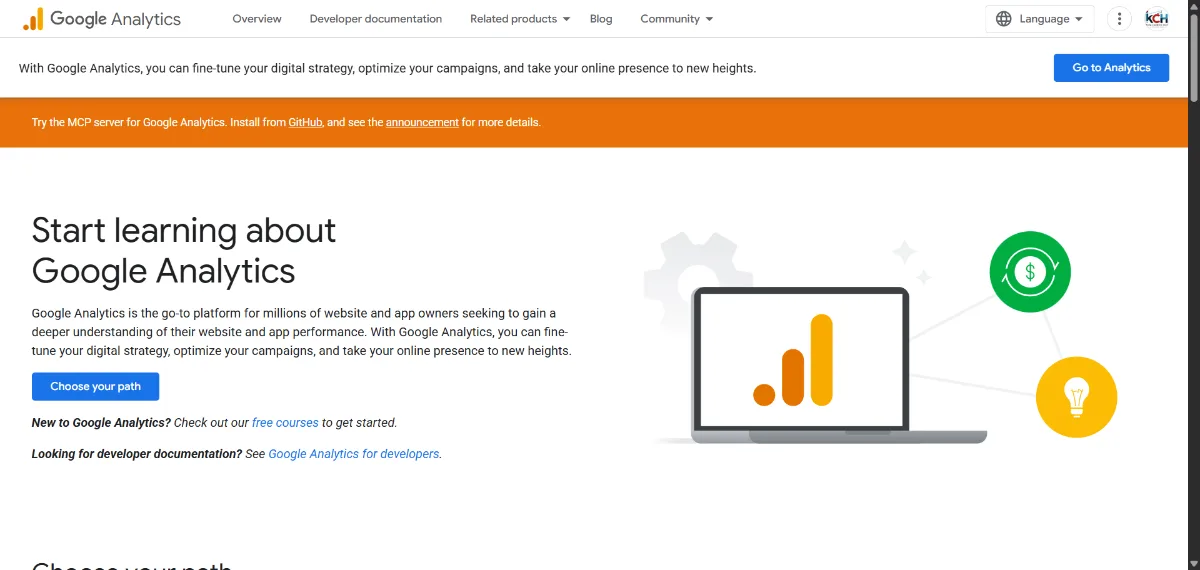
Google Analytics 4 is, in Google’s own words, “a new kind of property designed for the future of measurement,” built around event-based data rather than the session model of the old Universal Analytics. GA4 collects both website and app data to track the customer journey, covering organic traffic, landing pages, engagement, conversions, acquisition channels, device data and ecommerce measurement, and integrates with Search Console for a combined view.
GA4 is not a keyword research tool. Search Console tells you how Google Search sees and ranks your site; GA4 tells you what happens once someone actually arrives. The two answer different questions and are meant to be used together, not as substitutes for each other.
Pros
- Free standard version
- First-party website and app analytics
- Conversion and user-behavior tracking
- Organic-traffic breakdowns alongside every other channel
Cons
- Not a keyword or rank-tracking tool
- Requires correct setup (events, conversions) to be useful
- Reporting interface has a real learning curve
10. Google Keyword Planner
Best for: keyword discovery with Google’s own advertising data as context — used alongside, not instead of, a dedicated SEO research tool.
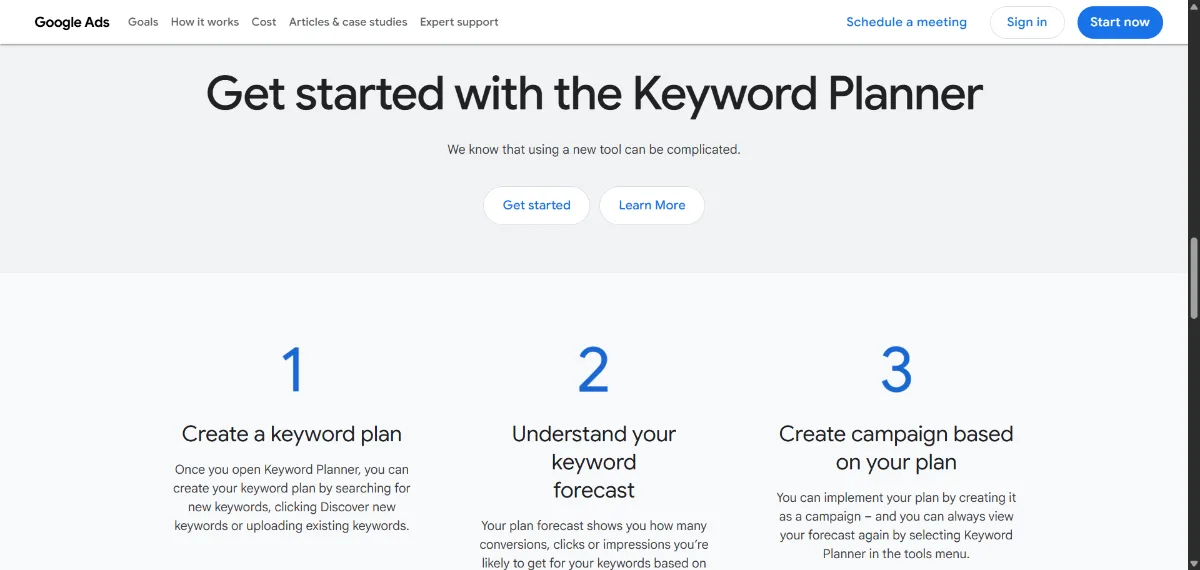
Google Keyword Planner is a Google Ads feature that, per Google’s own Help documentation, helps advertisers “research keywords for your Search campaigns” by discovering related keyword ideas and viewing search-volume and cost estimates. It requires a Google Ads account and is built for planning paid campaigns first — SEO practitioners use it as one source of keyword ideas, not as a dedicated organic-search volume database. Accounts with little or no ad spend are widely reported to see volume shown as a range rather than an exact figure, though this specific behavior is not something we found spelled out verbatim in Google’s current documentation, so treat it as commonly observed rather than an official guarantee.
Pros
- Free with a Google Ads account
- Keyword ideas grounded in Google’s own advertising data
- Useful for gauging commercial intent
Cons
- Built for ad campaigns, not organic SEO first
- Volume data can look different from dedicated SEO platforms
- Low-spend accounts often see ranges instead of exact numbers
11. Ubersuggest
Best for: beginners and small teams who want approachable keyword research, competitor analysis and site auditing without a steep learning curve.
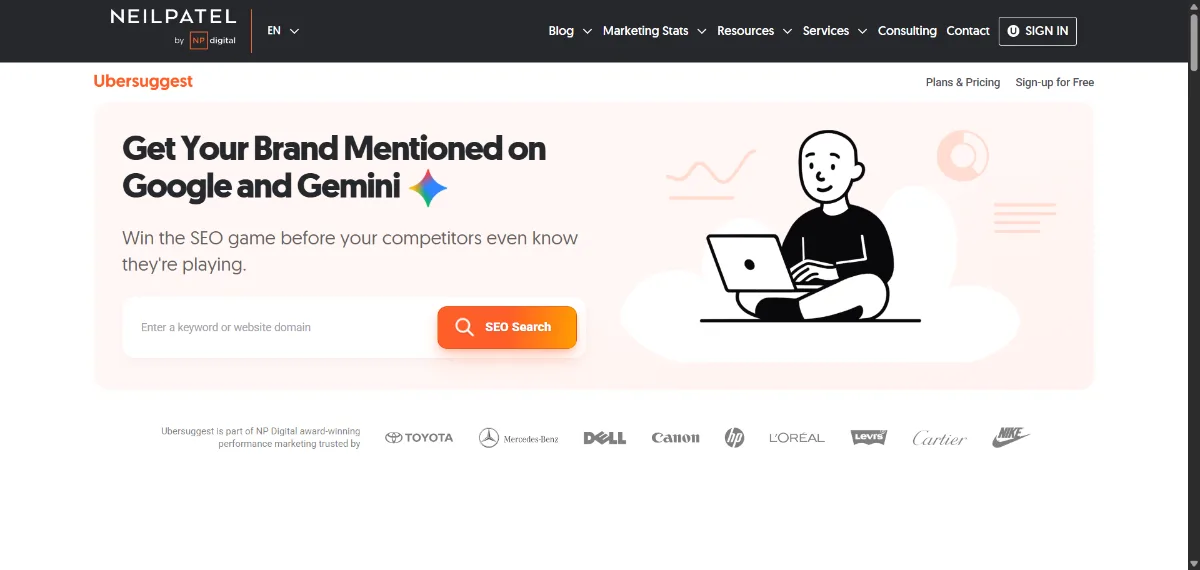
Ubersuggest offers AI-assisted keyword research against a large keyword database, competitor analysis, an SEO and AI site audit, content-gap analysis, rank tracking, SERP analysis, backlink opportunity identification and traffic estimation, wrapped in a simpler interface than Semrush or Ahrefs.
| Free tier | Limited free keyword research, SEO/AI audit, backlink and traffic checkers |
| Personal | From $29/mo |
| Business | From $49/mo |
| Enterprise | From $99/mo |
Ubersuggest’s traffic and keyword estimates are third-party approximations, like every tool on this list — they are not the same as first-party Google Analytics data for your own site.
Pros
- Accessible, beginner-friendly interface
- Keyword research, competitor research and site auditing together
- Free tier for basic checks
- Lower price point than the larger platforms
Cons
- Data limits depend heavily on plan
- Databases are smaller than Semrush’s or Ahrefs’
- Advanced agency workflows may outgrow it quickly
12. Yoast SEO
Best for: WordPress users who want on-page SEO controls — titles, meta descriptions, sitemaps, schema and readability — managed directly inside the CMS.
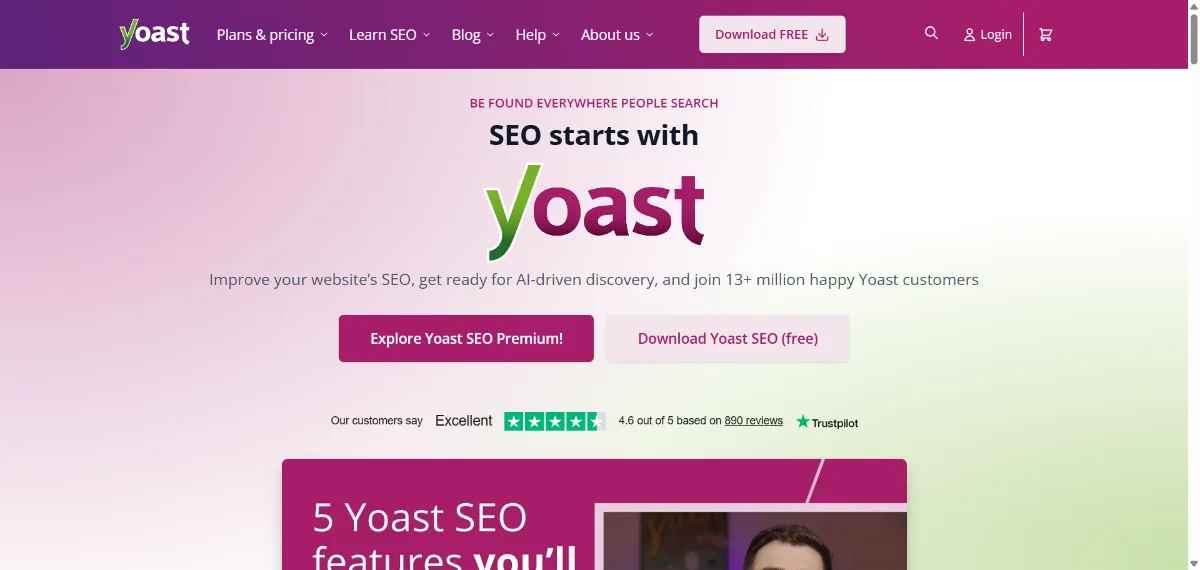
Yoast SEO is a WordPress plugin offering real-time content and readability feedback while writing, basic SEO scoring, XML sitemap generation and a social-appearance preview on its free version. Premium adds optimization for up to five keyphrases per page, automatic redirect management, bulk metadata editing with AI assistance, internal linking suggestions, AI-drafted titles and meta descriptions, an AI Content Planner, AI-assisted schema generation and bundled Local SEO, Video SEO and News SEO add-ons.
| Free | Core on-page SEO features, no cost |
| Premium | $118.80/year (excl. VAT) for one site |
Installing Yoast does not directly improve rankings. It helps you control and manage technical and on-page elements — titles, metadata, sitemaps, schema, internal links — that make a site easier to work with, but no plugin guarantees a ranking outcome.
Pros
- The most widely used WordPress SEO workflow
- Straightforward title, meta and sitemap management
- Built-in readability and on-page guidance
- Schema support without touching code
Cons
- WordPress-only
- Does not replace a research or audit platform
- Best features are behind the paid Premium tier
What Types of SEO Tools Do You Need?
Most confusion about SEO tools comes from treating them as one category. They aren’t — a keyword tool, a crawler and an analytics platform solve different problems.
Keyword Research Tools
Semrush, Ahrefs, SE Ranking, Moz Pro, Google Keyword Planner and Ubersuggest all help you find what people search for, how competitive a term looks and what related terms exist. They pull from different databases and will not agree exactly — use them for direction, not a single authoritative number.
Rank Tracking Tools
Rank trackers monitor keyword positions over time, often by location and device, and flag when a competitor gains a SERP feature. Semrush, Ahrefs, SE Ranking, Moz Pro and Ubersuggest all include this; Search Console shows average position for your own site but is not a dedicated tracker.
Technical SEO Crawlers
Screaming Frog, Sitebulb, and the built-in Site Audit tools inside Semrush and Ahrefs crawl a site to find broken links, redirect chains, canonical errors, duplicate content, missing metadata, indexability problems, internal-linking issues and JavaScript-rendering gaps. Dedicated crawlers generally go deeper than the audit module bundled into a research platform.
Content Optimization Tools
Surfer, plus the content modules inside Semrush, Ahrefs and Yoast, analyze what is currently ranking and suggest topics, structure and coverage. Treat every suggestion here as a recommendation grounded in a tool’s own model — not Google’s official requirements for ranking.
SEO Analytics Tools
Google Search Console and Google Analytics 4 play different roles and are both free. Search Console reports how Google Search finds, indexes and ranks your pages. GA4 reports what visitors do once they arrive. Neither substitutes for the other.
Best Free SEO Tools in 2026
Google Search Console, Google Analytics 4 and Google Keyword Planner are free with no catch beyond needing a Google account (and a Google Ads account for Keyword Planner). Screaming Frog’s free version is capped at 500 URLs per crawl but includes JavaScript rendering and GA/GSC integration. Ubersuggest and Yoast SEO both offer genuinely usable free tiers, with paid plans unlocking higher limits or more features. Exact free-tier limits vary and change, so check each tool’s current pricing page rather than relying on a fixed number here.
Free tools are usually enough for beginners, small websites, basic SEO monitoring, early-stage keyword research and indexing monitoring. They become limiting once you need competitor backlink data, large-scale rank tracking or crawl limits beyond a few hundred URLs.
If you’re assembling a broader kit of free utilities alongside your SEO tools, Etemora’s own free tools hub includes a Word Counter, QR Code Generator and Image Compressor that are useful for day-to-day content and site work.
Best SEO Tools for Beginners
Start with what’s free and first-party: Google Search Console to see how Google indexes your site, Google Analytics 4 to see what visitors do, and Google Keyword Planner for initial keyword ideas. If you run WordPress, add Yoast SEO for on-page controls. Ubersuggest is a reasonable next step once you want dedicated keyword and competitor research without Semrush- or Ahrefs-level pricing.
Graduate to a larger platform when you are regularly hitting the limits of free tools — tracking dozens of keywords, needing real backlink data, or managing more than one site’s SEO at once.
Best SEO Tools for Small Businesses
Budget and ease of use usually matter as much as raw feature depth for a small business. A practical starting stack is Search Console and GA4 (free) plus one mid-priced platform — SE Ranking or Ubersuggest are typically gentler on cost than Semrush or Ahrefs — for keyword research, basic rank tracking and periodic site audits. Add local SEO tracking if the business depends on local search. There is no single universal best choice here; it depends on budget and how much of the workflow you want in one dashboard versus several free tools.
Best SEO Tools for Agencies
Agencies typically need project-based organization, white-label or client-ready reporting, rank tracking across many keywords and locations, repeatable site audits, competitor and backlink research, and either an API or export options for building custom dashboards. Semrush, Ahrefs and SE Ranking all support multi-project workflows and reporting at this scale; Screaming Frog or Sitebulb usually sit alongside one of them for deep technical audits during onboarding or periodic reviews. Which combination makes sense depends on client count, budget and how technical the deliverables need to be — there is no single agency-standard stack.
Best SEO Tools for Technical SEO
Screaming Frog and Sitebulb are purpose-built crawlers: URL-level detail, JavaScript rendering, indexability checks, redirect and canonical analysis, structured-data validation and internal-link mapping. Semrush’s and Ahrefs’ built-in Site Audit tools cover similar ground with less depth but more convenience if you’re already paying for the platform. A common pattern is running Screaming Frog or Sitebulb for a full technical audit, then using a platform’s Site Audit for ongoing monitoring between deep-dive crawls.
Best SEO Tools for Content SEO
Surfer is the most content-focused tool on this list; Semrush, Ahrefs, Moz Pro, Ubersuggest and Yoast all offer supporting features — keyword and topic research, SERP analysis, content briefs, on-page recommendations and content audits. None of these tools guarantee that following their recommendations will produce a ranking. Keyword density and a specific content score are inputs a tool weighs, not a guarantee of anything Google does with the page.
SEO Metrics You Should Understand Before Using These Tools
Search Volume
Every platform’s search-volume figure is an estimate built from its own data sources and modeling. Different tools will show different numbers for the same keyword; none of them is “the real one.”
Keyword Difficulty
Each platform calculates difficulty using its own formula — usually based on the backlink profiles of currently ranking pages. A term scored “hard” in one tool can score differently in another.
Domain Authority
Moz’s proprietary 1–100 score estimating ranking potential from link-profile data. Not used by Google.
Domain Rating
Ahrefs’ proprietary 0–100 score based on the size and quality of a site’s backlink profile. Not used by Google.
Authority Score
Semrush’s proprietary 1–100 score combining backlink data, organic traffic and spam signals. Not used by Google.
Organic Traffic Estimates
Third-party traffic estimates (as shown by most of these platforms for any domain, including competitors’) are modeled approximations, not the same as first-party Google Analytics data for that site.
Backlinks
Every SEO tool maintains its own crawled index of the web. Two tools will often report different backlink counts for the same site simply because their crawlers found different links.
Average Position
In Google Search Console, Average Position is the average rank of the topmost URL from your site for a given query in Google’s own recorded impressions — a first-party number, unlike a third-party tool’s rank-tracking estimate for the same keyword.
Can SEO Tools Guarantee Google Rankings?
No. SEO tools provide data, analysis and recommendations — they do not control Google Search rankings. Be skeptical of any framing (including inside a tool’s own marketing) that implies a particular score guarantees page-one rankings, that a content score guarantees a ranking outcome, that Domain Authority or Domain Rating guarantees anything with Google, or that a keyword-difficulty score predicts an exact ranking result. These are all inputs and estimates, not promises.
How to Choose the Right SEO Tool
- Website size — a handful of pages needs less than a large catalog site.
- Number of keywords you actually need to track.
- Need for rank tracking versus one-off keyword lookups.
- Need for keyword research depth and database size.
- Need for backlink analysis, and how central links are to your strategy.
- Technical SEO requirements — do you need a dedicated crawler?
- Content workflow — how much content are you producing?
- Competitor research needs.
- Local SEO if location matters to the business.
- Reporting requirements, especially for clients.
- Team size and how many seats you need.
- Budget, honestly assessed against how much you’ll actually use.
- Integrations with GA4, Search Console and your CMS.
- Data limits on your likely plan.
- Ease of use for whoever will actually run the tool day to day.
Do You Need More Than One SEO Tool?
Often, yes — but not every tool on this page. A common combination is Google Search Console plus GA4 plus one commercial SEO platform, adding a technical crawler and a content tool only when the workflow actually needs them.
Search Console gives first-party Google Search data. GA4 gives website analytics and visitor behavior. A commercial SEO platform (Semrush, Ahrefs, SE Ranking or similar) gives research and competitive data neither Google tool provides. A crawler (Screaming Frog or Sitebulb) gives deep technical inspection when needed. A content tool (Surfer or similar) helps with content optimization specifically. Not every site needs all five — a small blog may only need the first two.
Example SEO Tool Stacks for Different Budgets
Free / Starter Stack
Google Search Console, Google Analytics 4, Google Keyword Planner, and Yoast SEO (or your existing WordPress SEO plugin) if you run WordPress. This covers indexing, analytics, basic keyword ideas and on-page controls at no cost.
Small Business Stack
Google Search Console, GA4, one commercial SEO platform for keyword research and rank tracking, and a technical crawler brought in periodically rather than run continuously.
Advanced / Agency Stack
Google Search Console, GA4, Semrush or Ahrefs or SE Ranking as the primary research platform, Screaming Frog or Sitebulb for technical audits, and a content optimization platform where content volume justifies it.
These are example combinations, not a ranking of stacks against each other — the right one depends entirely on the site and the budget behind it.
How We Compared SEO Tools
This is a research-based comparison, not an independent audit of every platform’s underlying database. We reviewed each tool’s core SEO functionality — keyword research, rank tracking, backlink analysis, site auditing, content optimization and competitor research — along with its analytics integrations, usability, pricing structure, free access and plan limits, reporting and agency functionality, using official product pages and documentation wherever available.
Etemora did not independently verify the accuracy of every tool’s keyword or backlink database, and we do not present one platform’s proprietary numbers as more “correct” than another’s. Where an official source could not be safely re-verified at the time of writing (notably some Moz Pro and Sitebulb pricing details), we say so directly rather than publishing a guessed figure. More on our approach is in How We Review.
How Much Do SEO Tools Cost in 2026?
SEO tools price themselves in several different ways: flat monthly or annual subscriptions, usage-based limits (keywords tracked, projects, crawl volume), seat-based team pricing, and add-ons for extra data or users.
| Tool | Starting price (read September 2026) |
|---|---|
| Semrush | Roughly $117–$139/mo, varies by plan and term |
| Ahrefs | $29/mo (Starter) |
| SE Ranking | Roughly $103–$129/mo |
| Moz Pro | Pricing varies by plan; check the official pricing page |
| Screaming Frog | Free (capped); £279/year licensed |
| Sitebulb | Pricing varies by plan; check the official pricing page |
| Surfer (Positive Surfer) | $49/mo (Discovery, annual) |
| Search Console | Free |
| Analytics 4 | Free (standard) |
| Keyword Planner | Free with a Google Ads account |
| Ubersuggest | Free tier; paid from $29/mo |
| Yoast SEO | Free; Premium $118.80/year |
Do not treat these as fixed prices — SaaS pricing pages change often, sometimes by region or promotion. Verify the current official price before subscribing to anything on this list.
Which SEO Tool Should You Choose?
If you want an all-in-one SEO platform: consider Semrush, Ahrefs or SE Ranking.
If backlinks are central to your workflow: consider Ahrefs, which has the deepest backlink-research reputation of the group, or Moz Pro as an alternative.
If technical crawling is your priority: consider Screaming Frog or Sitebulb.
If content optimization is your priority: consider Surfer.
If you want first-party Google Search data: use Google Search Console — every site should have this regardless of what else you buy.
If you need website analytics: use Google Analytics 4.
If you want free keyword research support: use Google Keyword Planner alongside another source, since it is built for ad campaigns first.
If you run WordPress and want on-page SEO controls: use Yoast SEO or your existing WordPress SEO plugin. To check that a title and meta description will fit in Google before you save them, try our free SERP snippet preview.
There is no single winner here — only a shortlist that changes depending on which of those situations describes you.
Final Verdict: Best SEO Tools in 2026
There is no single SEO tool that does everything equally well, and any list that names one universal winner is oversimplifying the decision. A practical SEO stack usually combines several categories: first-party Google data for ground truth, analytics for visitor behavior, a research platform for keywords and competitors, a technical crawler for site health, and a content tool when content volume justifies it.
For a broad commercial SEO platform, Semrush, Ahrefs and SE Ranking are the three worth shortlisting against each other — Semrush and Ahrefs for depth and brand recognition, SE Ranking if budget matters more than having the single largest database. Moz Pro remains a reasonable, approachable alternative, particularly if Domain Authority is already a metric your team or clients understand.
For technical SEO, Screaming Frog and Sitebulb are specialists rather than generalists, and that specialization is the point: they go deeper on crawling and auditing than any all-in-one platform’s built-in audit tool. For content optimization, Surfer (now Positive Surfer) provides a more focused workflow than the content modules bundled into larger platforms.
For first-party Google data, Search Console and GA4 are not optional extras — they are free, and they answer questions no paid tool can answer as authoritatively, because the data comes directly from Google. Every site, regardless of budget, should have both connected.
The right stack ultimately depends on website size, SEO goals, budget, technical requirements, content workflow, team size and reporting needs. Start free with Search Console and GA4, add one paid research platform once you outgrow free tools, and bring in a specialist crawler or content tool only when that specific bottleneck — not a marketing page — tells you to.
Frequently Asked Questions
What is the best SEO tool in 2026?
There isn’t a single one. Semrush, Ahrefs and SE Ranking specialize in broad research; Screaming Frog and Sitebulb specialize in technical crawling; Surfer specializes in content; Search Console and GA4 provide free first-party data every site should use. The right tool depends on your workflow.
What is the best free SEO tool?
Google Search Console, because it shows first-party data about how Google indexes and ranks your site at no cost. Pair it with Google Analytics 4 for visitor behavior.
Is Semrush better than Ahrefs?
Neither is universally better. Semrush leans broader across marketing disciplines; Ahrefs is especially strong for backlink and content research. Choose based on which workflow matters more to you, and consider trialing both before committing.
Is Ahrefs good for keyword research?
Yes, through Keywords Explorer, alongside its Domain Rating and other proprietary metrics — remembering that DR measures backlink strength as Ahrefs calculates it, not a Google ranking score.
Is Google Search Console an SEO tool?
Yes, and a first-party one: it reports directly on how Google Search finds, indexes, and ranks your pages, plus Core Web Vitals and indexing issues.
Is Google Analytics an SEO tool?
Not in the keyword-research sense. GA4 is primarily an analytics platform measuring visitor behavior, conversions and traffic sources — it complements Search Console rather than replacing an SEO research tool.
What is the best SEO tool for beginners?
Start with the free Google tools — Search Console, Analytics 4 and Keyword Planner — plus Yoast SEO if you use WordPress. Ubersuggest is a reasonable next step for a simpler paid option.
What is the best SEO tool for technical SEO?
Screaming Frog and Sitebulb are the two dedicated technical crawlers here. Screaming Frog is more configurable for advanced users; Sitebulb prioritizes and explains issues in a more client-friendly way.
What is the best SEO tool for keyword research?
Semrush, Ahrefs, SE Ranking, Moz Pro, Google Keyword Planner and Ubersuggest all offer keyword research with different databases and strengths. Cross-check important keywords across more than one source rather than trusting a single number.
What is the best SEO tool for backlinks?
Ahrefs has the strongest reputation for backlink research depth, with Semrush and Moz Pro as established alternatives. No single backlink index is complete, since each tool crawls the web independently.
What is the best SEO tool for content writing?
Surfer (Positive Surfer) is the most content-focused option here, with SERP-based briefs and a real-time Content Score. Treat its scoring as guidance from Surfer’s own model, not an official Google requirement.
Are SEO tool keyword volumes accurate?
They are estimates, and different tools will show different numbers for the same keyword because each uses its own data sources and modeling. Use them for direction and comparison, not as exact figures.
What is Domain Authority?
Moz’s proprietary 1–100 score estimating a site’s ranking potential from its link profile. Google does not use Domain Authority.
What is Domain Rating?
Ahrefs’ proprietary 0–100 score reflecting the strength of a site’s backlink profile as Ahrefs measures it. Google does not use Domain Rating.
What is Authority Score?
Semrush’s proprietary 1–100 score combining backlink data, organic traffic and spam signals. Google does not use Authority Score.
Do SEO tools improve rankings automatically?
No. SEO tools provide data and recommendations; they do not control what Google does with a page. Improvements come from what you actually change on the site, not from owning the tool.
Do I need both Search Console and GA4?
Yes, ideally. Search Console answers how Google Search treats your site; GA4 answers what visitors do once they arrive. They are complementary, not redundant.
Can I use free SEO tools instead of paid tools?
For a small site with basic needs, often yes — Search Console, GA4 and Keyword Planner cover a lot of ground. Paid tools become useful once you need competitor backlink data, tracking across many keywords, or crawl limits beyond what free tools allow.
How many SEO tools do I need?
Fewer than most marketing pages suggest. Search Console and GA4 cover the essentials for free. Add one paid research platform when you outgrow them, and add a crawler or content tool only when a specific bottleneck calls for it.
The bottom line. No SEO tool replaces the others on this list, and no proprietary score — Domain Authority, Domain Rating, Authority Score or a content score — is a Google ranking factor. Start with Google Search Console and Analytics 4, both free, before spending anything. Add a commercial research platform (Semrush, Ahrefs or SE Ranking) once free tools stop being enough, and bring in a specialist crawler like Screaming Frog or Sitebulb, or a content tool like Surfer, only when that specific need — not a marketing page — tells you to.
Editor’s Note: SEO platforms continuously change their databases, features, pricing and usage limits. Proprietary SEO metrics also use different methodologies and should not be treated as interchangeable or as direct Google ranking factors. This guide focuses on the role each tool plays in an SEO workflow. Always verify current features, pricing and plan limits on the provider’s official website before subscribing.
Related articles you may like
 Tech & SoftwareNamecheap vs GoDaddy: 2026 Honest Domain Comparison
 Tech & SoftwareWhat Is a Website Builder? The Ultimate 2026 Guide
 Tech & SoftwareBest AI Image Generators in 2026
 SEO & MarketingBest Marketing Tools in 2026: 10 Tools Compared
 Tech & SoftwareBest Cloud Storage Services in 2026: 10 Options Compared
 Tech & SoftwareBest Website Builders in 2026: 10 Platforms Compared