
Best AI Video Generators in 2026: 10 Tools Compared
 By M. Zaid
- Updated September 28, 2026
- 17 min read
Some links on this page are affiliate links. If you buy through them, Etemora may earn a commission at no extra cost to you. Read our affiliate disclosure
Quick answer: What’s the best AI video generator? There isn’t one universal winner — Google Veo 3.1 leads on cinematic realism and native audio, Runway and Kling are strong for creative control and motion, InVideo is best for complete YouTube-ready videos, and HeyGen or Synthesia are best if you need an AI presenter. The right choice depends on what kind of video you’re making and whether you need generation, a full production workflow, or an avatar.
Creating a professional video used to require a camera, actors, lighting, editing software and hours of production work.
AI video generators have changed that workflow. Today, you can start with a text prompt, image, script or idea and generate video clips, advertisements, presentations, social-media content, product videos and even avatar-led training videos.
But there is a catch: AI video generators are not all designed for the same job. Some are built for cinematic text-to-video generation. Others specialize in AI avatars. Some are complete video-production platforms, while others focus on short social clips.
Google’s current Veo 3.1, for example, supports text-to-video, image-to-video, native audio, reference images, camera controls and 1080p/4K output — one of several reasons it ranks among the best AI video generators for cinematic work.
So instead of asking “Which AI video generator is the best?” the better question is “Which AI video generator is best for the type of video I want to make?” That’s what this guide is designed to answer.
Quick Comparison
| Tool | Best For | Main Strength | Free Option |
|---|---|---|---|
| Google Veo 3.1 | Cinematic video | Realism + native audio | Limited |
| Runway | Professional creators | Creative control | Yes, limited |
| Kling AI | Realistic motion | Motion + value | Yes, limited |
| Luma Dream Machine | Creative video | Fast generation + visual quality | Yes, limited |
| Pika | Social media | Effects + short clips | Yes |
| InVideo AI | Complete videos | Script-to-video workflow | Yes |
| HeyGen | AI avatars | Presenters + localization | Yes |
| Synthesia | Business/training | Professional avatars | Trial/free option |
| Adobe Firefly | Creative workflows | Multiple video models + Adobe ecosystem | Limited |
| Hailuo AI | Human motion | Character/motion generation | Limited |
Note: AI video pricing, credits, model names and availability change frequently. Verify the current plan before purchasing.
This table is a starting point — the best AI video generators for your workflow depend on whether you need cinematic realism, a complete editing pipeline, or an AI presenter.
1. Google Veo 3.1 — Best for Cinematic AI Video
Google’s Veo 3.1 is one of the most capable current video-generation models. It can generate video from text and images and supports native audio, including dialogue, sound effects and ambient sounds. It also supports reference images, character consistency, scene extension, camera controls and object insertion.
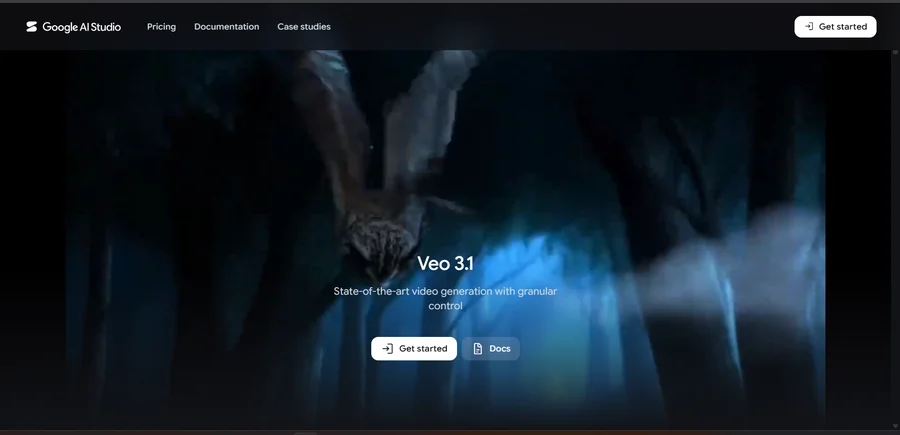
Instead of generating only a silent visual clip, Veo can generate video, dialogue, sound effects and ambient audio in the same generation. Google currently lists Veo 3.1 across Gemini, Flow, Google AI Studio, Vertex AI and related products.
Best for: cinematic scenes, storytelling, product visuals, short films, social content, image-to-video, audio-enabled video.
Pros: strong visual realism, native audio, reference-image support, camera controls, character consistency features, 4K capability.
Cons: generation can consume significant credits, costs vary depending on the access route, advanced filmmaking workflows may have a learning curve.
Best suited to: creators who care about cinematic quality and realistic video/audio generation.
Want granular, cinematic control with native audio?
Try Google Veo →2. Runway — Best for Creative Control
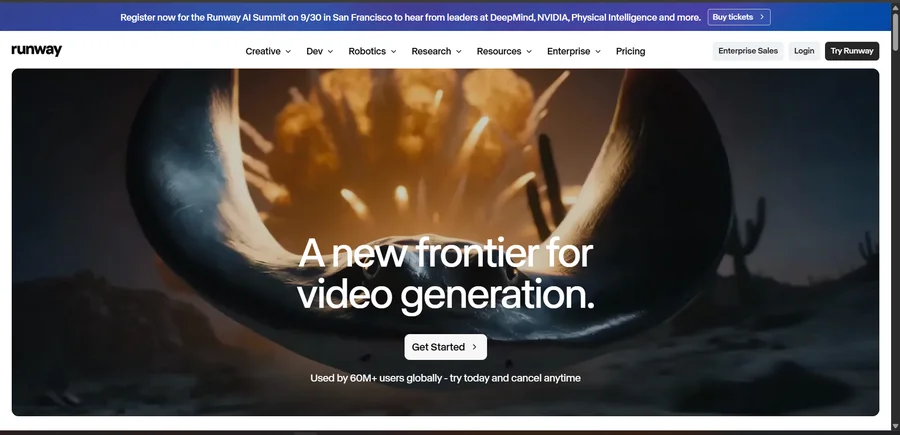
Among the best AI video generators, Runway is positioned more like a creative production platform than a simple prompt-to-video website. It supports AI video generation alongside editing and other creative workflows. Adobe’s current Firefly documentation also lists Runway Gen-4.5 as an available partner video model, shown directly inside Firefly’s video timeline workflow.
Best for: filmmakers, video creators, marketing teams, creative professionals, controlled shots, image-to-video.
Pros: strong creative controls, professional workflow, video editing, multiple generation tools, useful for more complex projects.
Cons: can require experimentation, credit systems can make heavy generation expensive, beginners may prefer simpler interfaces.
Best suited to: creators who want more control instead of simply typing one prompt and accepting the result.
Want more creative control over your AI-generated scenes?
Try Runway →3. Kling AI — Best for Realistic Motion
Kling has become one of the best AI video generators and a major competitor in AI video generation. Current 2026 comparisons frequently place Kling alongside Veo and Runway, particularly for realistic motion and value. It is particularly interesting for human movement, action scenes, character animation, image-to-video, short cinematic clips and multi-shot workflows.
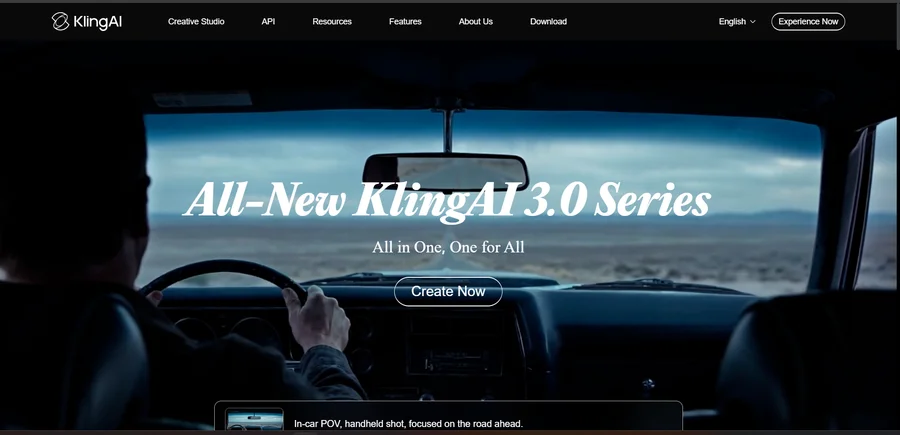
Best for: creators who care about realistic motion and want to generate a large number of clips without immediately moving into the highest-cost tools.
Pros: strong motion generation, image-to-video, character-focused workflows, competitive pricing in many plans.
Cons: results can vary between generations, credits need to be monitored, features and model versions change quickly.
Want realistic motion without jumping to the priciest tool?
Try Kling AI →4. Luma Dream Machine — Best for Creative Visuals
Luma’s Dream Machine is another of the best AI video generators for creators who want to transform prompts and images into video. It’s particularly useful for cinematic experiments, product visuals, creative concepts, image-to-video and short social clips. Current 2026 comparisons include Luma’s Ray models among the major AI video-generation options.
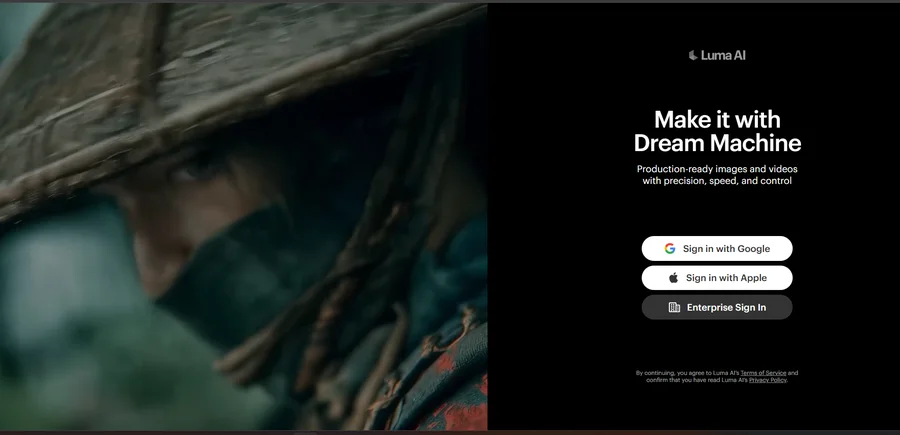
Best for: creators who want fast experimentation with visually interesting AI-generated clips.
Want fast, visually striking AI video experiments?
Try Luma Dream Machine →5. Pika — Best for Social Media Clips
Pika takes a different approach from the other best AI video generators. Rather than focusing entirely on cinematic filmmaking, it is particularly useful for short-form social content and visual effects — TikTok, Instagram Reels, YouTube Shorts, memes, short promotional clips and creative effects. Current 2026 comparisons identify Pika particularly with short social content and effects.
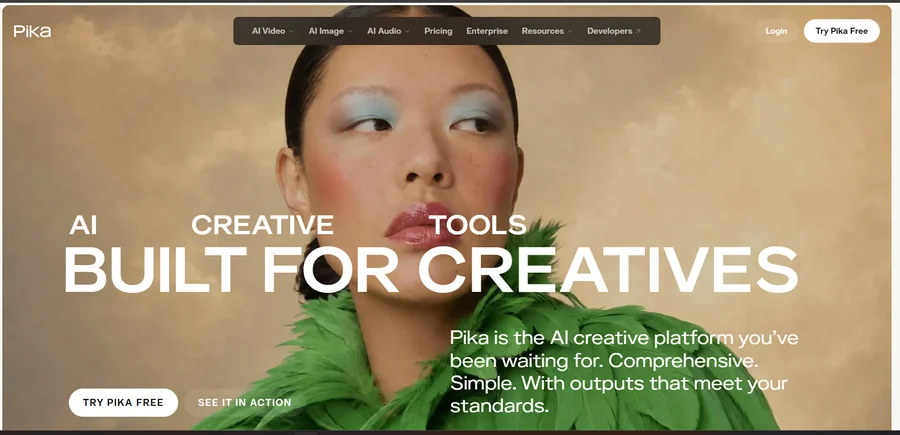
Best for: creators who want fast, entertaining short-form videos rather than full cinematic productions.
Need quick, effects-heavy clips for social media?
Try Pika →6. InVideo AI — Best for Complete Videos
InVideo stands out among the best AI video generators for complete videos because it isn’t simply about generating one short AI clip — its current AI filmmaking workflow lets users describe what they want and uses AI agents to handle tasks such as script writing, storyboarding, generation and editing, with access to more than 200 AI models. That makes it particularly relevant for people who want Idea → Script → Video → Editing → Final video, rather than Prompt → 8-second clip.
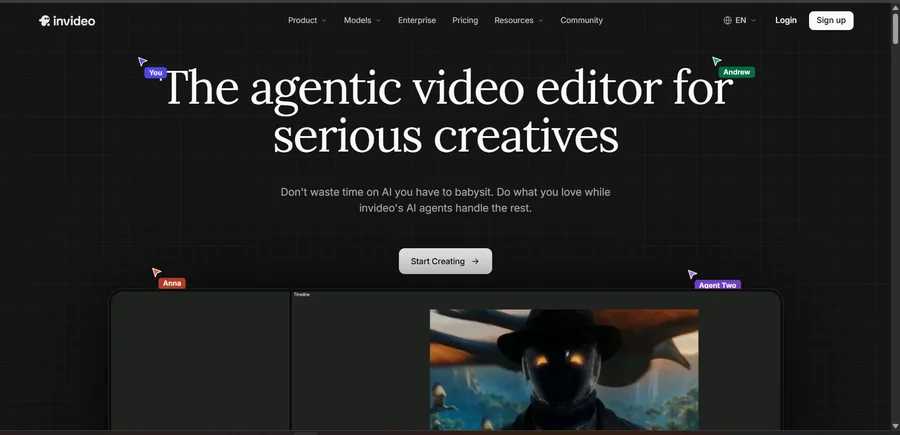
Best for: YouTube, marketing videos, explainer videos, social media, business videos, faceless channels, promotional videos.
Free option: InVideo currently offers a free plan with limited credits and says users don’t need to enter a card to try it.
Want a complete idea-to-video workflow instead of a single clip?
Try InVideo AI →7. HeyGen — Best for AI Avatar Videos
Not every video needs a cinematic AI-generated scene. Sometimes you simply need person + script + presentation. HeyGen focuses heavily on AI avatars, presenters, translation and business video creation. Its current plans include AI video generation, avatars, voice features, multilingual capabilities and video export options.
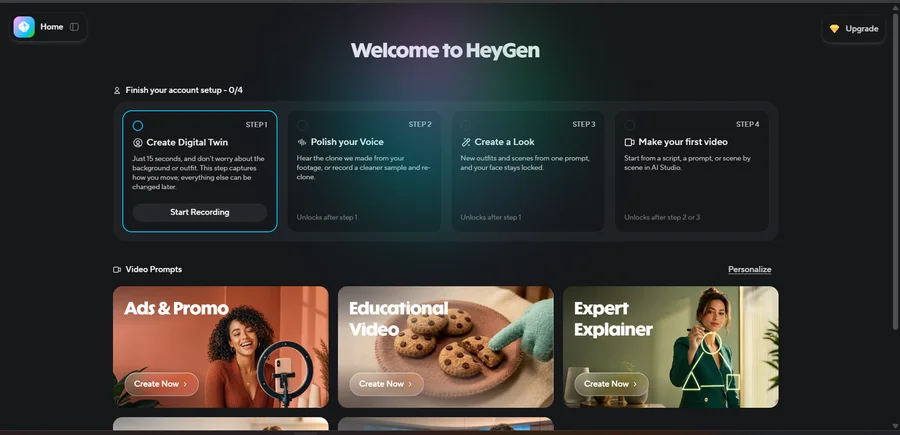
Compare Veo (“generate a cinematic scene”) with HeyGen (“turn this script into a presenter-led video”) — completely different jobs.
Best for: training videos, sales videos, marketing, presentations, social media, multilingual content, AI spokesperson videos — businesses and creators who need a person or avatar to deliver the message.
Need a presenter or spokesperson without filming anyone?
Try HeyGen →8. Synthesia — Best for Business Training
Of the best AI video generators, Synthesia is the most focused on professional business video. You can create videos using AI presenters without needing a camera, studio, actors, microphones or traditional video production. Synthesia currently says its platform supports 160+ languages and more than 240 built-in AI presenters.
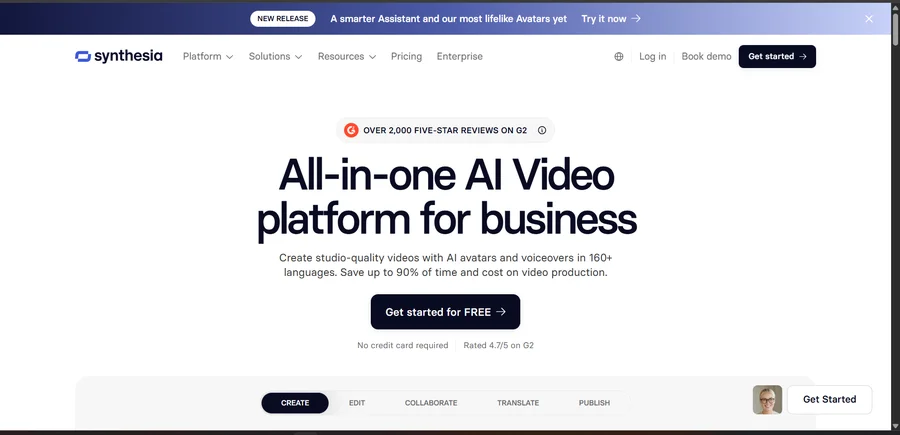
Best for: employee training, corporate communication, tutorials, product education, internal documentation, sales enablement.
Building training or corporate videos at scale?
Try Synthesia →9. Adobe Firefly — Best for Creative Workflows
Adobe Firefly has become particularly interesting because it isn’t limited to one video model. Adobe’s current Firefly documentation lists multiple partner video models, including Kling 3.0, Luma Ray, Runway Gen-4.5, Veo 3.1 and Veo 3.1 Fast, alongside Adobe’s own models — making Firefly function more like a creative AI workspace than a single-model generator.
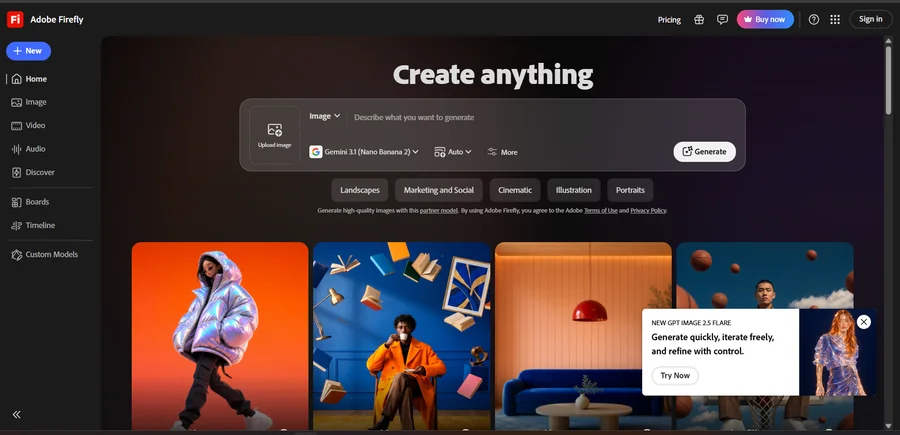
Best for: designers, Adobe users, marketing teams, creative agencies, image + video workflows — people already working inside Adobe’s creative ecosystem.
Already working inside Adobe’s creative tools?
Try Adobe Firefly →10. Hailuo AI — Best for Human Motion
Hailuo, from MiniMax, rounds out our list of the best AI video generators. Current 2026 comparisons frequently include it among the major video generators, particularly for human motion and character-focused generation.
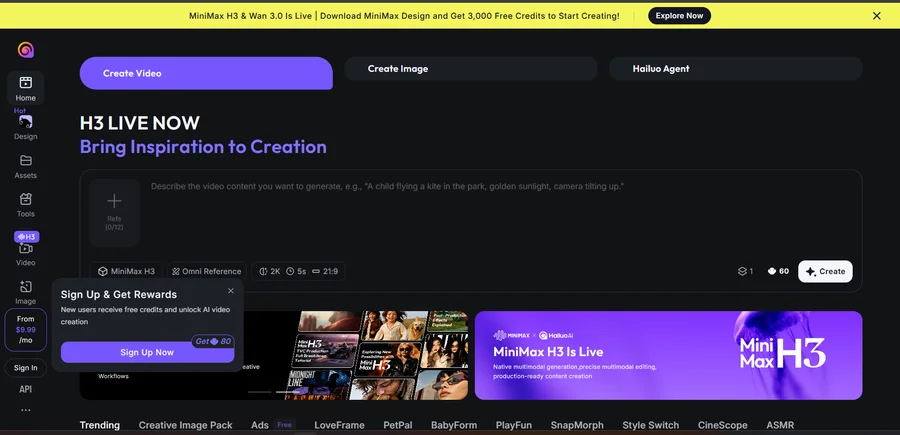
Best for: character animation, human movement, dialogue scenes, short clips, creative experiments — creators who care heavily about character movement and human-focused scenes.
Want strong character and human-motion generation?
Try Hailuo AI →AI Video Generators by Use Case
| What you want to make | Tools to consider |
|---|---|
| Cinematic AI video | Veo, Runway, Kling |
| Realistic motion | Kling, Veo, Hailuo |
| Social media clips | Pika, InVideo |
| YouTube videos | InVideo, Runway |
| AI avatar videos | HeyGen, Synthesia |
| Training videos | Synthesia, HeyGen |
| Marketing videos | InVideo, HeyGen, Runway |
| Creative filmmaking | Veo, Runway, Luma |
| Image-to-video | Veo, Kling, Runway, Luma |
| Adobe workflow | Firefly |
| Multilingual videos | HeyGen, Synthesia |
| Fast experiments | Pika, Luma |
Text-to-Video vs Image-to-Video
Before choosing a tool, understand this distinction.
Text-to-video: you describe a scene — “a futuristic city at night, rain falling, cinematic camera movement” — and the AI generates the video. Best for new scenes, concepts, storytelling and creative experiments.
Image-to-video: you provide an image and tell the AI how to animate it — for example, a product photograph with the prompt “slowly rotate the product while the camera moves forward.” Best for product videos, character animation, consistent visual style, existing artwork and marketing. Modern video systems such as Veo 3.1 support both text-to-video and image-to-video workflows.
AI Video Generator vs AI Video Editor
This distinction is important. An AI video generator creates new footage — Veo, Kling, Runway, Luma and Pika are examples. An AI video creation platform can generate content and assemble an entire video — InVideo, HeyGen and Synthesia are examples. An AI creative platform combines generation with broader design/editing workflows, such as Adobe Firefly. This is why comparing every tool using only “video quality” isn’t very useful.
Are AI Video Generators Free?
Some of the best AI video generators offer free plans or limited credits, but free plans usually come with restrictions such as limited generations, watermarks, lower resolution, shorter videos, slower processing, limited models and monthly/weekly credit caps. For example, InVideo currently offers a free plan with limited credits, while HeyGen currently lists a free plan with three videos per month and videos up to one minute. So don’t compare tools based only on whether they say “Free” — compare how much usable video you can actually create.
How Much Do AI Video Generators Cost?
The pricing model is very different from ordinary SaaS. Many platforms use subscription → credits → video generations. The cost of one video can depend on the model, resolution, duration, audio, quality, number of generations, upscaling and editing. That means a $10/month plan isn’t necessarily cheaper than a $20/month plan. A better calculation is cost per usable video: if you generate 20 clips and only 5 are good enough to use, the real cost is based on those five usable outputs.
How to Choose an AI Video Generator
Choosing among the best AI video generators comes down to matching the tool to the job. Before paying for anything, answer these six questions:
1. What kind of video are you making? Cinematic, YouTube, training, social media, advertisement or avatar?
2. Do you need sound? If native dialogue and sound effects matter, tools such as Veo become particularly relevant.
3. Do you need an AI presenter? Look at HeyGen or Synthesia.
4. Do you need complete video production? Look at InVideo.
5. Do you need creative control? Look at Runway, Veo or Kling.
6. Are you already using Adobe? Firefly may make more sense because it can bring multiple video models into the Adobe workflow.
AI Video Generators for YouTube
If you’re building a YouTube channel, don’t automatically choose a cinematic generator. A complete YouTube workflow might be topic → research → script → voice → visuals → editing → thumbnail → YouTube. For this workflow, an all-in-one platform such as InVideo can be more relevant than a pure scene generator. For cinematic B-roll, however, Veo, Runway or Kling may be more useful.
AI Video Generators for Social Media
For TikTok, Instagram Reels and Shorts, speed matters. You may need vertical video, fast generation, short clips, effects, captions and multiple variations. Pika is particularly focused on short-form effects, while InVideo can handle more complete content workflows.
AI Video Generators for Businesses
Businesses often have different requirements: training, product demos, sales videos, internal communication, presentations and multilingual videos. That’s where Synthesia, HeyGen and InVideo become particularly relevant.
AI Video Generators for Filmmakers
If you’re trying to create cinematic scenes rather than presenter videos, focus more heavily on prompt adherence, character consistency, camera controls, image-to-video, scene extension, audio and motion realism. Veo 3.1 currently offers several of these controls, including reference images, scene extension, first/last frame workflows, object insertion and camera controls. Runway and Kling are also important alternatives for creative production workflows.
What Happened to Sora?
This is important because many older AI-video articles still recommend Sora as though nothing changed. OpenAI’s current documentation states that the Sora web and app experiences were discontinued on April 26, 2026, while the Sora API is scheduled to be discontinued on September 24, 2026. We have not made Sora one of the primary tools in this 2026 buying guide — an important freshness signal for readers who don’t want to subscribe to a service that is being discontinued.
Can AI-Generated Videos Be Used Commercially?
Potentially, but don’t assume every tool has identical commercial-use rights. Check your subscription plan, commercial-use terms, model-specific restrictions, stock media licenses, avatar licenses, voice rights, copyright restrictions and advertising restrictions. This is particularly important for businesses. For example, Synthesia’s current licensing documentation distinguishes between stock/synthetic/custom avatar usage and lists restrictions for certain paid advertising uses. So before using an AI-generated video in a paid campaign, check the current license rather than assuming “AI-generated = free to use anywhere.”
Are AI Video Generators Worth It?
The best AI video generators can be worth it — if they solve a real production problem. They’re particularly useful when you need lots of short videos, rapid creative testing, B-roll, product visuals, training content, social media clips, multilingual content or video variations. They’re less useful if you’re paying for a premium plan but only generating one short clip every few weeks. The best way to judge an AI video tool is: how much useful production work does it save you?
How We Evaluated These AI Video Tools
To compare the best AI video generators, the important criteria are video quality, motion realism, prompt adherence, image-to-video capability, audio, character consistency, creative controls, editing workflow, ease of use, free access, credit model, business use cases, commercial licensing and overall workflow fit. We don’t treat vendor marketing claims as equivalent to independent testing. Where performance information comes from a provider’s own benchmark, it should be understood as provider-reported testing — for example, Google’s Veo page reports strong results on its own MovieGenBench and internal human-rater comparisons; those are useful signals, but they’re still Google’s reported evaluations rather than an independent Etemora head-to-head test.
Which of the Best AI Video Generators Should You Choose?
Use the simplest decision path:
Want cinematic AI-generated scenes? Veo / Runway / Kling.
Want realistic motion? Kling / Veo / Hailuo.
Want social-media effects? Pika.
Want complete YouTube videos? InVideo.
Want an AI presenter? HeyGen.
Want corporate training? Synthesia.
Want Adobe creative workflows? Firefly.
Want to experiment with different creative models? Luma / Firefly.
Final Thoughts
The best AI video generators in 2026 are no longer interchangeable text-to-video boxes. AI video has moved beyond the stage where every tool is simply a “text-to-video generator.” The market now has several distinct categories: cinematic generators (Veo, Runway, Kling, Luma), social video tools (Pika), complete AI video platforms (InVideo), AI avatar platforms (HeyGen, Synthesia) and creative AI workspaces (Adobe Firefly). That’s why the right choice depends on what you’re actually trying to produce.
If you need a cinematic scene, look at a video-generation model. If you need a complete YouTube video, an all-in-one platform may save more time. If you need a talking presenter, use an avatar platform. And if you’re building a professional workflow, pay attention to credits, commercial rights, consistency and editing capabilities — not just how impressive the demo looks.
Frequently Asked Questions
What is the best AI video generator in 2026?
There isn’t one universal winner among the best AI video generators — Veo, Runway, Kling, InVideo, HeyGen and Synthesia target substantially different use cases.
What is the best free AI video generator?
Free availability changes frequently. Several major platforms offer limited free access, including InVideo and HeyGen, but generation limits, watermarks and credits vary.
Can AI generate video from text?
Yes. Text-to-video is now a standard capability across major platforms such as Veo, Runway, Kling and others.
Can AI turn an image into a video?
Yes. Image-to-video allows you to provide an image and instruct the AI how to animate it. Veo 3.1, for example, supports image-to-video workflows and reference images.
Can AI video generators create audio?
Some can. Veo 3.1 can generate dialogue, sound effects and ambient audio natively.
Can AI-generated videos be monetized on YouTube?
AI-generated content can be used in YouTube workflows, but monetization depends on YouTube’s current policies and the nature and originality of the content. Don’t assume that simply generating a video with AI guarantees monetization.
Can I use AI-generated videos commercially?
It depends on the platform, model, plan and content. Always check the current commercial-use license before using generated content for advertising or client work.
Among the best AI video generators, InVideo (idea-to-video workflow), Synthesia (business training) and HeyGen (AI presenters) cover the most common business needs. The important thing is not to collect AI subscriptions — choose the tool that solves the video problem you actually have.
Want the bigger picture on AI tools for work, not just video?
Compare the Best AI Tools for Work →Disclosure: Some links on this page may be affiliate links. If you purchase through an eligible link, Etemora may earn a commission at no additional cost to you. Our editorial recommendations are not determined solely by commission. Learn more →
Related articles you may like
 AI ToolsChatGPT vs Claude: 2026 Honest AI Comparison
 AI ToolsHow to Use AI for Work: 10 Proven Examples in 2026
 AI ToolsBest AI Chatbots in 2026: 10 AI Chatbots Compared
 AI ToolsBest AI Writing Tools in 2026: 10 Tools Compared
 AI ToolsWhat Is Generative AI? How It Works, Examples & Uses
 AI ToolsWhat Is Artificial Intelligence and How Does It Work?