
Best AI Chatbots in 2026: 10 AI Chatbots Compared
 By M. Zaid
- Updated September 29, 2026
- 22 min read
Quick answer: What are the best AI chatbots in 2026? There isn’t one universal winner — ChatGPT is the most versatile all-rounder, Claude stands out for long-form writing and document work, Gemini fits Google users, Copilot fits Microsoft 365, and Perplexity is built for research with sources. The right choice depends on the way you actually work, the apps you already use and whether you need current web information.
The best AI chatbots have moved far beyond simple question-and-answer tools. In 2026, a good AI chatbot can write and edit documents, analyze files, research the web, summarize information, work with images, help with code, brainstorm ideas, organize projects and increasingly help you complete multi-step tasks.
That creates a new problem: which AI chatbot should you actually use? ChatGPT, Claude, Gemini, Microsoft Copilot, Perplexity, Grok and several other AI assistants can all produce impressive results — but they are not identical.
One may be better suited to long-form writing. Another may work particularly well with Google Workspace. Another is built around web research and citations. Others are designed around specific ecosystems or conversational experiences.
So instead of asking “Which AI chatbot is the most powerful?” a better question is “Which AI chatbot is best for the way I actually work?” Below, we compare 10 major AI chatbot platforms across conversational quality, writing, research, reasoning, coding, file handling, multimodal capabilities, integrations, free access and practical use cases — based on current product information and available independent evidence.
Quick Picks: Which AI Chatbot Should You Consider?
These are use-case recommendations, not a universal 1-to-10 ranking.
| If you want… | Consider |
|---|---|
| A general-purpose AI assistant | ChatGPT |
| Long-form writing and knowledge work | Claude |
| Google ecosystem integration | Gemini |
| Microsoft 365 integration | Microsoft Copilot |
| Research with citations | Perplexity |
| Conversational AI connected to X | Grok |
| AI inside social and messaging apps | Meta AI |
| An alternative AI model | DeepSeek |
| Multiple AI models in one place | Poe |
| Character conversations and entertainment | Character.AI |
Note: AI products change rapidly. Models, usage limits, features and prices can change independently of the chatbot brand, so verify the current plan before subscribing.
Want to compare AI tools beyond chatbots? See our guide to the best AI tools for work.
What Is an AI Chatbot?
An AI chatbot is a software application that lets you communicate with an artificial-intelligence model using natural language. (If you want the fundamentals first, read what generative AI is and how it works.)
Instead of learning commands or navigating complicated menus, you simply type something like “Summarize this document,” “Compare these two products” or “Explain quantum mechanics like I’m a beginner.” The chatbot processes your request and generates a response.
Modern AI chatbots go much further than simple text conversations. Depending on the platform, they can:
- Answer questions, write articles and rewrite documents
- Summarize PDFs and analyze spreadsheets or uploaded files
- Understand and generate images
- Write and debug code
- Search the web and research topics
- Create plans, brainstorm ideas and translate text
- Work with connected applications and perform multi-step tasks
That means the difference between an AI chatbot, an AI search engine and an AI productivity assistant has become increasingly blurry.
Are AI Chatbots the Same as AI Search Engines?
Not exactly. Traditional search engines primarily help you find webpages. AI chatbots primarily help you interact with information conversationally.
A traditional search for “best laptops for students 2026” returns a list of results. An AI chatbot can take “I have $800 and need a laptop for college, Photoshop and occasional gaming — what should I look for?” and reason about your requirements in a conversational answer.
Some modern chatbots also include web search, which combines the two approaches. Perplexity is designed heavily around search and cited answers, while Google has increasingly integrated Gemini into Search and its wider ecosystem. So the distinction isn’t as clear as it once was.
The 10 Best AI Chatbots in 2026
Here are the best AI chatbots in 2026, each matched to the kind of user it suits best.
1. ChatGPT — Best for General-Purpose AI Assistance
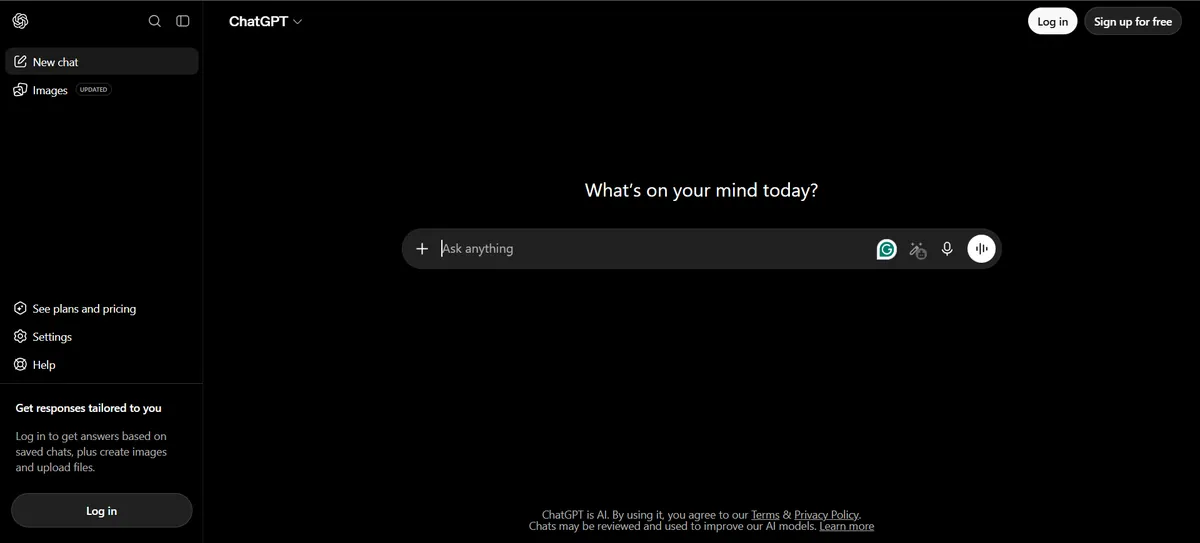
ChatGPT is one of the best AI chatbots for general use and one of the most versatile AI chatbot platforms available. From one interface it can handle writing, editing, brainstorming, research, coding, file and data analysis, image understanding and generation, planning, learning, summarization, voice conversations and custom workflows.
Pros
- Broad range of AI capabilities
- Strong general-purpose workflow
- Useful for writing, research and coding
- Supports files and multimodal tasks
- Multiple subscription options
- Works for beginners and advanced users
Cons
- AI-generated answers can still contain errors
- Some advanced features require paid access
- Usage limits vary by plan
- The large feature set can feel complicated to new users
Why consider ChatGPT? The biggest advantage is breadth. You can go from writing to research, coding, files, images, data and planning without constantly switching platforms.
Want one AI assistant for almost everything?
Check ChatGPT Plans →2. Claude — Best for Writing and Knowledge-Heavy Work
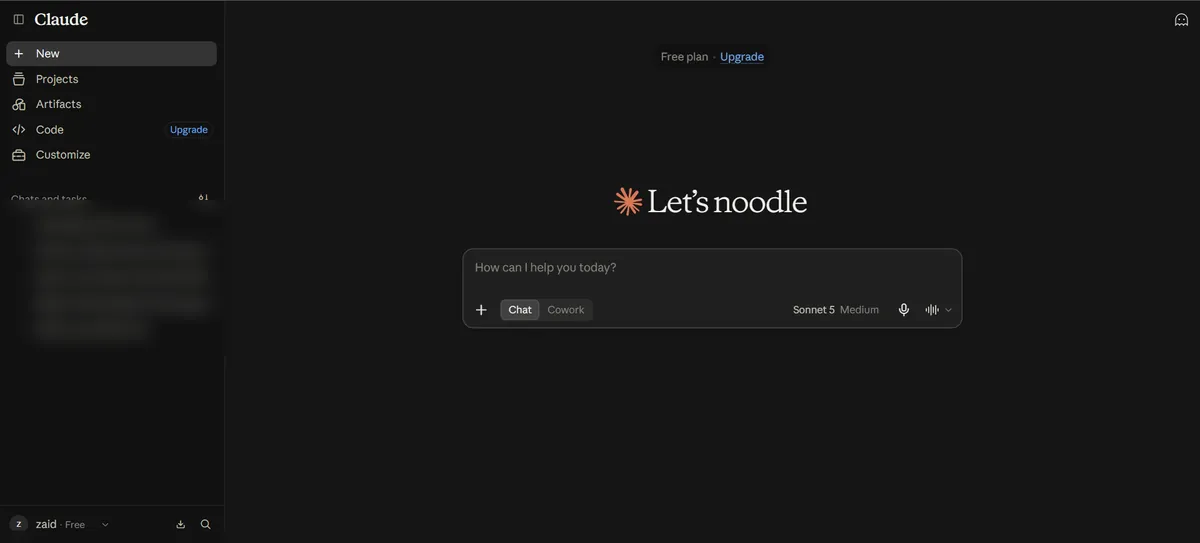
Claude is Anthropic’s AI assistant and one of the best AI chatbots for writing; it has become a major alternative to ChatGPT. It is particularly relevant if you spend a lot of time working with long documents, writing, analysis, research, coding, structured reasoning and large amounts of context.
Pros
- Strong long-form writing capabilities
- Useful for editing and rewriting
- Well suited to document-heavy workflows
- Useful for coding and technical work
- Good with complex instructions
Cons
- Features and usage limits depend on the plan
- Heavy users can hit usage limits
- Less compelling if you need deep Google or Microsoft integration
- Not every feature is available in every region or plan
Why consider Claude? It is especially useful when your task looks like “Here is a long document — analyze it, find the important issues and rewrite section three” rather than a quick one-line answer. If writing is your main job, also see our list of the best AI writing tools.
Doing long-form writing or document-heavy work?
Check Claude Plans →3. Google Gemini — Best for Google Users and Multimodal AI
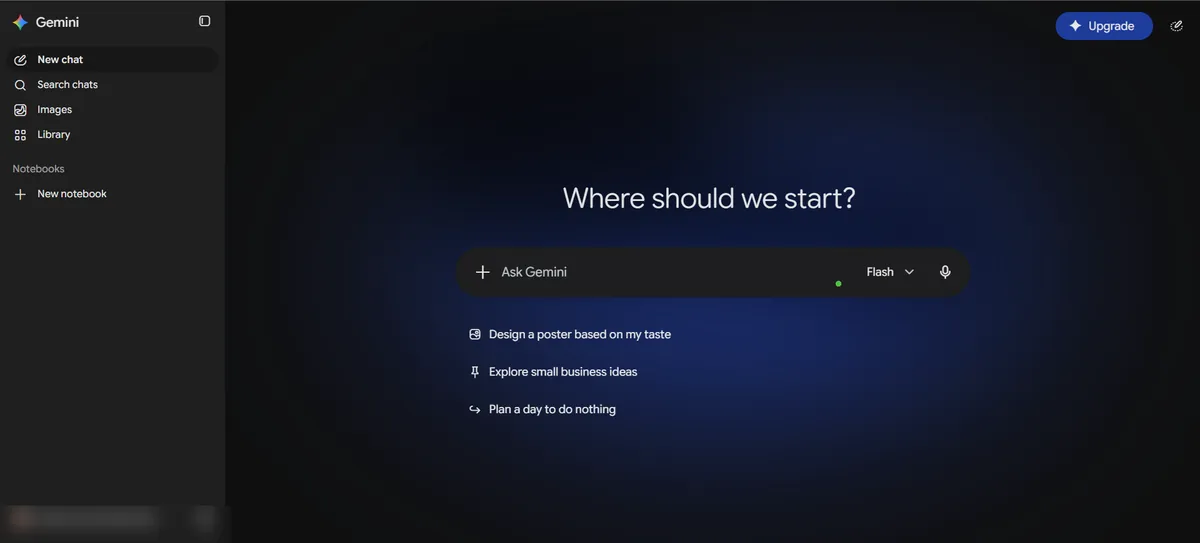
Gemini is Google’s AI assistant and, among the best AI chatbots, the one most deeply connected to Google’s wider ecosystem. Depending on your plan and region, it can work alongside Gmail, Google Docs, Google Drive, Google Photos, Google Search, YouTube and Google Workspace.
Pros
- Strong Google ecosystem integration
- Useful for Gmail and Workspace users
- Multimodal capabilities
- Strong connection to Google Search
- Increasingly supports agentic workflows
Cons
- Feature availability varies by country and plan
- Some advanced features need a paid Google AI plan
- Less useful if you don’t rely on Google services
- Google’s AI lineup changes frequently and can be confusing
Why consider Gemini? If your digital life already runs through Google, integration can matter more than a small difference in chatbot benchmark performance.
Already living in Gmail, Docs and Drive?
Check Google Gemini Plans →4. Microsoft Copilot — Best for Microsoft 365 Users
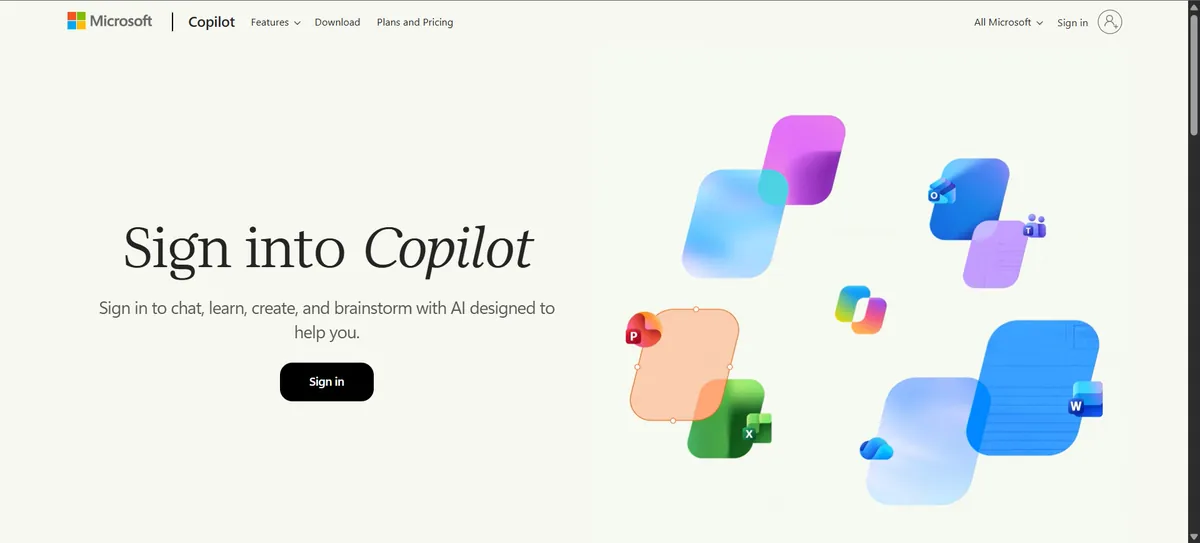
Among the best AI chatbots, Microsoft Copilot takes a different approach. Instead of being primarily a standalone chatbot, Microsoft increasingly places AI directly inside software people already use — Word, Excel, PowerPoint, Outlook, Teams, Windows and Microsoft 365.
Pros
- Strong Microsoft 365 integration
- Useful inside Word, Excel and PowerPoint
- Relevant for business users
- Fits existing Microsoft workflows
- Less copying between separate apps
Cons
- Full capabilities depend on licensing
- Less compelling without Microsoft 365
- Consumer and business features differ
- Packaging and features change frequently
Why consider Copilot? If you already work inside Microsoft 365, having AI available inside those applications can be more useful than a completely separate chatbot.
Does your team run on Microsoft 365?
Check Microsoft Copilot Plans →5. Perplexity — Best for AI-Powered Research
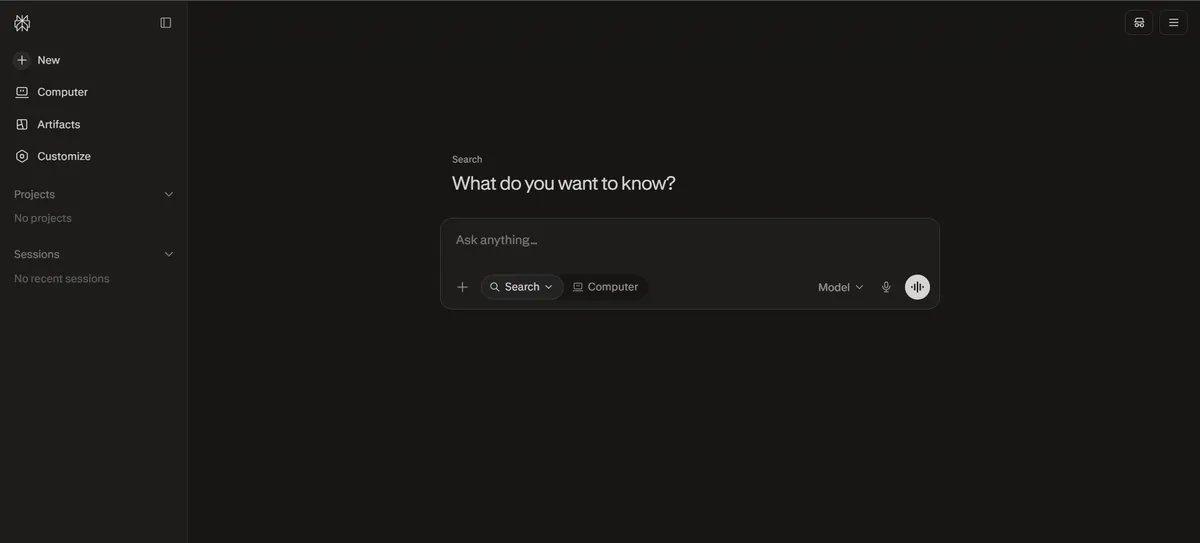
Of the best AI chatbots on this list, Perplexity is the most different from a traditional general-purpose chatbot. Its identity is much more closely tied to search and research: instead of simply generating an answer from a model, it is designed around finding information and presenting answers with sources.
Pros
- Research-oriented workflow
- Sources shown alongside answers
- Useful for current information
- Good for source discovery
- Conversational search experience
Cons
- Citations still need to be verified
- Not the best choice for every creative task
- Advanced usage can require a paid plan
- A cited source doesn’t guarantee the conclusion is correct
Why consider Perplexity? You get an answer accompanied by sources you can inspect, which makes checking far easier than with a completely source-free answer.
Need current answers you can trace back to sources?
Check Perplexity Plans →6. Grok — Best for Conversational AI and X-Related Context
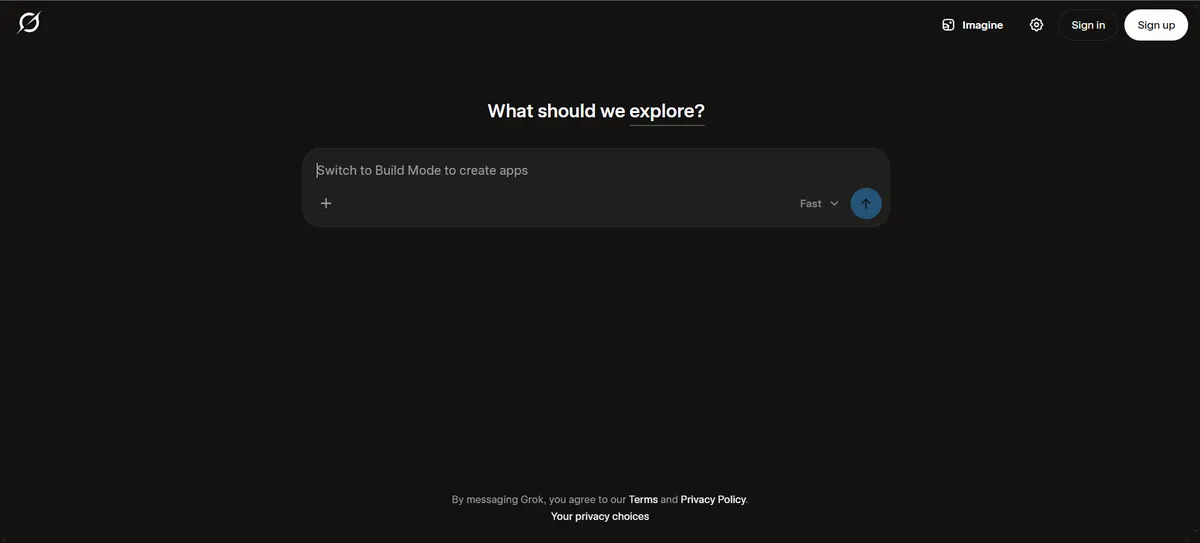
Grok is developed by xAI and has become another of the best AI chatbots for general-purpose use. Its relationship with the X ecosystem gives it a distinctive position. Depending on the current configuration and subscription, Grok can provide conversational answers, writing assistance, research, coding help, image-related capabilities and X-related, current-topic context.
Pros
- Strong conversational experience
- Closely connected to X
- Useful for current-topic discussions
- General-purpose capabilities
Cons
- Social-media information can be incomplete or inaccurate
- Some capabilities depend on subscription
- Less compelling if you don’t use X
- Capabilities can change quickly
Spend a lot of time on X?
Check Grok Plans →7. Meta AI — Best for Social and Messaging Users
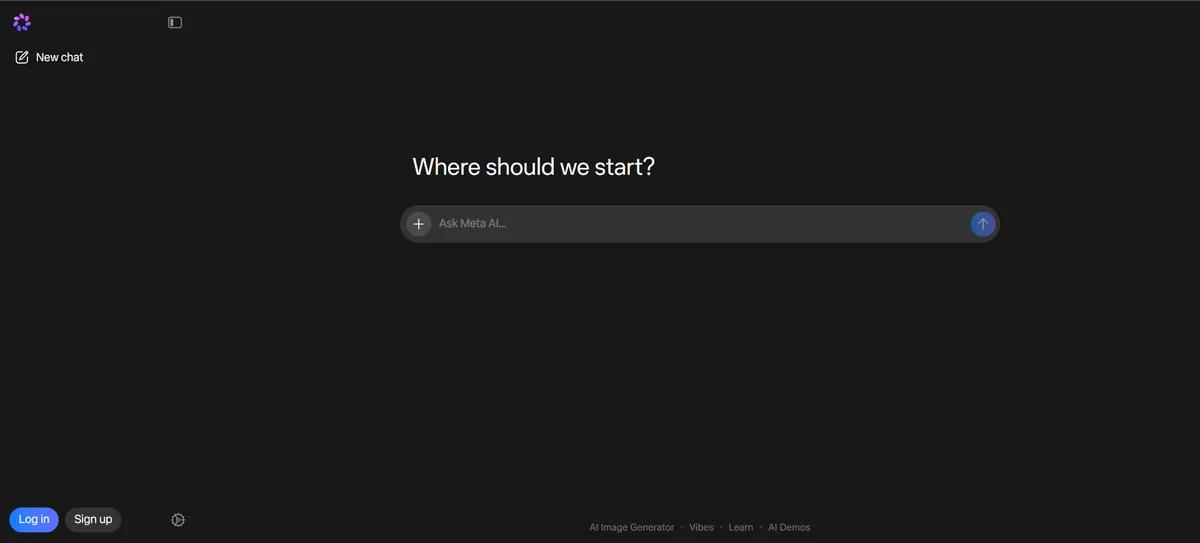
Meta AI brings conversational AI into Meta’s ecosystem, which makes it especially relevant if you already use WhatsApp, Instagram, Facebook or Messenger. Instead of opening a separate AI application, you can access AI inside platforms you already use.
Pros
- Convenient inside Meta’s apps
- Useful for casual questions
- Low friction for everyday AI use
- No separate AI workflow to build
Cons
- Less focused on professional research
- Capabilities vary by country and product
- Not the best choice for complex document or coding tasks
Want AI right inside WhatsApp and Instagram?
Check Meta AI →8. DeepSeek — Best for Alternative AI Models
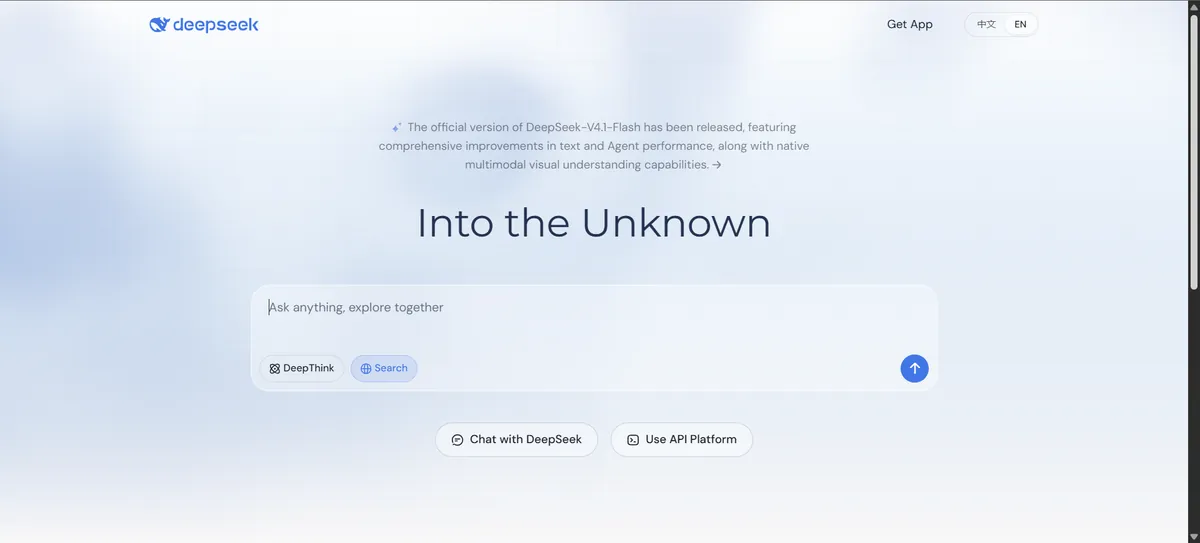
DeepSeek gained significant attention by offering highly capable AI models and attracting developers and AI users looking for alternatives to the largest platforms. Depending on the available product and model, it can be used for general questions, reasoning, coding, mathematics, technical tasks and research.
Pros
- An alternative to the largest AI platforms
- Strong interest around coding and reasoning
- Useful for experimentation
- Accessible without a premium mainstream subscription
Cons
- Product and model availability can change
- Privacy and data handling should be reviewed
- Avoid sharing sensitive information without checking current policies
- Less integrated into mainstream productivity ecosystems
Curious about alternative models for coding and reasoning?
Explore DeepSeek →9. Poe — Best for Multiple AI Models in One Place
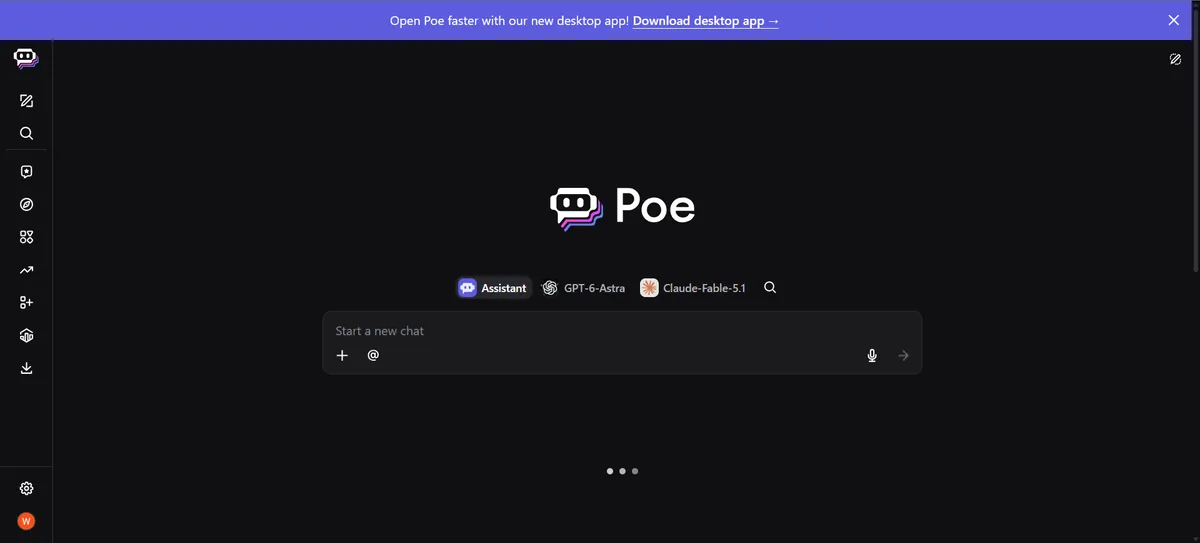
Poe takes a different approach from most of the best AI chatbots, which are built around one flagship assistant. Its value comes from bringing multiple AI models and bots together in one interface, which is useful if you want to compare different models without maintaining completely separate workflows.
Pros
- Multiple AI models in one platform
- Easy to compare models side by side
- Good for AI experimentation
- Useful for discovering specialized bots
Cons
- Usage limits depend on the plan
- Access to specific models can change
- Quality depends on the underlying model
- Unnecessary if you only need one assistant
Want to test several AI models without juggling apps?
Check Poe Plans →10. Character.AI — Best for Character Conversations and Entertainment
Character.AI is different from productivity-oriented assistants. Instead of focusing on business research or document analysis, it centers on conversations with AI characters and personalities built around fiction, roleplay, entertainment, storytelling and creative conversations.

Pros
- Strong character-based conversations
- Creative storytelling and roleplay
- Large variety of AI personalities
- Good for entertainment
Cons
- Not designed for factual research
- Responses shouldn’t be treated as authoritative
- Not suited to professional productivity or coding
Looking for creative, character-driven AI chats?
Check Character.AI →Best AI Chatbots Compared Side by Side
| Chatbot | Best for | Free option | Research | Writing | Coding | Ecosystem |
|---|---|---|---|---|---|---|
| ChatGPT | General AI | Yes | ✓ | ✓ | ✓ | OpenAI |
| Claude | Writing & analysis | Yes | ✓ | ✓✓ | ✓ | Anthropic |
| Gemini | Google users | Yes | ✓ | ✓ | ✓ | |
| Copilot | Microsoft users | Yes | ✓ | ✓ | ✓ | Microsoft |
| Perplexity | Research | Yes | ✓✓ | ✓ | ✓ | Search |
| Grok | X users / current topics | Yes / plan dependent | ✓ | ✓ | ✓ | xAI / X |
| Meta AI | Social / messaging | Yes | Limited | ✓ | Limited | Meta |
| DeepSeek | Technical users | Yes / varies | ✓ | ✓ | ✓✓ | DeepSeek |
| Poe | Model comparison | Yes / limited | Varies | ✓ | Varies | Multi-model |
| Character.AI | Entertainment | Yes / limited | — | Creative | — | Character platform |
Feature availability changes frequently across the best AI chatbots. A checkmark means the platform can support the category, not that every plan includes every feature.
ChatGPT vs Claude vs Gemini vs Perplexity
| Feature | ChatGPT | Claude | Gemini | Perplexity |
|---|---|---|---|---|
| General-purpose assistant | ✓✓ | ✓ | ✓✓ | ✓ |
| Long-form writing | ✓ | ✓✓ | ✓ | ✓ |
| Web research | ✓ | ✓ | ✓✓ | ✓✓ |
| Citations | In search/research workflows | Depending on feature | In search/research workflows | Core strength |
| Coding | ✓✓ | ✓✓ | ✓ | ✓ |
| Google integration | — | — | ✓✓ | — |
| File analysis | ✓✓ | ✓✓ | ✓✓ | ✓ |
| Multimodal work | ✓✓ | ✓ | ✓✓ | ✓ |
| Best use case | Broad AI | Writing / knowledge work | Google ecosystem | Research |
No single row in this table should decide your purchase by itself. The ecosystem surrounding the chatbot can be just as important as the underlying model.
Best AI Chatbots by Use Case
The best AI chatbots for you depend on the job. Here is how they line up for the most common tasks.
Which AI Chatbot Is Best for Writing?
Claude is particularly relevant for long-form writing, editing, documents, structured prose and knowledge work. ChatGPT is useful when writing is only one part of a workflow that also includes research, data analysis, images, coding and brainstorming. Gemini is convenient if your writing already lives inside Google products. For dedicated editing and SEO-writing tools, compare the best AI writing tools in 2026.
Which AI Chatbot Is Best for Research?
It depends on what you mean by research. For current web information with citations, look at Perplexity. For research plus analysis, writing and files, look at ChatGPT or Claude. If your research lives inside Google’s ecosystem, look at Gemini. The key distinction: finding sources and analyzing sources are not the same task.
Which AI Chatbot Is Best for Coding?
ChatGPT is useful for explaining code, debugging, generating code, architecture discussions and general programming questions. Claude is useful for large codebases, refactoring, long technical instructions and code analysis. Gemini suits developers already in Google’s ecosystem, and DeepSeek is worth trying if you want alternative models for coding and technical reasoning. Your development environment, context limits and integrations can matter more than a single benchmark score.
Which AI Chatbot Is Best for Students?
For explanations, ChatGPT, Claude and Gemini can all explain difficult concepts conversationally. For research, Perplexity helps find sources quickly. For long documents, ChatGPT and Claude are useful, and Gemini is convenient if schoolwork already runs on Google Docs. AI should support learning, not replace it.
Which AI Chatbot Is Best for Businesses?
Businesses should ask which platform fits their existing software, security requirements and workflows. A Google Workspace company should look closely at Gemini; a Microsoft 365 company at Copilot. For general knowledge work, compare ChatGPT and Claude; for research-heavy teams, Perplexity. For a customer-facing chatbot, a specialized business AI platform may make more sense than a consumer chatbot. Marketing teams can also compare our best marketing tools.
Free AI Chatbots vs Paid AI Chatbots
You don’t necessarily need to pay — several of the best AI chatbots offer free access in some form. Paid plans can add higher usage limits, more capable models, faster responses, advanced reasoning, larger file and context limits, research tools, image generation, advanced integrations and priority access.
The right approach is simple: use the free version first, and upgrade when you hit a limitation that actually affects your work.
How Much Do AI Chatbots Cost?
AI chatbot pricing changes frequently. Before subscribing, check:
- Monthly price — what are you paying?
- Annual price — is there a discount?
- Usage limits — how many messages, searches or advanced requests do you get?
- Model access — which models are included?
- Feature access — are research, image generation, coding or agent features included?
- Renewal price — does the price change?
- Regional pricing — is your country priced differently?
Do AI Chatbots Give Correct Answers?
Not always — even the best AI chatbots can be wrong. A chatbot can produce an answer that sounds completely confident and still be wrong. AI systems can misinterpret questions, invent facts, misquote sources, use outdated information, make mathematical errors, produce incorrect citations and overstate certainty.
For important information, check the original source — especially for medical, legal and financial decisions, current prices, technical specifications, government requirements, academic citations and security advice.
AI Chatbot vs Search Engine
| Task | Traditional search | AI chatbot |
|---|---|---|
| Find websites | ✓✓ | ✓ |
| Direct answer | ✓ | ✓✓ |
| Conversational follow-up | Limited | ✓✓ |
| Source discovery | ✓✓ | ✓ |
| Summarization | Limited | ✓✓ |
| Brainstorming & writing | Limited | ✓✓ |
| Current information | ✓✓ | Depends on web access |
| Source verification | ✓✓ | Requires checking |
The smartest workflow is often both: use AI to understand and organize, and use primary sources to verify.
What Makes a Good AI Chatbot?
- Answer quality — does it actually answer your question?
- Reasoning — can it handle multi-step problems?
- Context — can it follow long documents and conversations?
- Current information — can it access the web when necessary?
- Citations — can you trace important claims back to sources?
- File support — can it analyze PDFs, spreadsheets and images?
- Multimodal capability — can it work with text, images and audio?
- Integrations — does it work with the software you already use?
- Usage limits — how quickly will you hit the ceiling?
- Price — does it save enough time to justify the subscription?
How to Choose the Right AI Chatbot
Picking between the best AI chatbots is easier if you follow a simple process.
Step 1: Identify your main task. Writing? Look at ChatGPT and Claude. Research? Perplexity. Google Workspace? Gemini. Microsoft 365? Copilot. Entertainment? Character.AI.
Step 2: Check whether you need current information. If you regularly need current news, prices, product information or recent research, web access and source transparency become much more important.
Step 3: Check your ecosystem. Already using Google? Gemini deserves a closer look. Microsoft? Copilot. X? Grok may be relevant. Nothing specific? ChatGPT and Claude are natural general-purpose options.
Step 4: Test the free version. Don’t pay immediately. Give the free plan your actual workflow, ask the same questions to multiple chatbots and compare the results.
Step 5: Check limits. Messages, research requests, file uploads, context limits, model access, image generation and agent usage.
Step 6: Calculate the real value. Don’t ask “Is $20 expensive?” Ask “Does this save me enough time to justify $20?”
Should You Pay for More Than One AI Chatbot?
Sometimes — but most people don’t need three or four subscriptions. A sensible setup is one general-purpose chatbot plus one specialized tool: for example, ChatGPT + Perplexity for general productivity plus research, or Gemini + ChatGPT if you work heavily inside Google but also want a broader assistant. Paying for several AI tools you rarely use isn’t a smart investment.
AI Chatbot Buying Checklist
Before paying for an AI chatbot, ask:
- ☐ What will I use it for, and does it support my main workflow?
- ☐ Does it have web access and citations where I need them?
- ☐ Can it analyze my files, and does it support images and voice?
- ☐ Does it integrate with the apps I already use?
- ☐ Which models are included, and what are the usage limits?
- ☐ What’s the monthly price, annual discount and renewal price?
- ☐ How is my data handled?
- ☐ Can I test it for free first?
How We Compared These AI Chatbots
This is a research-based comparison based on current product information and available independent evidence — not a claim that Etemora ran a controlled benchmark across every chatbot. We considered conversational quality, writing, research, reasoning, coding, file analysis, multimodal capabilities, integrations, pricing, usage limits, privacy and practical use cases. See how we review for our wider methodology.
AI changes unusually quickly. Models can be replaced, plans can change and new capabilities can appear without warning, so treat this as a 2026 snapshot rather than a permanent ranking.
Frequently Asked Questions
What is the best AI chatbot in 2026?
There isn’t one chatbot that is best for every user. ChatGPT, Claude, Gemini, Copilot and Perplexity are built around different strengths and ecosystems. The right choice depends on whether you prioritize general productivity, writing, research, Google integration, Microsoft integration or another workflow.
Is ChatGPT better than Claude?
Not universally. ChatGPT is a broad general-purpose AI assistant, while Claude is particularly relevant for writing, document analysis and knowledge-heavy work.
Is Gemini better than ChatGPT?
Neither is universally better. Gemini becomes particularly relevant if you rely heavily on Google products, while ChatGPT provides a broad general-purpose workflow.
Is Perplexity a chatbot?
Yes, it can be used conversationally, but its core identity is closer to an AI-powered search and research platform.
Are AI chatbots free?
Many of the best AI chatbots provide free access, although free plans typically have lower limits or fewer advanced features.
Which AI chatbot is best for students?
ChatGPT, Claude and Gemini are all useful for explanations and studying. Perplexity is useful for finding sources.
Which AI chatbot is best for research?
Perplexity is designed around AI-assisted search and source-backed answers. ChatGPT, Claude and Gemini can also be useful for research.
Can AI chatbots access the internet?
Some can, depending on the product, model and plan. Don’t assume every chatbot or every mode has live web access.
Can AI chatbots create images or analyze PDFs?
Several major assistants can generate images and analyze uploaded documents, although file size, context and feature limits vary by platform and plan. For dedicated image tools, see the best AI image generators. If a PDF is over the upload limit, our free PDF tools can compress or split it first.
Can AI chatbots write code?
Yes. ChatGPT, Claude, Gemini, Copilot and other AI systems can assist with programming.
Should I use multiple AI chatbots?
You can, but most users don’t need multiple paid subscriptions. Start with one and add another only when it solves a specific problem.
Can AI chatbots replace search engines?
They can replace some searches, particularly explanatory or conversational queries, but they shouldn’t completely replace traditional search and primary-source verification.
Our Practical Take
The best AI chatbots in 2026 are no longer interchangeable, and the market is no longer simply a competition between models — it’s increasingly a competition between ecosystems and workflows.
One assistant for a wide range of tasks? ChatGPT.
Writing and long documents? Claude.
Work lives in Gmail, Docs and Google? Gemini.
Organization runs on Microsoft 365? Copilot.
Need current information with sources? Perplexity.
Want to experiment with alternative models? DeepSeek or Poe.
Mainly want conversational entertainment? Character.AI.
Don’t buy the chatbot with the longest feature list. Identify the task you want AI to solve, start with one tool, use the free version with your real work — and only pay when the extra capabilities solve a problem you actually have.
Build Your AI Tool Stack
An AI chatbot is only one part of a modern AI workflow. Depending on what you do, you may also need:
Explore each layer: AI writing tools, AI image generators, AI video generators, or browse every guide in our AI Tools category.
Choosing a whole AI stack, not just a chatbot?
Compare the Best AI Tools for Work →Disclosure: Some links on this page may be affiliate links. If you purchase through an eligible link, Etemora may earn a commission at no additional cost to you. Our editorial recommendations are not determined solely by commission. Learn more →
Related articles you may like
 AI ToolsChatGPT vs Claude: 2026 Honest AI Comparison
 AI ToolsHow to Use AI for Work: 10 Proven Examples in 2026
 AI ToolsBest AI Video Generators in 2026: 10 Tools Compared
 AI ToolsBest AI Writing Tools in 2026: 10 Tools Compared
 AI ToolsWhat Is Generative AI? How It Works, Examples & Uses
 AI ToolsWhat Is Artificial Intelligence and How Does It Work?