
Best AI Writing Tools in 2026: 10 Tools Compared
 By M. Zaid
- Updated September 29, 2026
- 14 min read
Some links on this page are affiliate links. If you buy through them, Etemora may earn a commission at no extra cost to you. Read our affiliate disclosure
Quick answer: What’s the best AI writing tool? There isn’t one universal winner — ChatGPT is the strongest general-purpose option, Claude is best for long-form writing, Grammarly is best for editing, and Jasper or Writesonic fit marketing and SEO workflows better. The right choice depends on what you actually write and whether you need generation, editing, or both.
AI writing tools have moved far beyond simple text generators. Today’s tools can help with everything from blog posts and SEO content to emails, marketing copy, rewriting, grammar and long-form documents.
But there are now so many AI writing tools that choosing one can be harder than actually writing the content. Some are built for general writing, others for marketing, SEO, or editing existing text — and a tool that’s brilliant for a blogger may be unnecessary for someone who mainly writes emails.
This guide compares the 10 best AI writing tools across writing quality, use cases, features, ease of use and overall fit.
Quick Comparison
| AI Writing Tool | Best For | Free Option | Main Strength |
|---|---|---|---|
| ChatGPT | General writing | Yes | Versatility |
| Claude | Long-form writing | Yes | Documents & natural writing |
| Gemini | Google users | Yes | Google ecosystem |
| Grammarly | Editing | Yes | Grammar & rewriting |
| Jasper | Marketing teams | Trial | Brand-focused marketing |
| Copy.ai | Marketing & sales | No | Marketing workflows |
| Writesonic | SEO & content | Trial | Content + SEO/GEO |
| Sudowrite | Fiction | Trial | Creative writing |
| Notion AI | Workspace writing | Limited | Writing inside Notion |
| Microsoft Copilot | Office users | Yes | Word & Microsoft 365 |
Note: the “Free Option” column was checked against each tool’s official pricing page in September 2026. AI pricing and usage limits change frequently — verify the current plan before subscribing.
1. ChatGPT — Best All-Purpose AI Writing Tool
Best for: bloggers, freelancers, marketers and general content creation. ChatGPT is one of the most flexible options if you don’t want a separate AI tool for every writing task — drafting articles, rewriting content, brainstorming, outlines, emails, summaries and social posts. OpenAI positions ChatGPT specifically as a writing assistant for drafting, rewriting, tightening and adapting content for different audiences.
Not sure whether a general chatbot or a dedicated writing tool suits you better? Our guide to the best AI chatbots compares ChatGPT, Claude, Gemini and other assistants across writing, research and coding.
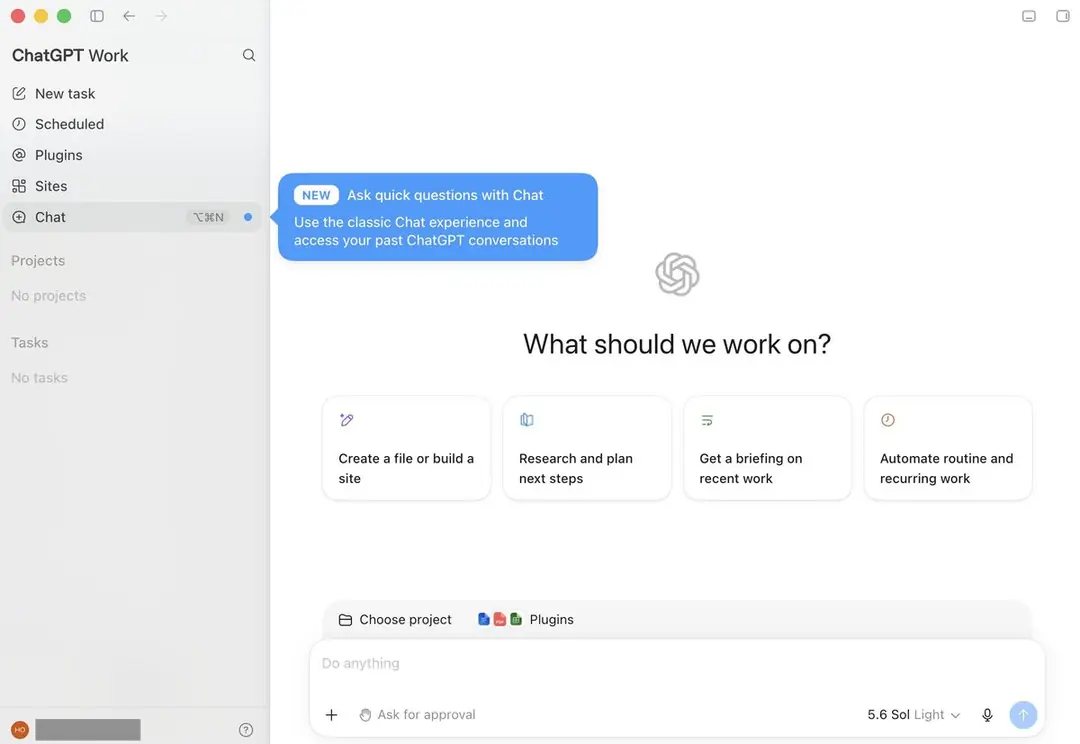
Pros: extremely versatile, strong brainstorming, good long-form drafting, useful for rewriting, works with uploaded files, free option available.
Cons: output still needs fact-checking, can be generic without good instructions, usage limits depend on plan, not built specifically around SEO workflows.
Best for: people who want one AI assistant that can handle writing plus many other tasks.
Want to compare it against other general-purpose AI tools?
Compare the Best AI Tools for Work →Pricing and free access: a free plan is available to everyone; paid plans raise usage limits and unlock more features. See ChatGPT’s official pricing page.
2. Claude — Best for Long-Form Writing
Best for: writers, bloggers, researchers and people working with large documents. Claude has become one of the best AI writing tools for long-form writing because it can work with substantial context and keep a consistent tone across longer pieces — useful for blog articles, reports, research documents, rewriting and business documents.
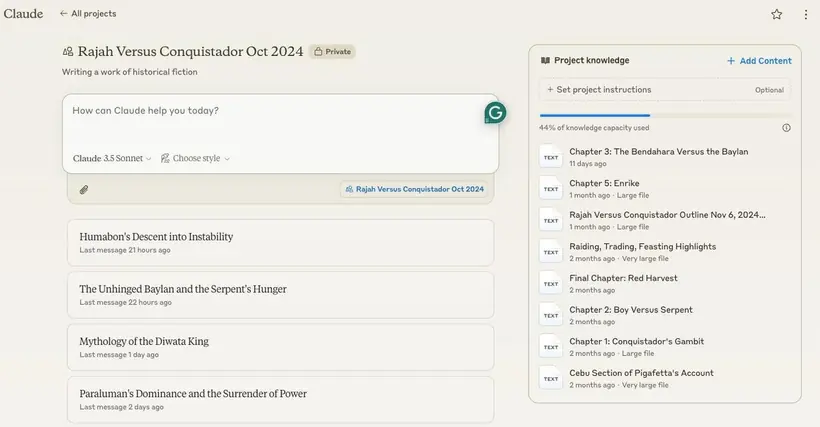
Pros: strong long-form writing, natural-sounding output, good document analysis and rewriting, persistent project context.
Cons: usage limits vary, still requires fact-checking, not a dedicated SEO platform, some features need a paid plan.
Best for: long-form content, research-heavy writing and document work.
Pricing and free access: a free plan covers chat on web, desktop and mobile; the paid Pro and Max plans raise usage limits. See Claude’s official pricing page.
3. Gemini — Best for Google Users
Best for: people already using Google Workspace. Among the best AI writing tools, Gemini becomes especially useful when your writing workflow already lives inside Gmail, Docs and Drive, reducing the need to copy text between apps.
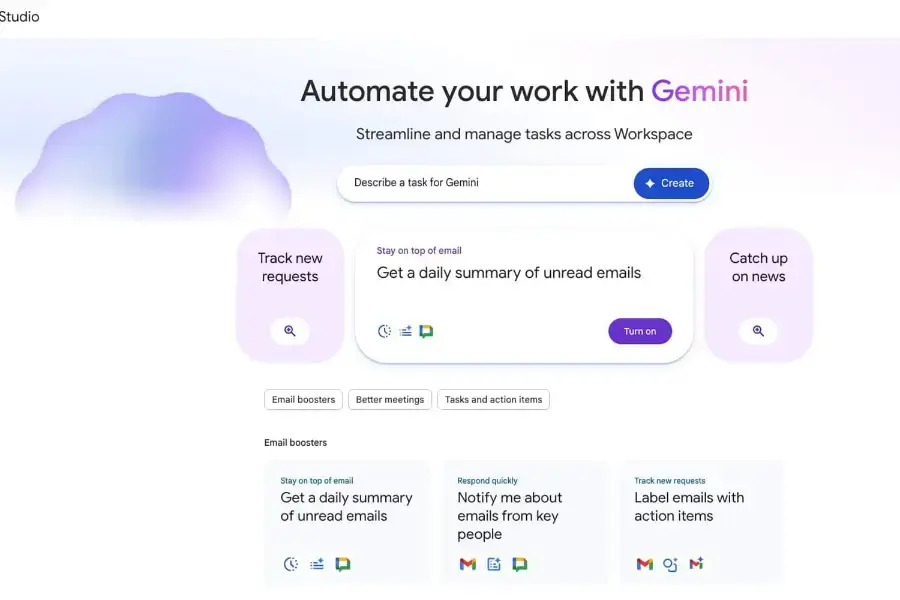
Pros: Google ecosystem integration, useful for drafting, research and summarization, free access available.
Cons: feature availability varies by plan and region, less specialized than dedicated writing platforms.
Best for: Google Workspace users who want AI integrated into their existing workflow.
Pricing and free access: free with a Google account; paid Google AI plans add more advanced models and higher limits. See Gemini’s official plans page.
4. Grammarly — Best for Editing and Improving Existing Writing
Best for: emails, business communication, freelancers and anyone who already writes but wants cleaner output. Instead of “write my article,” Grammarly starts from your own writing and asks “make this clearer” or “make this sound more professional” — providing grammar, clarity, tone and rewriting help directly where people already write.
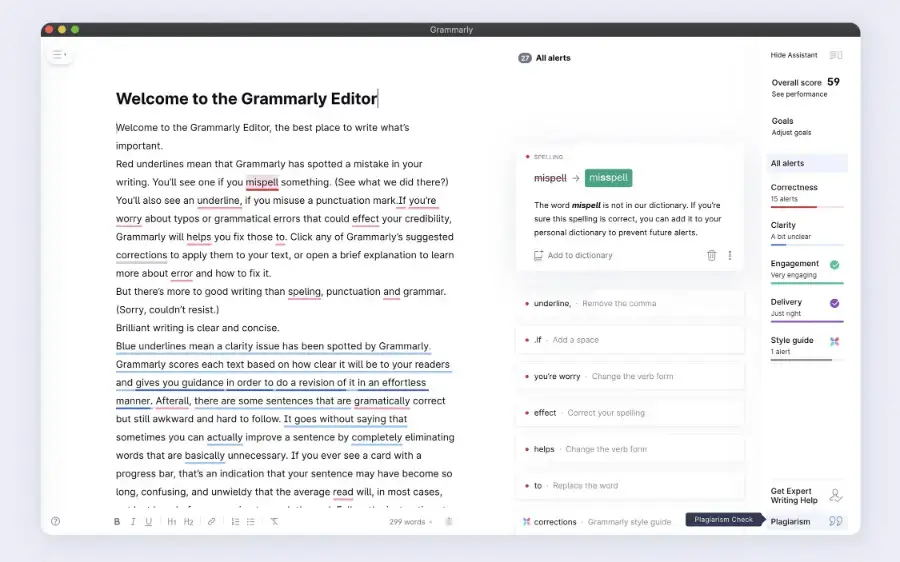
Pros: excellent for editing, works across apps and browsers, useful for emails, tone adjustments, free option.
Cons: not a full replacement for a general AI assistant, best features may require a paid plan, suggestions still need human judgment.
Best for: people who already write and want AI to improve the writing.
Want cleaner writing without starting from scratch?
Try Grammarly →Pricing and free access: the free plan covers spelling and grammar checks, tone detection and a limited number of AI prompts each month. See Grammarly’s official plans page.
5. Jasper — Best for Marketing Teams
Best for: marketers, agencies and businesses producing branded marketing content. Among the best AI writing tools, Jasper is more specialized than ChatGPT or Claude, with its focus heavily oriented toward marketing and brand content — campaigns, advertising, social media and content strategy for teams producing content repeatedly.
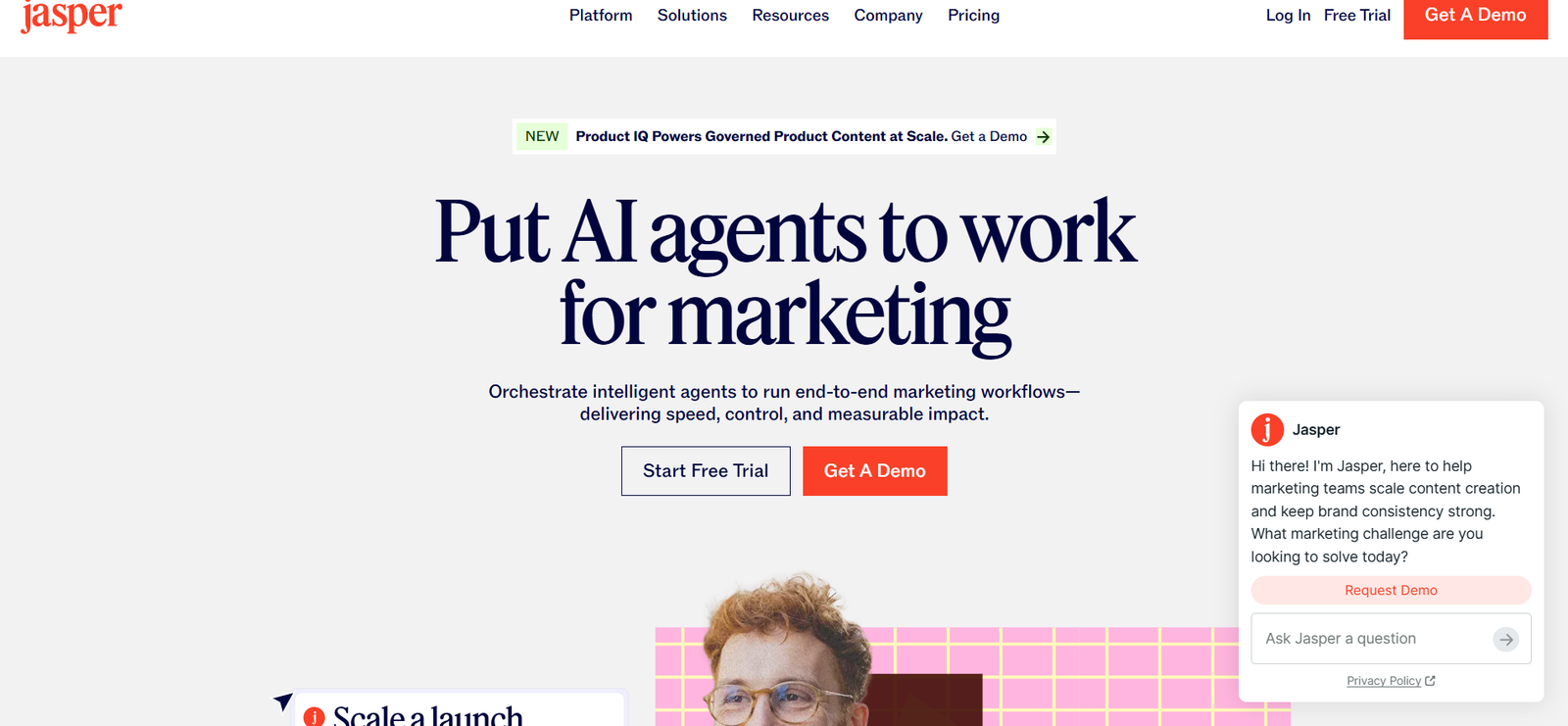
Pros: marketing-focused, brand-oriented workflows, useful for teams, stronger specialization than general chatbots.
Cons: more specialized than most solo writers need, can be unnecessary for casual writing, check pricing against actual usage.
Best for: marketing teams that need repeatable, brand-controlled content workflows.
Producing marketing content at scale?
Explore Jasper →Pricing and free access: there is no permanent free plan, but Jasper offers a 7-day free trial of its Pro plan. See Jasper’s official pricing page.
6. Copy.ai — Best for Marketing Workflows
Best for: marketing teams, sales teams and businesses producing repetitive commercial content — marketing copy, sales content, product messaging and go-to-market tasks connected to a repeatable process rather than one-off prompts.
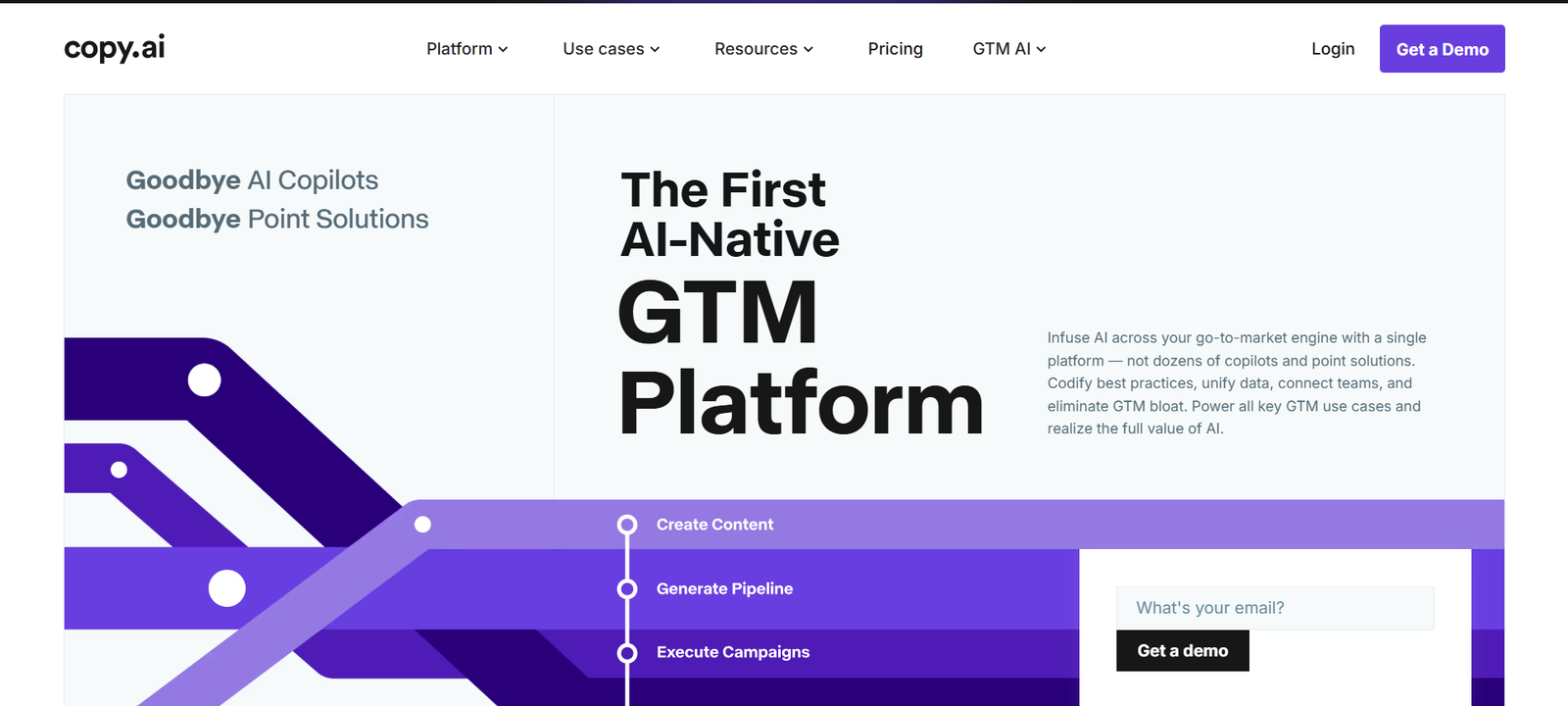
Best for: businesses that want writing connected to repeatable marketing processes. If you’re a solo blogger writing two articles a week, a general AI assistant may be enough; if you’re a team producing hundreds of assets, specialized workflow features become more valuable.
Pricing and free access: no free plan is listed; self-serve pricing starts with the paid Chat plan. See Copy.ai’s official pricing page.
7. Writesonic — Best for SEO-Focused Content
This one is particularly interesting for content publishers. Writesonic, one of the best AI writing tools for publishers, has expanded beyond simple AI writing into SEO and AI-search visibility, with an AI Article Writer, SEO tools and generative-engine-optimization features built into the same platform.
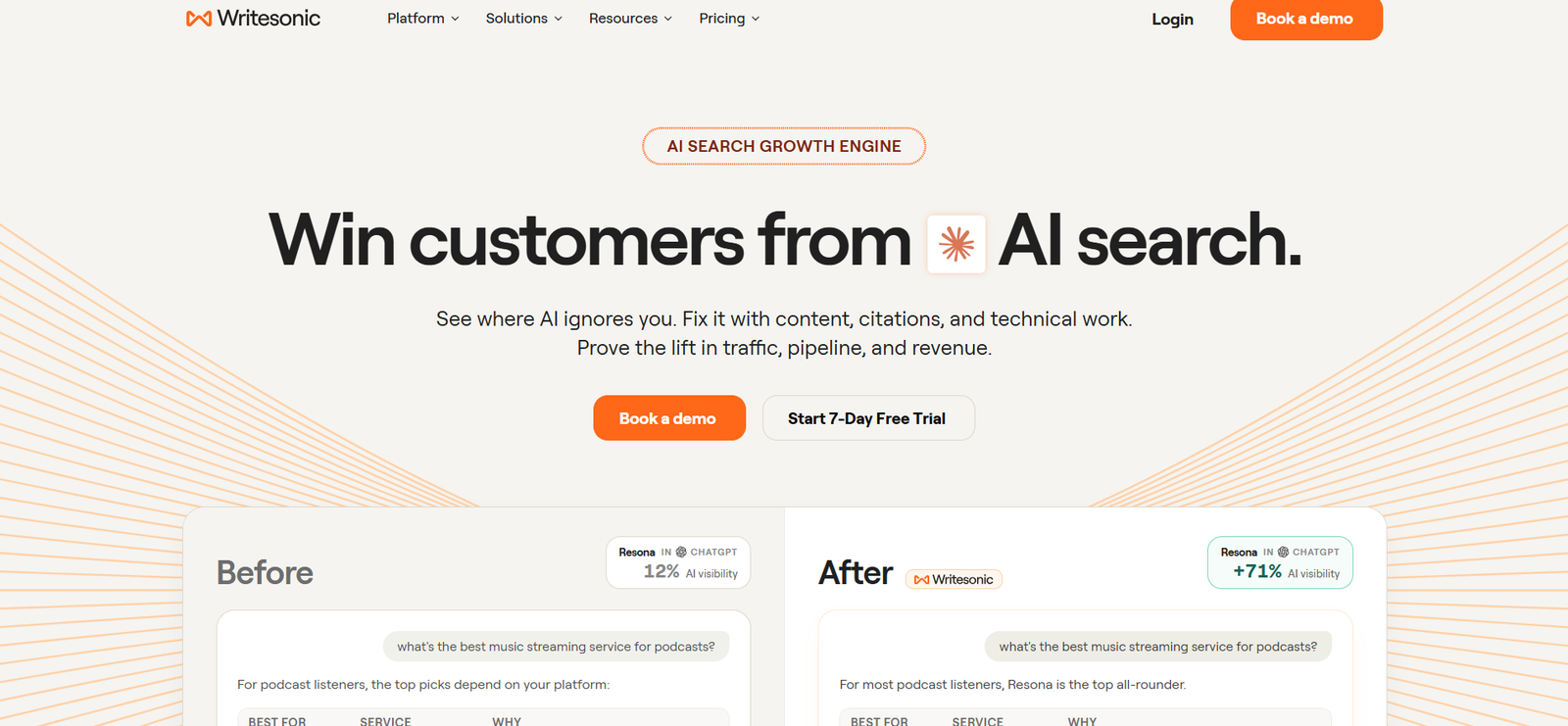
Pros: SEO-oriented, content generation, AI search/GEO features, marketing content, free tools available.
Cons: more complex than a basic AI writer, better suited to marketers and content teams, pricing and usage models can change.
Best for: SEO content, blog production and content optimization.
Publishing content that needs to rank?
Try Writesonic →Pricing and free access: there is no permanent free plan, but paid plans can be started as a free trial without a credit card. See Writesonic’s official pricing page.
8. Sudowrite — Best for Fiction Writers
Best for: novelists, storytellers and creative writers. Not every writer wants an SEO article — some want novels, short stories, characters, scenes and dialogue, which is where a tool built specifically around creative-writing workflows makes more sense than a general AI assistant.
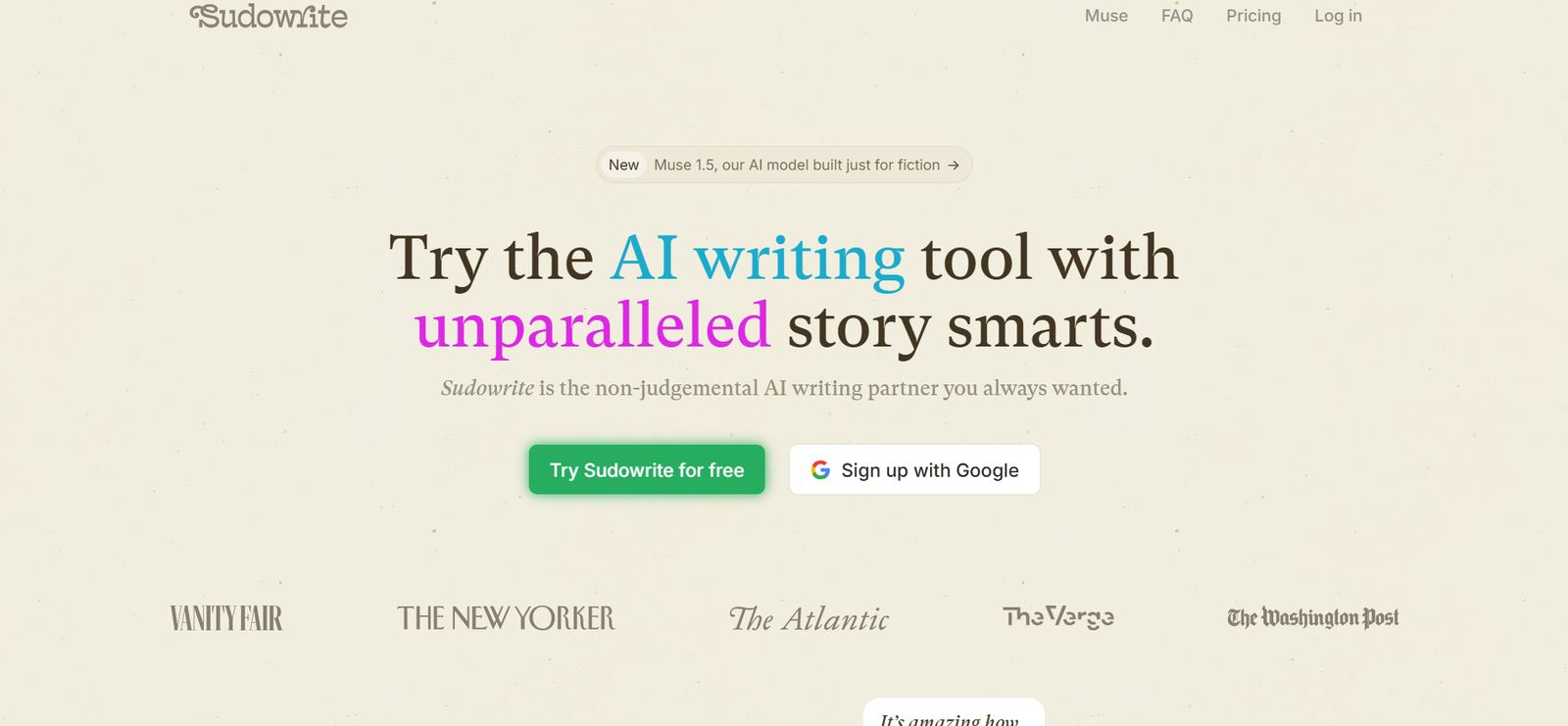
Best for: fiction writers who want AI assistance without treating every writing task like marketing copy. Not ideal for SEO articles, business reports or technical documentation.
Pricing and free access: paid plans come with a free trial, no credit card required. See Sudowrite’s official pricing page.
9. Notion AI — Best for Writing Inside Your Workspace
Best for: people already using Notion for notes, documents, projects and knowledge management. The major advantage is context — summarizing notes, rewriting documents, generating drafts and turning notes into structured content without leaving your workspace.
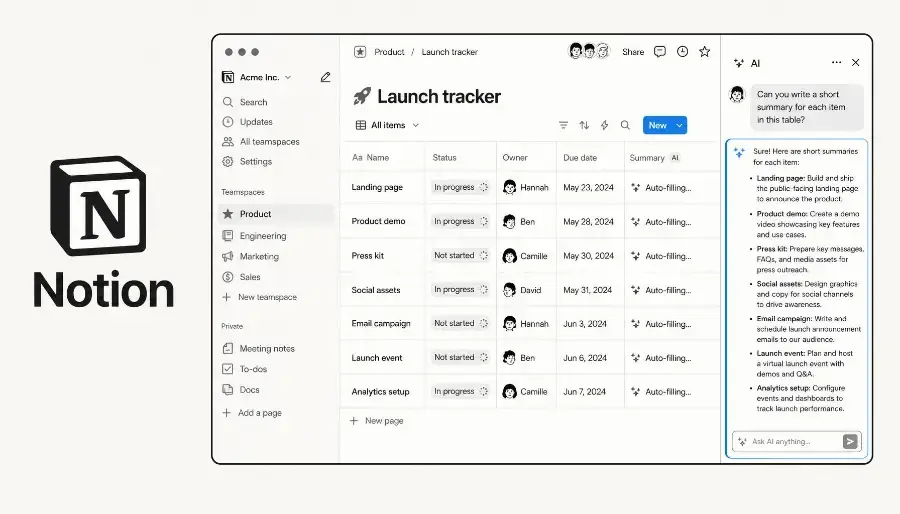
Best for: people whose content and business information already live inside Notion.
Pricing and free access: Notion’s Free plan includes only a limited trial of Notion AI; full access requires a paid plan. See Notion’s official pricing page.
10. Microsoft Copilot — Best for Microsoft 365 Users
Best for: professionals and businesses using Word, Excel, Outlook, PowerPoint and Teams. If your writing already happens inside Microsoft 365, integration can be more valuable than having the theoretically strongest standalone AI writer — documents, emails, presentations and summaries without switching tools.
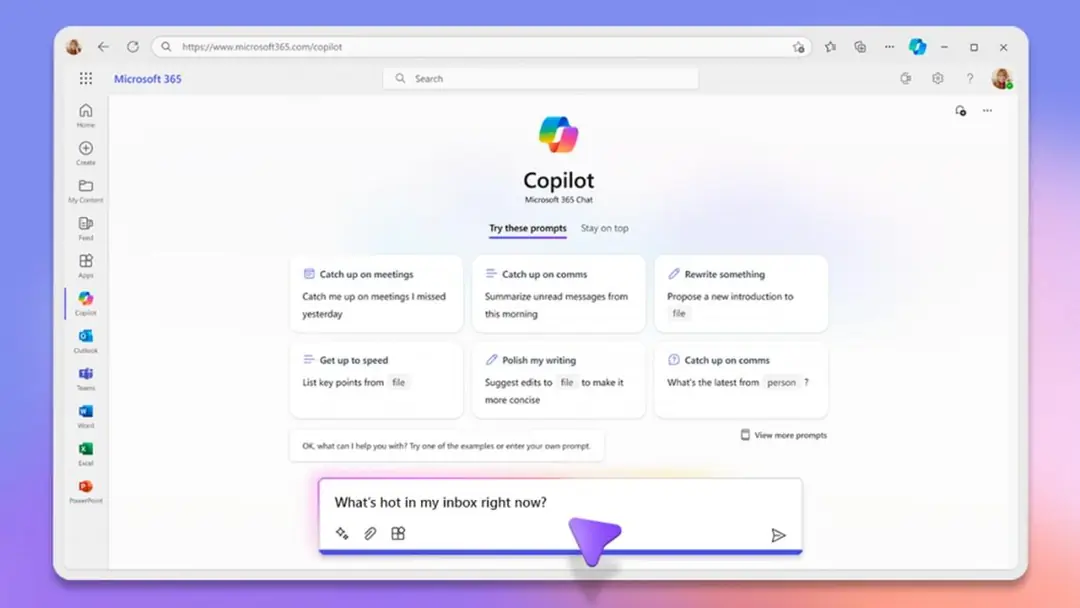
Best for: Microsoft 365 users who want AI inside their existing workflow.
Pricing and free access: the standalone Copilot app is free, but Copilot inside Word, Excel and PowerPoint requires a paid Microsoft 365 Personal subscription or higher. See Microsoft’s official Copilot plans page.
AI Writing Tools by Use Case
| If You Need… | Consider |
|---|---|
| General AI writing | ChatGPT |
| Long-form writing | Claude |
| Editing | Grammarly |
| Marketing content | Jasper |
| Marketing workflows | Copy.ai |
| SEO content | Writesonic |
| Fiction | Sudowrite |
| Google Workspace writing | Gemini |
| Notion documents | Notion AI |
| Microsoft documents | Microsoft Copilot |
Which AI Writing Tool Is Best for Bloggers?
Bloggers generally need more than a text generator, even from the best AI writing tools. A useful workflow looks like: topic research → keyword research → outline → draft → fact-check → SEO optimization → editing → images → publishing. That’s why combining tools often works better than forcing one AI writer to do everything — for example, drafting in ChatGPT or Claude, editing in Grammarly, and handling SEO with dedicated software.
Building a full AI-assisted content workflow?
See the Best AI Tools for Work →Which AI Writing Tool Is Best for SEO?
SEO writing requires more than fluent paragraphs — search intent, keyword research, content structure, internal linking, original information and on-page optimization all matter. AI can assist with many of these tasks, but generating a 2,000-word article doesn’t automatically make content SEO-friendly. For SEO-focused workflows, Writesonic is worth considering since it explicitly combines AI writing with SEO and AI-search visibility features.
Are AI Writing Tools Good for SEO?
They can be useful, but AI-generated text alone isn’t an SEO strategy. A safer workflow is: keyword research → understand search intent → research reliable sources → create a useful structure → use AI to accelerate drafting → add original information → fact-check → edit for accuracy → add internal links → optimize title/meta → publish and monitor.
Are AI Writing Tools Worth Paying For?
Whether the best AI writing tools are worth paying for depends on how much writing you do. Free tools may be enough if you write occasionally, need brainstorming, or only need short rewrites. Paid tools become more useful if you write daily, create long-form content, need advanced models, work with large documents, or need team features. Don’t subscribe to five tools just because they offer free trials — start with the problem you actually need to solve.
How to Choose the Right AI Writing Tool
If you’re new to these tools, our guide to generative AI explains how they work. Then ask these questions before paying for any of the best AI writing tools:
- What do you actually write? Blog posts, emails, ads, books, product descriptions, reports.
- Do you need generation or editing? If you already write well, an editor like Grammarly may be more useful than a full AI writer.
- Do you need SEO features? If yes, look at tools built around SEO workflows rather than generic text generation, and pair them with a dedicated keyword tool from our best SEO tools guide.
- Do you need brand controls? Marketing teams may benefit from specialized platforms such as Jasper.
- Where does your work already live? Google Workspace, Microsoft 365 and Notion users often benefit more from the AI already built into that ecosystem.
Best AI Writing Tools for Different People
- Bloggers: ChatGPT or Claude + an SEO tool + Grammarly
- Freelancers: ChatGPT + Grammarly
- Marketing agencies: Jasper, Copy.ai or Writesonic
- SEO publishers: Writesonic + a general AI assistant
- Fiction writers: Sudowrite
- Businesses on Google: Gemini
- Microsoft 365 businesses: Copilot
- Notion users: Notion AI
AI Writer vs Human Writer
Even the best AI writing tools are mainly good at producing a first version quickly. Humans remain important for original experience, judgment, fact-checking, strategy, brand voice and real-world testing. The strongest workflow usually isn’t “AI or human” — it’s human strategy plus AI assistance plus human review.
Our Picks
Rather than calling one tool universally “best,” match the tool to the job:
| Need | Etemora’s Pick |
|---|---|
| General-purpose writing | ChatGPT |
| Long-form writing | Claude |
| Editing & grammar | Grammarly |
| Marketing content | Jasper |
| SEO-focused content | Writesonic |
| Fiction | Sudowrite |
| Google Workspace | Gemini |
| Microsoft 365 | Microsoft Copilot |
| Notion workflow | Notion AI |
| Marketing workflows | Copy.ai |
These are use-case picks, not a universal quality ranking.
How We Evaluated These AI Writing Tools
To compare the best AI writing tools, we looked at writing capabilities, long-form writing, editing, marketing features, SEO capabilities, workflow integrations, ease of use, free access, paid plans and overall practical use. AI products change quickly — models, pricing and features can change without much warning, so confirm current pricing and plan details before purchasing. Where Etemora hasn’t run controlled hands-on testing, we don’t present provider claims as independent benchmark results.
Frequently Asked Questions
What is the best AI writing tool in 2026?
It depends on the type of writing. ChatGPT is a strong general-purpose option, Claude suits long-form writing, and Grammarly is best for editing.
What is the best AI writing tool for blogs?
ChatGPT and Claude are strong general-purpose options. Writers focused heavily on SEO may also consider specialized platforms such as Writesonic.
What is the best AI writing tool for SEO?
There’s no single answer for every workflow, but Writesonic is specifically positioned around AI content, SEO and AI-search visibility.
Is Grammarly an AI writing tool?
Yes. Grammarly has expanded from grammar checking into AI-powered rewriting, tone and writing assistance.
Is ChatGPT good for writing?
Yes. It can draft, rewrite, summarize and adapt text for different audiences and formats.
Are AI writing tools free?
Many of the best AI writing tools offer free plans or limited free usage, but advanced features and higher usage limits commonly require paid plans.
Can AI writing tools replace writers?
The best AI writing tools can automate parts of the writing process, but human judgment, expertise, originality, fact-checking and editing remain important.
Final Thoughts
There isn’t one AI writing tool that’s perfect for every writer. If you want one flexible assistant, ChatGPT is a strong starting point. If your priority is long-form documents, Claude deserves a look. If you’re mainly improving writing you’ve already produced, Grammarly makes more sense. For marketing teams, specialized platforms such as Jasper and Copy.ai provide more structured workflows, and for SEO-focused content, Writesonic combines AI content creation with SEO and AI-search visibility features. The important thing is not to collect AI subscriptions — choose the tool that solves the writing problem you actually have.
Want the bigger picture on AI tools for work, not just writing?
Compare the Best AI Tools for Work →Disclosure: Some links on this page may be affiliate links. If you purchase through an eligible link, Etemora may earn a commission at no additional cost to you. Our editorial recommendations are not determined solely by commission. Learn more →
Related articles you may like
 AI ToolsChatGPT vs Claude: 2026 Honest AI Comparison
 AI ToolsHow to Use AI for Work: 10 Proven Examples in 2026
 AI ToolsBest AI Chatbots in 2026: 10 AI Chatbots Compared
 AI ToolsBest AI Video Generators in 2026: 10 Tools Compared
 AI ToolsWhat Is Generative AI? How It Works, Examples & Uses
 AI ToolsWhat Is Artificial Intelligence and How Does It Work?